Loading video…
Sound

original sound - secrettt.shshsh
secrettt.shshsh · Original audio
0:00–:––
Hook
Posted Sep 22, 2026Video · 1:10by @secrettt.shshsh
The video addresses a specific, recurring question from the creator's audience, providing a clear, step-by-step technical solution that is highly actionable and easy to follow.
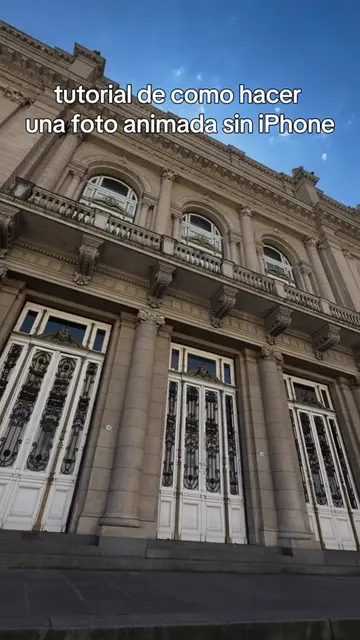
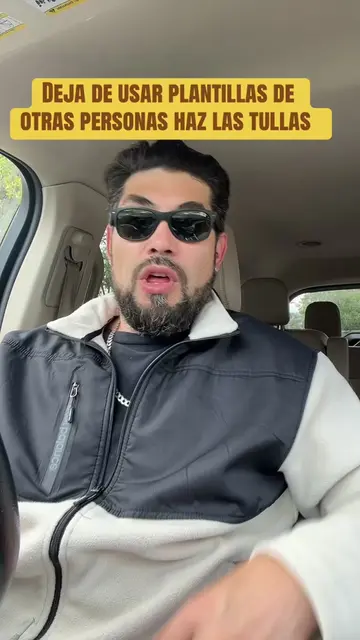
The creator provides a tutorial on how to create transparent or moving text effects over a video background using the TikTok and CapCut mobile apps. The video walks through the specific editing steps, including using the superposition, mask, and speed adjustment tools.
tutorial de las letras transparentes o con movimiento de video // otra vez #tutorialdelasletrastransparentes #tutorial #letrastransparentes #fyp #paratiiii
tutorial de estas letras otra vez orque en el anterio no me terminaron de entender
Introduction to the text effect tutorial
Selecting background media in TikTok
Using the superposition tool in CapCut
Applying the mask and text effect
Adjusting speed and final result
TikTok: (a) ACTS — the creator uses the TikTok camera interface, the editing suite, and the overlay/superposition features to create the video. Removing it would change the video entirely as it is the platform and toolset being demonstrated. CapCut: (a) ACTS — the creator uses the CapCut interface to edit the video, including the 'superposition', 'mask', and 'text' tools. Removing it would change the video entirely as it is the tool being demonstrated.
Promotes 1 product. Create free account to see more.
Outliers and viral hits: their videos on Overshot, all time.
Video editing app for creators making social media videos
Views and creators: posted in the last 30 days (English videos). Videos: all time.