Loading video…
Sound

original sound - irshad_writes_786
༺𝐈𝐫𝐬𝐡𝐚𝐝_𝐖𝐫𝐢𝐭𝐞𝐬✍ · Original audio
0:00–:––
Playing this video’s own audio, so you’ll hear the creator over the sound.
We didn’t find a product being promoted in this video. Its hook, format and structure below still show why it took off.
Browse products winning on TikTokThe video likely worked because it tapped into a trending audio or visual style on TikTok, offering a simple and engaging way for users to create their own content using a template. The use of relatable imagery and clear instructions made it easy for viewers to participate and share.
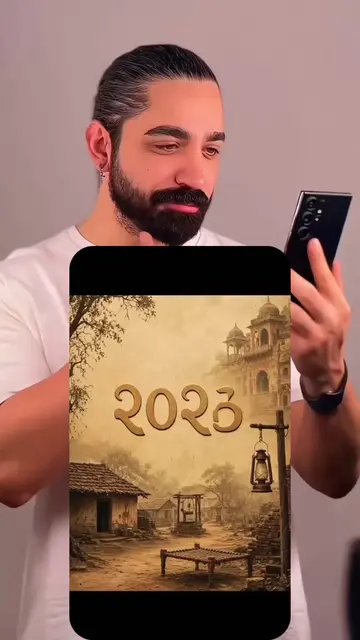
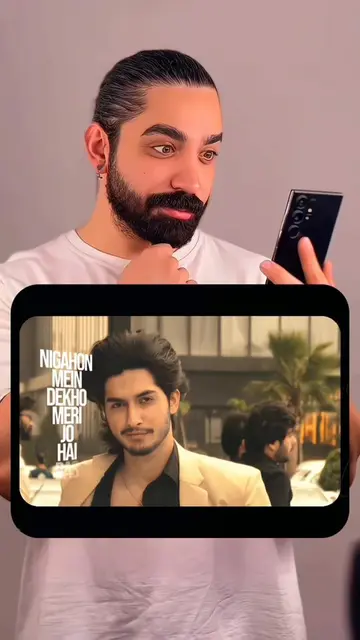
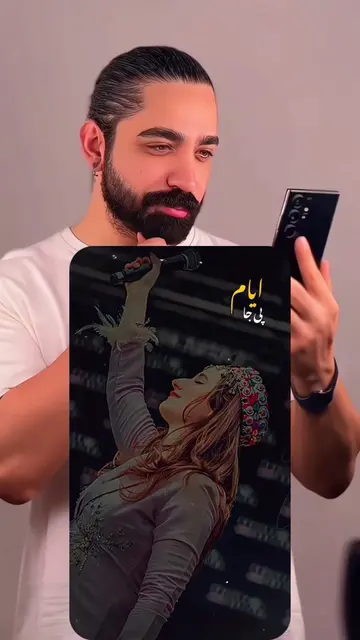
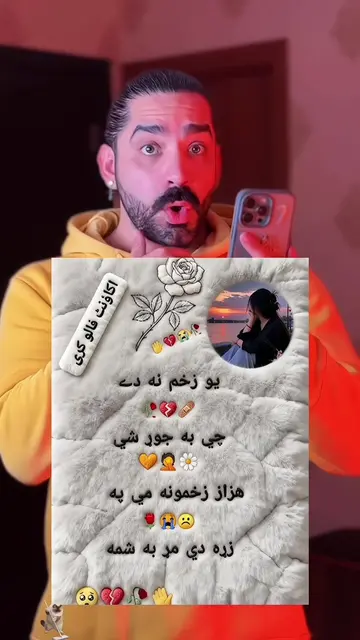
The video shows a man looking at his phone, with text overlay indicating "27 September" and "The date that is awaited, Inshallah." It then transitions to a phone screen displaying a TikTok template with similar text and images, followed by instructions on how to use the template to create a viral video by uploading photos.
✨✨ ✨ اس ٹرینڈ کا حصہ بنیں! یہ وائرل ویڈیو تیزی سے بنانے کا طریقہ یہ ہے—بس چند تصاویر یا ویڈیوز اپ لوڈ کریں۔ یہ بہت آسان ہے: 1. نیچے بائیں کونے میں موجود "Template" پر ٹیپ کریں۔ 2. اگر یہ نہیں مل رہا؟ تو میری پروفائل پکچر پر ٹیپ کریں۔ 3. اس ویڈیو کو کھولیں۔ 4. نیچے بائیں کونے میں ٹیمپلیٹ کا لنک تلاش کریں۔ 5. "Use Template" پر ٹیپ کریں۔ 6. اپنی پسندیدہ تصاویر اپ لوڈ کریں۔ 7. اسے خود بخود تیار ہونے کے لیے چند سیکنڈ انتظار کریں۔ 8. "Export" پر ٹیپ کریں اور بس، آپ کا کام ہو گیا! 🎉 ✨✨ ✨Is trend ko pakar ke, is viral cheez ko jaldi kaise banayein? Bas kuch tasveeren ya video upload karein, bohat aasan steps yeh hain: 1. Left neeche wale “Template” par click karein 2. Nahin mil raha? Mere profile picture par click karein 3. Yeh video open karein 4. Left neeche template link dhoondhein 5. “Use Template” par click karein 6. Apni pasand ki tasveeren upload karein 7. Kuch second intezaar karein, khud ba khud ban jayega 8. “Export” par click karein, ho gaya 🎉 ✨✨ ✨اغتنم هذا الاتجاه. كيف تصنع هذا المحتوى الرائج بسرعة؟ فقط قم بتحميل بعض الصور أو الفيديوهات، والخطوات البسيطة جداً كالتالي: 1. انقر على "القالب" في الزاوية السفلية اليسرى 2. لا تجده؟ انقر على صورة ملف شخصي 3. افتح هذا الفيديو 4. ابحث عن رابط القالب في الزاوية السفلية اليسرى 5. انقر على "استخدم القالب" 6. قم بتحميل الصور التي تحبها 7. انتظر بضع ثوانٍ، سيتم إنشاؤه تلقائياً 8. انقر على "تصدير" وستكون قد انتهيت 🎉 ✨✨ ✨ Hop on this trend! Here’s how to quickly create this viral video—just upload a few photos or videos. It’s super easy: 1. Tap "Template" in the bottom left corner. 2. Can't find it? Tap my profile picture. 3. Open this video. 4. Find the template link in the bottom left corner. 5. Tap "Use Template." 6. Upload your favorite photos. 7. Wait a few seconds for it to generate automatically. 8. Tap "Export" and you're all set! 🎉
27 SEPTEMBER
Man looking at phone with text overlay
Transition to TikTok template screen
Instructions for using the template
Demonstration of uploading photos
Video creation and export
Use Template
Playing this video’s own audio, so you’ll hear the creator over the sound.
Promotes 1 product. Create free account to see more.
Outliers and viral hits: their videos on Overshot, all time.