Loading video…
Sound

original sound - Adam.Digital | AI for Business
Adam.Digital | AI for Business · Original audio
0:00–:––
Hook
Posted Sep 26, 2026Video · 0:43by @adam.digital
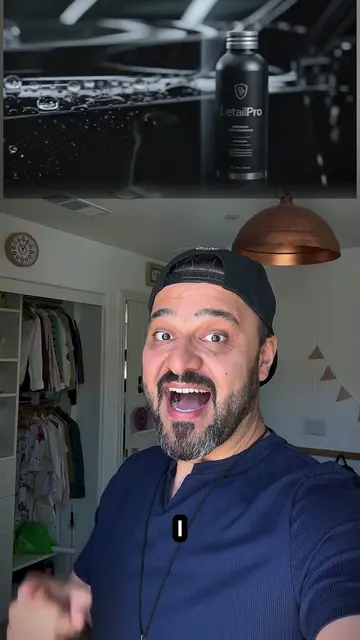
The video provides a clear, high-value 'before and after' transformation that solves a common pain point for creators—the high cost and time required for professional product photography.
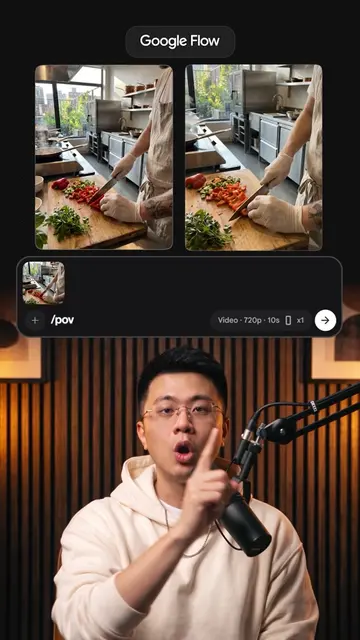
The creator demonstrates how to use the AI tool Runway to transform a single product photo into a professional-looking ad campaign and UGC video. He highlights the efficiency of the tool by showing the step-by-step process of generating various ad assets from one image.
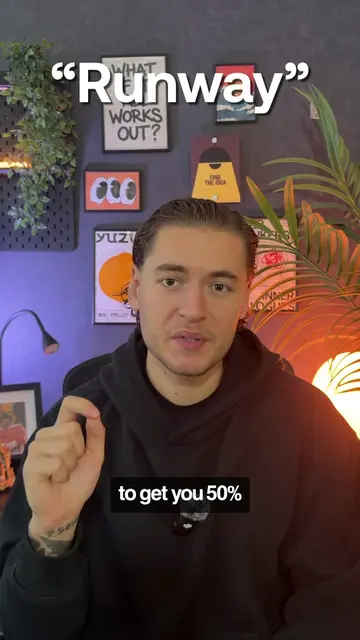
Comment "RUNWAY" and I'll DM you the workflow. 👇 I turned a $10 product photo into a $10,000-looking ad — using Runway. I opened Runway Agent, uploaded the photo, and narrated the ad I wanted. Then I switched to Ad Campaign and built out a full set of directions from that same image. No reshoot. No second photo. Just one image, turned into a complete ad set. @Runway #MadeWithRunway #Runway #ai #marketing
Here's how I made this $10 product look like a $10,000 ad using AI
Hook showing the transformation result
Demonstration of Runway Agent for video generation
Demonstration of Ad Campaign feature
Comparison of old vs new workflow
Call to action for the workflow
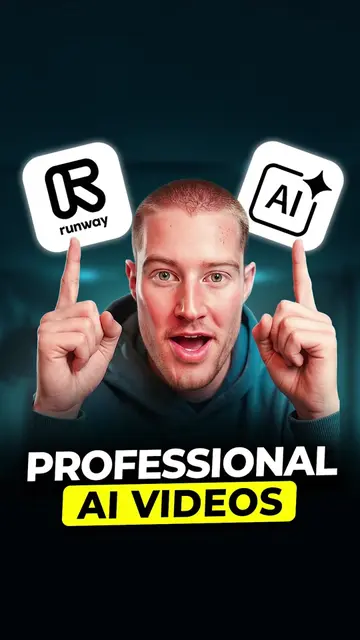
Runway: (a) ACTS — the creator uses the interface to upload an image, generate video content, and create an ad campaign. Removing it would change the entire video. The creator also mentions it by name and uses it to generate the final result.
Comment "RUNWAY" and I'll DM you the workflow.
AI creative tool for generating videos and images for creators and marketing teams
Views and creators: posted in the last 30 days (English videos). Videos: all time.
Promotes 6 products. Create free account to see more.
Outliers and viral hits: their videos on Overshot, all time.