Loading video…
Sound

original sound - xiaomi_aurora_hype
Star2lte Hypeッ · Original audio
0:00–:––
Playing this video’s own audio, so you’ll hear the creator over the sound.
The video provides a clear, step-by-step tutorial for a visually appealing and functional Chrome extension that enhances the YouTube viewing experience. It directly addresses a desire for a "peak YouTube feature" and offers a practical solution with easy-to-follow instructions.
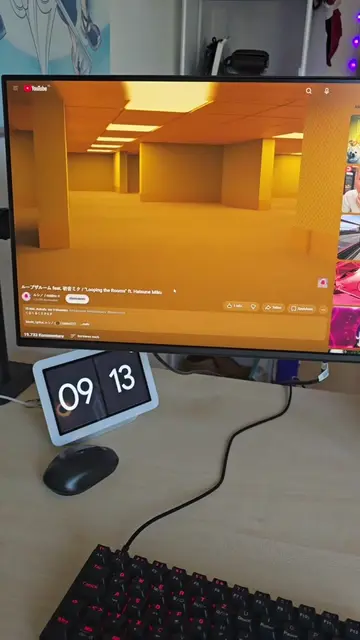
This video demonstrates how to install and configure the "Ambient light for YouTube" Chrome extension to add ambient lighting effects to YouTube videos. It guides viewers through searching for the extension in the Chrome Web Store, installing it, and adjusting the blur and spread settings for optimal results.
How to get YouTube ambient light mod on PC #modding #youtube #chromeextension #chromewebstore #tutorial
Want this Peak Youtube Feature ?
Introduce the "ambient light" feature for YouTube
Navigate to the Chrome Web Store
Search for and install the "Ambient light for YouTube" extension
Configure the extension settings (blur and spread)
Showcase the final result with ambient lighting on a YouTube video
Chrome Web Store: it is a marketplace where users can find and download extensions and apps for the Google Chrome browser. It ACTS as a marketplace. Removing it would change what happens in the video. Ambient light for YouTube: it is a Chrome extension that adds ambient lighting effects to YouTube videos. It ACTS as a tool that enhances the viewing experience. Removing it would change what happens in the video.
Pls Like or sub if this helped you <3
Playing this video’s own audio, so you’ll hear the creator over the sound.
Chrome extension that adds ambient lighting effects to YouTube videos
All time.
Promotes 2 products. Create free account to see more.
Outliers and viral hits: their videos on Overshot, all time.