Loading video…
All breakouts Locked — upgrade to Pro to open.Open on TikTokPro
No preview available · watch on TikTok below
2.6AI Tools
Post
Post by @printpal.io
@printpal.io
84.1K followers · usually 18.6K views a post
Views
47.3K
Likes
2.0K
Comments
4
Shares
297
We’re still analyzing this post.
Original caption
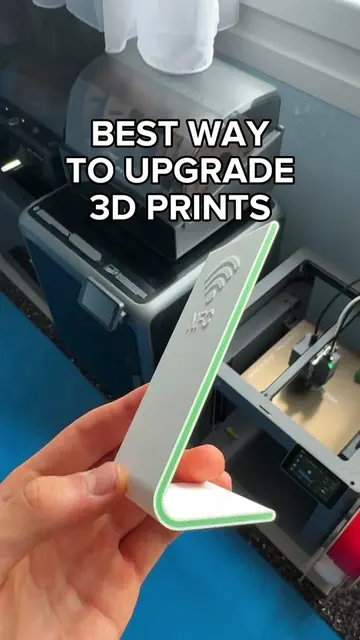
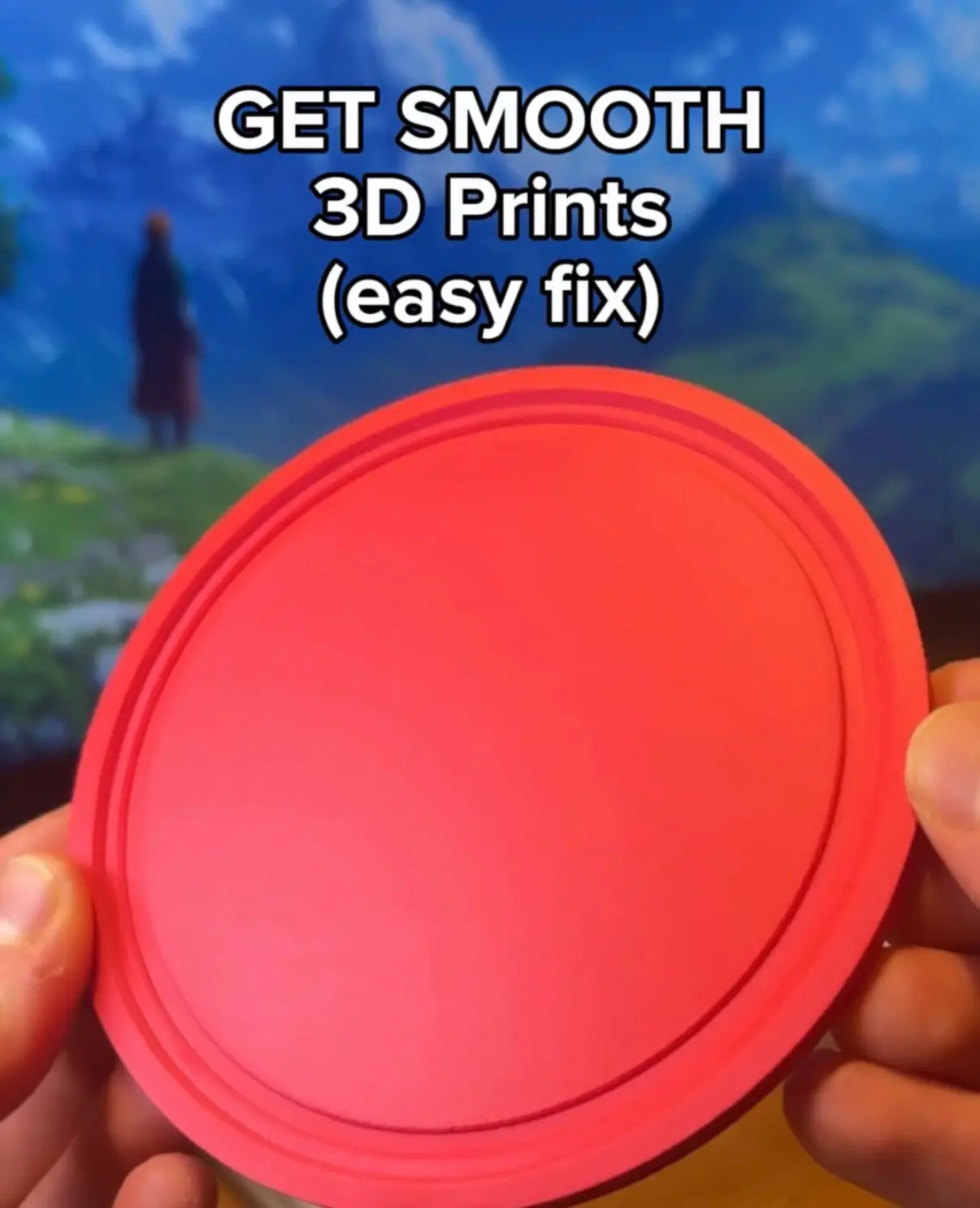
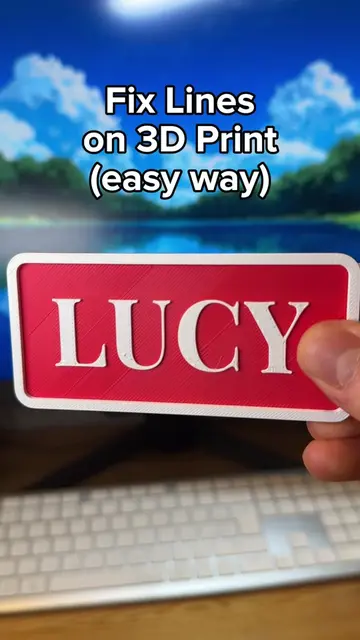
1. Temperature tower - click Calibration > Temperature, print it, pick the best result, and set that temp for your initial and other layers. 2. Flow rate - click Calibration > Flow rate, pick the best square, note your Initial Flow Ratio, then apply: Initial flow rate x 100 + modifier)/100. 3. Ironing test - download the test on printpal, pick the best result, and set your Ironing Type, speed, and flow accordingly. 4. Initial layer test - download the test on printpal, pick the best result, and set your Initial layer flow ratio. 5. Bridge test - download the test on printpal, pick the best result, and set your Bridge flow. Follow for daily tips like these, or go to PrintPal for a whole library with tips/tricks #3dprinting #3dprint #3d #bambulab
More from @printpal.io
More breakout videos from this creator.