Loading video…
Sound

original sound - shondoii
shondoii · Original audio
0:00–:––
Playing this video’s own audio, so you’ll hear the creator over the sound.
- Videos using it
- 3
- Creators
- 2
- Views on those videos
- 531.3K
The video leverages a high-performing viral trend and provides a clear, actionable tutorial on how to replicate it using a specific, accessible tool.
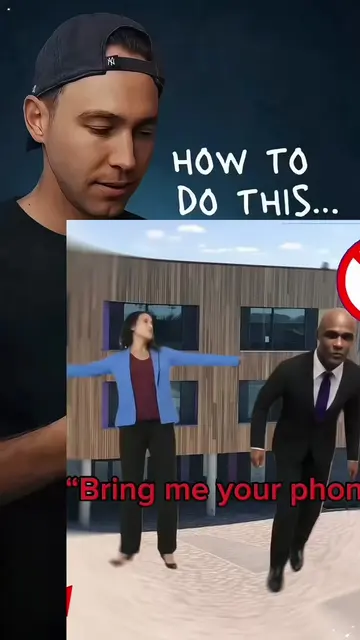
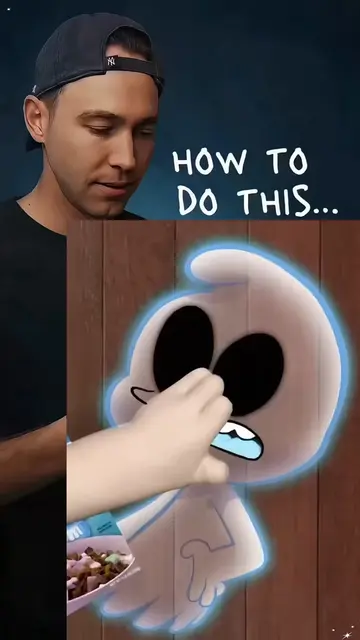
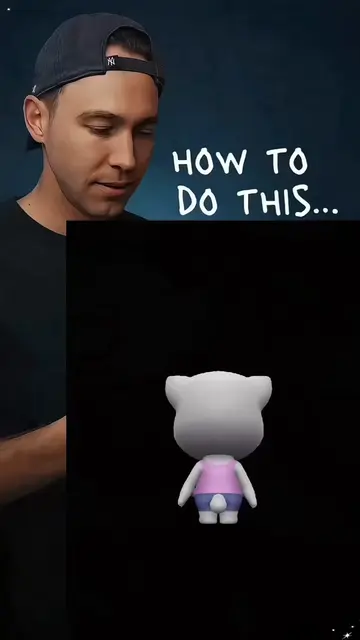
The creator demonstrates how to use a specific CapCut template to create a viral animation style video using personal photos. The video shows the step-by-step process of selecting the template and applying it within the app.
how to make the viral ava animation style tips AI trend baby you buggin dance tutorial like baby you buggin animation like baby you buggin animation tutorial like baby you buggin dance like baby you buggin teto baby you buggin tutorial like baby you buggin tutorial baby you buggin animation like baby you buggin edit like baby you bugging dance #capcut #capcutpioneer #fyp #trending
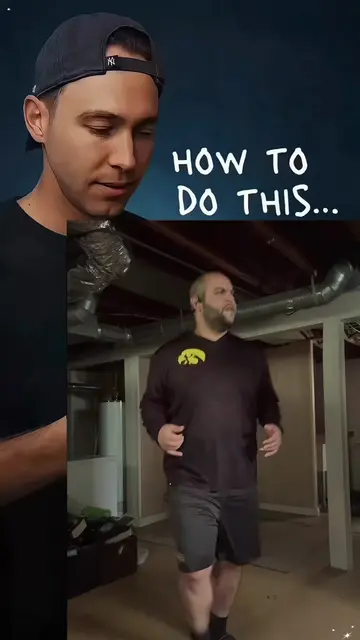
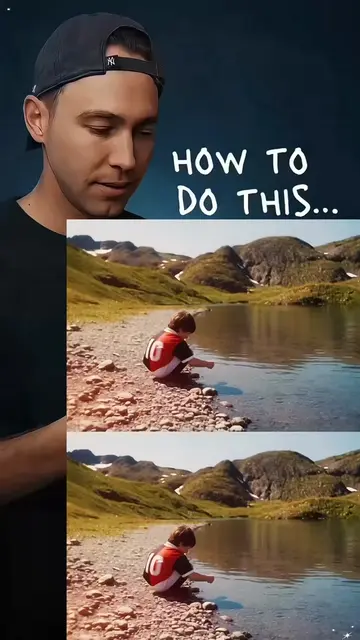
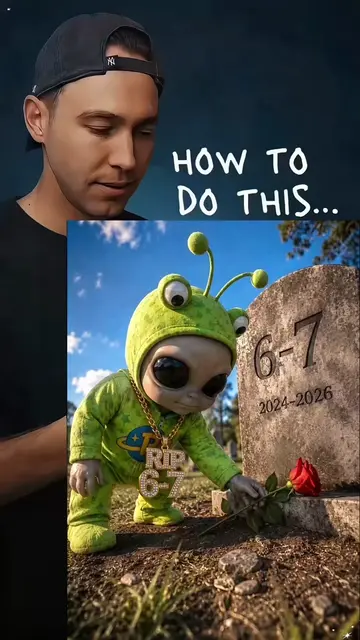
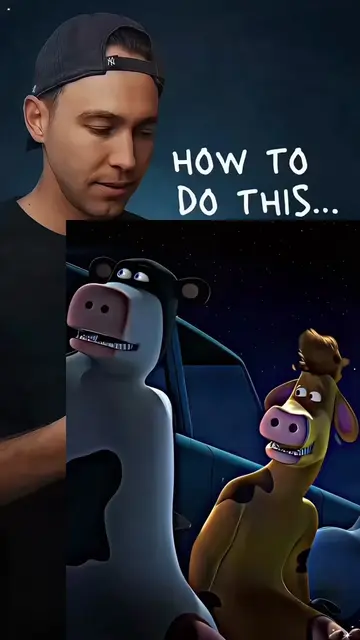
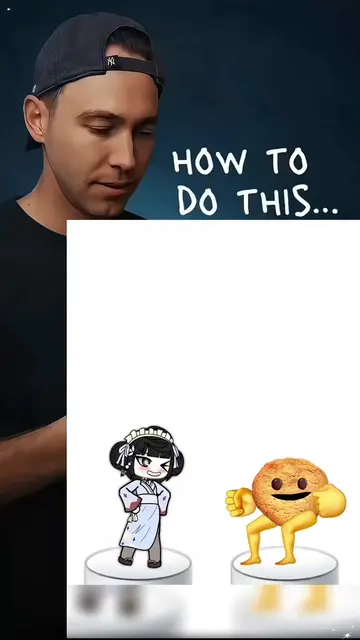
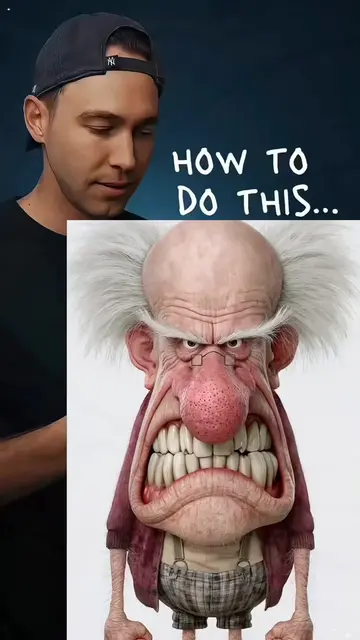
HOW TO DO THIS...
Showcase of the final animation effect
Screen recording of the CapCut app interface
Demonstration of selecting the template
Step-by-step photo selection process
CapCut (a) ACTS: the video demonstrates the interface of the CapCut app, showing the user selecting a template, importing photos, and applying the animation effect. Removing it would change the video entirely as it is the tool being taught.
Playing this video’s own audio, so you’ll hear the creator over the sound.
Promotes 1 product. Create free account to see more.
Outliers and viral hits: their videos on Overshot, all time.
Video editing app for creators making social media videos
Views and creators: posted in the last 30 days (English videos). Videos: all time.