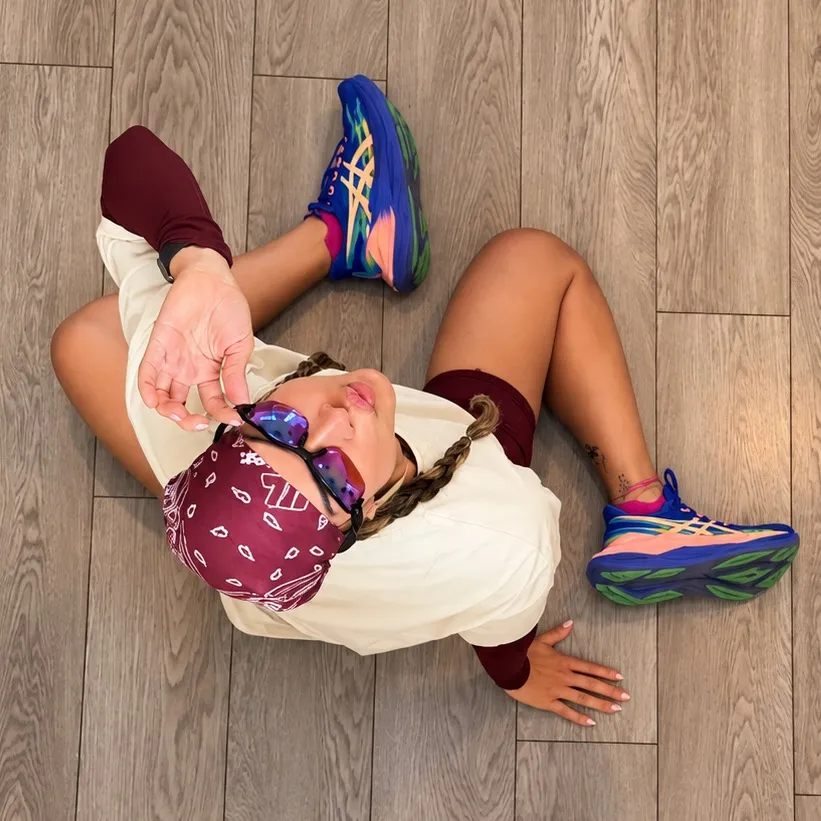
Loading video…
All videos Locked — part of Pro; create a free account to start.Open on TikTokPro
No preview available yet
Views
1.1M
Likes
73.9K
Comments
252
Shares
5.7K
Engagement
7.4%
of views
622xthis account’s usual viewsOutlier · Viral hit (100K+ views)
This video1.1MUsual views1.8K
The product
Not selling anything
No product promoted
We didn’t find a product being promoted in this video. Its hook, format and structure below still show why it took off.
Browse products winning on TikTokThe creator
We’re still analyzing this post.
Original caption
RUNNING CONTENT TUTORIAL #2 🎧✨ How to create this post-run story + make it look like your music is actually playing 🎶 1. Create your Strava layout just like in my first tutorial. 2. Open Spotify on the song you want → take a screenshot of the player. 3. Crop it, then go to Stories → Stickers → Photo and add it to your story. 4. Layer your original photo over it so the player sits exactly where you want it. 5. Go to GIFs → search “music” → add an animated music bar/equalizer over the player to make it look like it’s playing. 6. Go to Music → add the same song you used for the player. And that’s it! Your post-run story just got a little upgrade 🎧✨ SAVE this for your next run! more running content tutorials are coming 👀 #RunningGirls #RunningContent #StravaRunning #runningtips