Loading video…
All videos Locked — part of Pro; create a free account to start.Open on TikTokPro
No preview available yet
Views
275.2K
Likes
16.8K
Comments
42
Shares
1.5K
Engagement
6.7%
of views
158xthis account’s usual viewsOutlier · Viral hit (100K+ views)
This video275.2KUsual views1.8K
The product
Not selling anything
No product promoted
We didn’t find a product being promoted in this video. Its hook, format and structure below still show why it took off.
Browse products winning on TikTokThe creator
We’re still analyzing this post.
Original caption
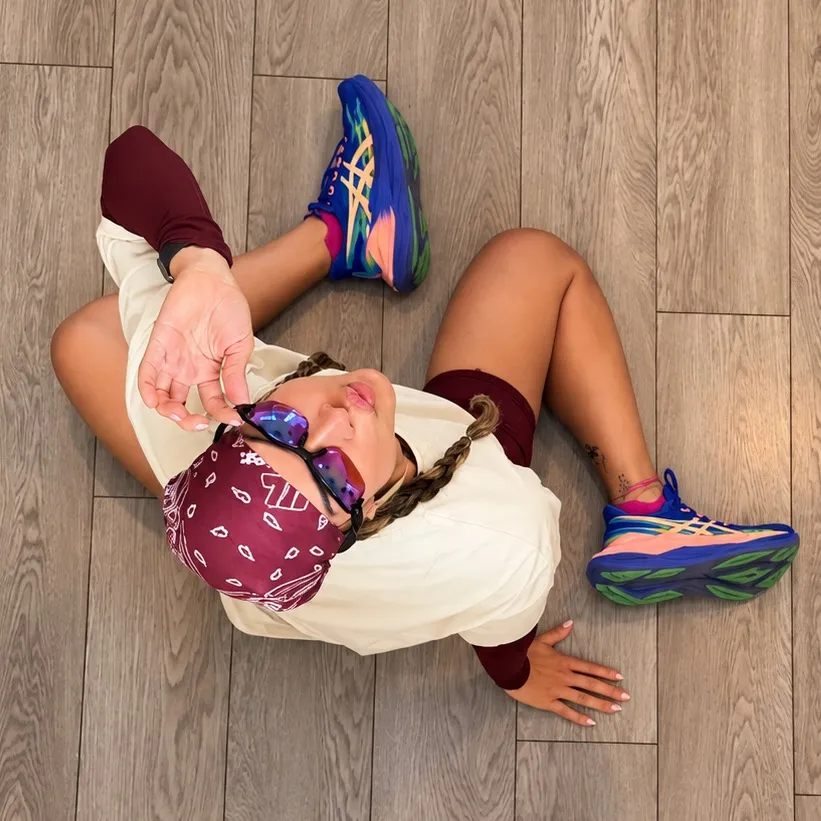
Strava Story tutorial for you 🏃🏼♀️✨ Save this one for your next run! 1. Open the Story grid and choose the 3-photo layout. 2. Add your photos and adjust the middle one to the size you want it to be at the end — don’t worry if it gets cropped! 3. Save your Strava layout. 4. Go back to your Story, tap Image and add your saved Strava layout. Position and resize it however you like. 5. Go to Cutout, select the photo you used in the middle and cut it out. 6. Place the cutout over the middle photo and adjust the size. And that’s it! 🤌🏼✨ #RunningGirls #RunningContent #StravaRunning #runningtips #beginnerrunner