Loading video…
Sound

original sound - opahcubby
OPAH · Original audio
0:00–:––
This video promotes it, but we haven’t matched it to a product page yet, so there are no product figures.
The video provides a clear, actionable 'how-to' for a trending AI photo editing technique, making the complex process accessible and encouraging viewers to try it themselves.
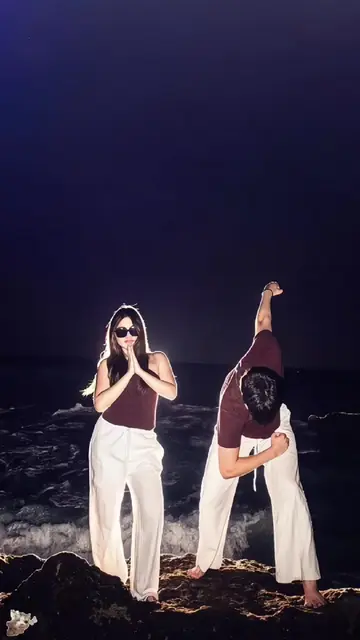
The creator demonstrates a step-by-step tutorial on how to use the Gemini AI app to edit photos by extracting text from a prompt image and applying it to a personal selfie. The video guides viewers through the specific workflow of uploading images and prompts within the Gemini interface.
Prompt Ai Boss Kay Just a little creative twist with the selfie — leaning against the wall next to that boss picture. Sometimes, it's fun to add a bit of flair to simple moments. Anyone else do this kind of stuff? GEMINI AI TUTORIAL 👍 1️⃣ Download/Screenshot Prompt Image. 2️⃣ Open apps Gemini 📱 3️⃣ Add Prompt image + Insert Prompt "Copy Text" 4️⃣ Copy + Paste Prompt 5️⃣ Add your picture 👤 6️⃣ Paste Prompt Image. #PhotoEditing #GeminiArt #komunitiopah #creatorsearchinsights #SahabatBossKay
Buka TikTok
Introduction to the photo editing hack
Step-by-step tutorial using Gemini
Demonstration of image and prompt upload
Final result showcase
(a) Gemini — the interface is operated to extract text from an image and generate a new photo, which is the core result of the video. Removing it would change the video entirely as it is the tool being demonstrated.
Outliers and viral hits: their videos on Overshot, all time.