Loading video…
Sound

original sound - wini0390
Wini03 · Original audio
0:00–:––
Playing this video’s own audio, so you’ll hear the creator over the sound.
Hook
Posted Oct 28, 2026Video · 0:19by @wini0390
The video leverages a high-interest viral trend to provide a clear, actionable tutorial, making the app's utility immediately obvious to the viewer.
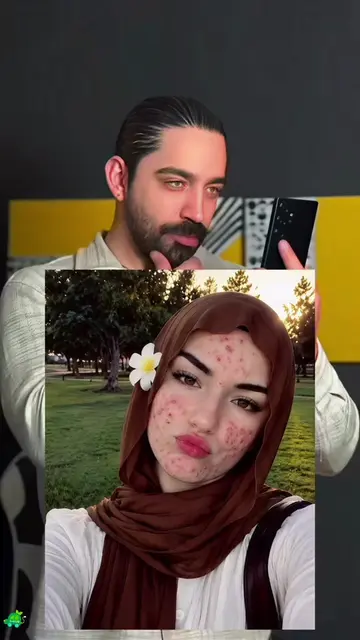
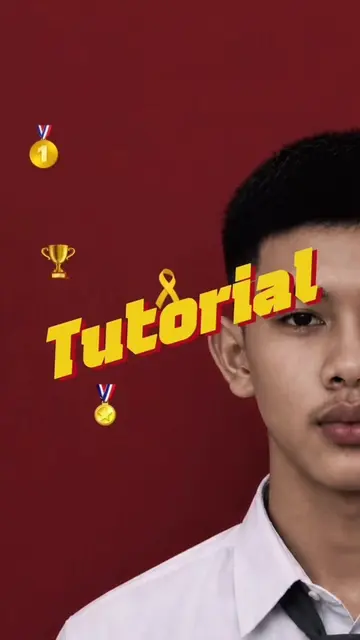
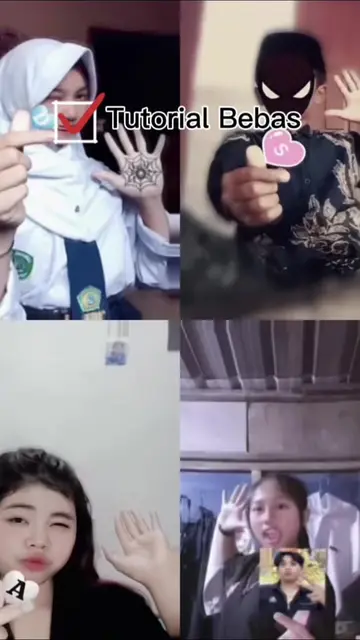
The creator demonstrates how to use the Hypic mobile app to participate in a viral photo comparison trend on TikTok. The video provides a step-by-step tutorial on navigating the app's interface to apply a specific template to user photos.
#hypic #hypiccreator Mau coba trend Islam vs Katolik yang lagi viral? Aku ajarin! Cara edit foto trend perbandingan Islam dan Katolik Tutorial template Islam vs Katolik Hypic Cara buat foto perbandingan agama berbeda di Hypic Prompt AI foto gaya Islam dan Katolik Tutorial edit foto perbandingan dua agama Cara bikin trend beda agama di TikTok Template Hypic Islam Katolik yang viral Cara pakai template Islam vs Katolik Prompt AI busana hijab dan busana Katolik Tutorial foto transformasi agama berbeda Cara edit wajah dengan dua gaya agama berbeda Template trend Islam Katolik Hypic Cara membuat foto perbandingan Islam dan Katolik pakai foto sendiri Prompt AI edit beda agama Tutorial trend transformasi agama TikTok Cara buat foto perbandingan Islam dan Katolik Langkah edit trend Islam vs Katolik Aplikasi edit foto beda agama Hypic Prompt AI foto trend Islam Katolik Tutorial ngedit foto Islam dan Katolik Cara edit trend beda agama pakai Hypic Template foto transformasi Islam Katolik Cara membuat efek beda agama TikTok Panduan edit trend Islam dan Katolik Prompt gambar busana gaya Islam dan Katolik Tutorial pakai foto sendiri buat trend beda agama Cara edit foto split Islam dan Katolik Trend edit perubahan gaya agama Hypic Cara buat foto dua penampilan beda agama Tutorial efek transformasi Islam Katolik
Cara membuat efek viral di TikTok sangat mudah, saya ajarkan!
Introduction to the viral trend
Step-by-step navigation of the TikTok interface
Demonstration of opening the Hypic app
Applying the template to a photo
Final result display
(a) Hypic: its interface is operated to select a template and apply it to a photo, which is the core action of the video. Removing it would change the video entirely as it is the tool being demonstrated. (b) TikTok: appears as the platform where the trend is hosted and the video is shared. Removing it would not change the core tutorial content.
Playing this video’s own audio, so you’ll hear the creator over the sound.
AI photo-editing app for people creating retouched and stylized images
All time.
Promotes 4 products. Create free account to see more.
Outliers and viral hits: their videos on Overshot, all time.