Loading video…
Sound

original sound - archivedd00
archivedd · Original audio
0:00–:––
- Videos using it
- 9
- Views on those videos
- 3.7M
The video provides a quick, actionable solution to a common aesthetic desire (custom lock screens) using a popular, accessible tool, making the tutorial inherently shareable.
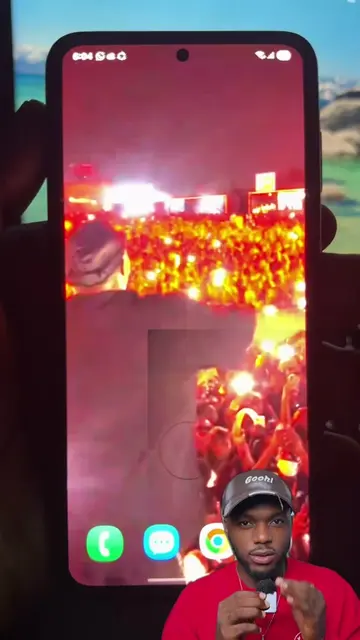
A short tutorial demonstrates how to create a live wallpaper for a phone lock screen using the CapCut app. The video shows the user selecting a video clip and applying a template within the app's interface.
Sean O'Pry black and white live wallpaper Sean O'Pry 4K live wallpaper Luxury male model live wallpaper Black and white aesthetic live wallpaper Sean O'Pry Paco Rabanne live wallpaper Phone lock screen Sean O'Pry wallpaper Aesthetic male model edit wallpaper Dark aesthetic live wallpaper tutorial create live wallpaper Celebrity model live wallpaper edit Vintage male model live wallpaper Sean O'Pry phone wallpaper Make live wallpaper easily with Sean O'Pry edit for lock screen 4K phone live wallpaper of Sean O'Pry#seanopryedit #seanopry #wallpaper #capcut #capcutpioneer
Wallpaper Tutorial
Showcase the final live wallpaper result
Open the CapCut app interface
Select a video clip for the wallpaper
Apply the template and export the result
CapCut: (a) ACTS — the creator uses the app's interface to select a video, apply a template, and export a live wallpaper. Removing it would change the video as it is the tool performing the action. TikTok: (b) APPEARS — the interface is the platform where the video is hosted and the template is accessed. Removing it would not change the core tutorial content.
Video editing app for creators making social media videos
Views and creators: posted in the last 30 days (English videos). Videos: all time.
Promotes 1 product. Create free account to see more.
Outliers and viral hits: their videos on Overshot, all time.