Loading video…
Sound

original sound - ermifamily1
Ermi Family 1 · Original audio
0:00–:––
We didn’t find a product being promoted in this video. Its hook, format and structure below still show why it took off.
Browse products winning on TikTokThe video provides a clear, step-by-step tutorial on a popular, high-engagement feature within the app, making it highly useful for viewers looking to improve their own content creation.
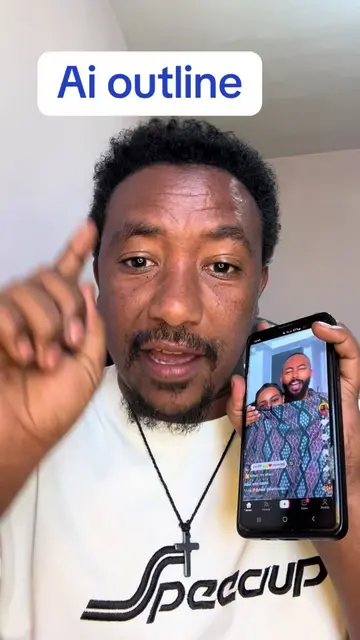
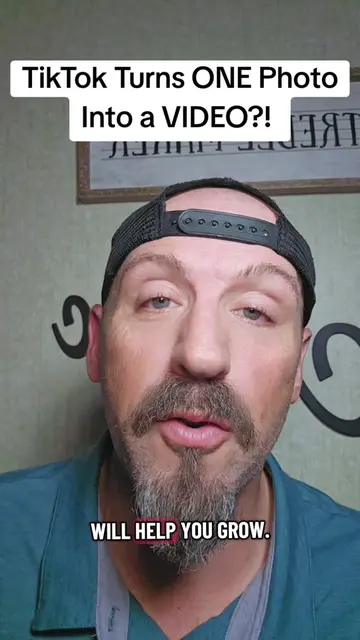
The creator demonstrates how to use TikTok's built-in AI templates to transform a static photo into a video. He walks through the steps of selecting the 'Create' menu, choosing an AI template, and generating the final video.
photo ወደ video ለመቀየር ተጠቀሙበት @Amen🥷 @Amen @Robi 😱 #contentcreator #ethiotiktok #fypシ゚viral🖤tiktok #tiktoktips #fyp
ይሄን አንድ ፎቶ እንዴት ነው ወደ ቪዲዮ የምንቀይረው?
Introduction to the photo-to-video transformation
Navigating to the TikTok Create menu
Selecting an AI template
Choosing a photo to generate
Finalizing and posting the video
TikTok: (a) ACTS — the creator demonstrates how to use the built-in 'Create' and 'AI' template features within the TikTok app to transform a photo into a video. Removing this would change the entire video as it is a tutorial on using these specific app features. The app is the subject.
የምፈልጉትን ጥያቄ ጠይቁኝ እሰራላችኋለሁ (Ask me the questions you want and I will do it for you)
Promotes 1 product. Create free account to see more.
Outliers and viral hits: their videos on Overshot, all time.