Loading video…
Sound

original sound - madame.catou
Madame Catou Plaisir · Original audio
0:00–:––
Playing this video’s own audio, so you’ll hear the creator over the sound.
We didn’t find a product being promoted in this video. Its hook, format and structure below still show why it took off.
Browse products winning on TikTokThe video addresses a common, specific user pain point with a clear, direct, and easy-to-follow tutorial, making it highly searchable and useful for new users.
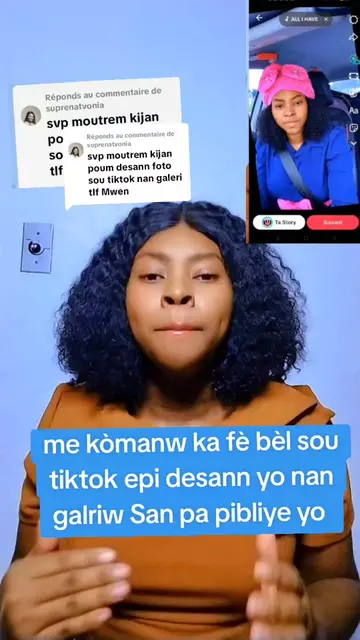
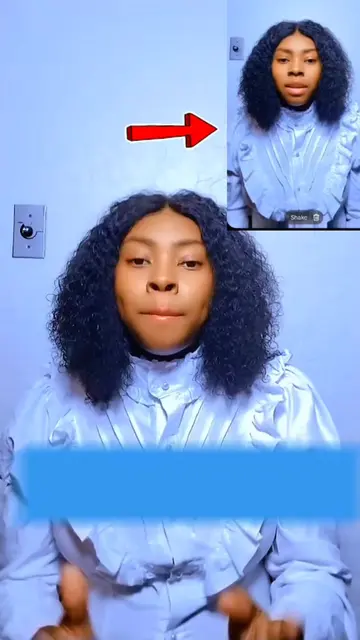
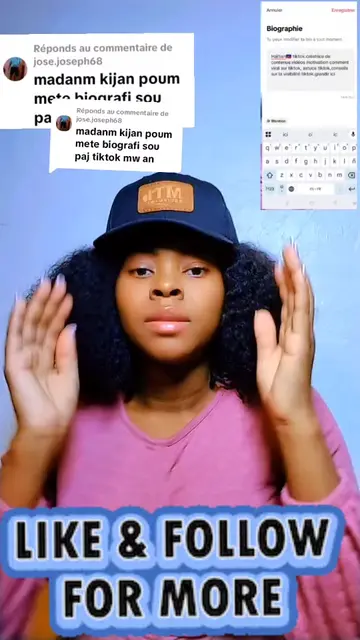
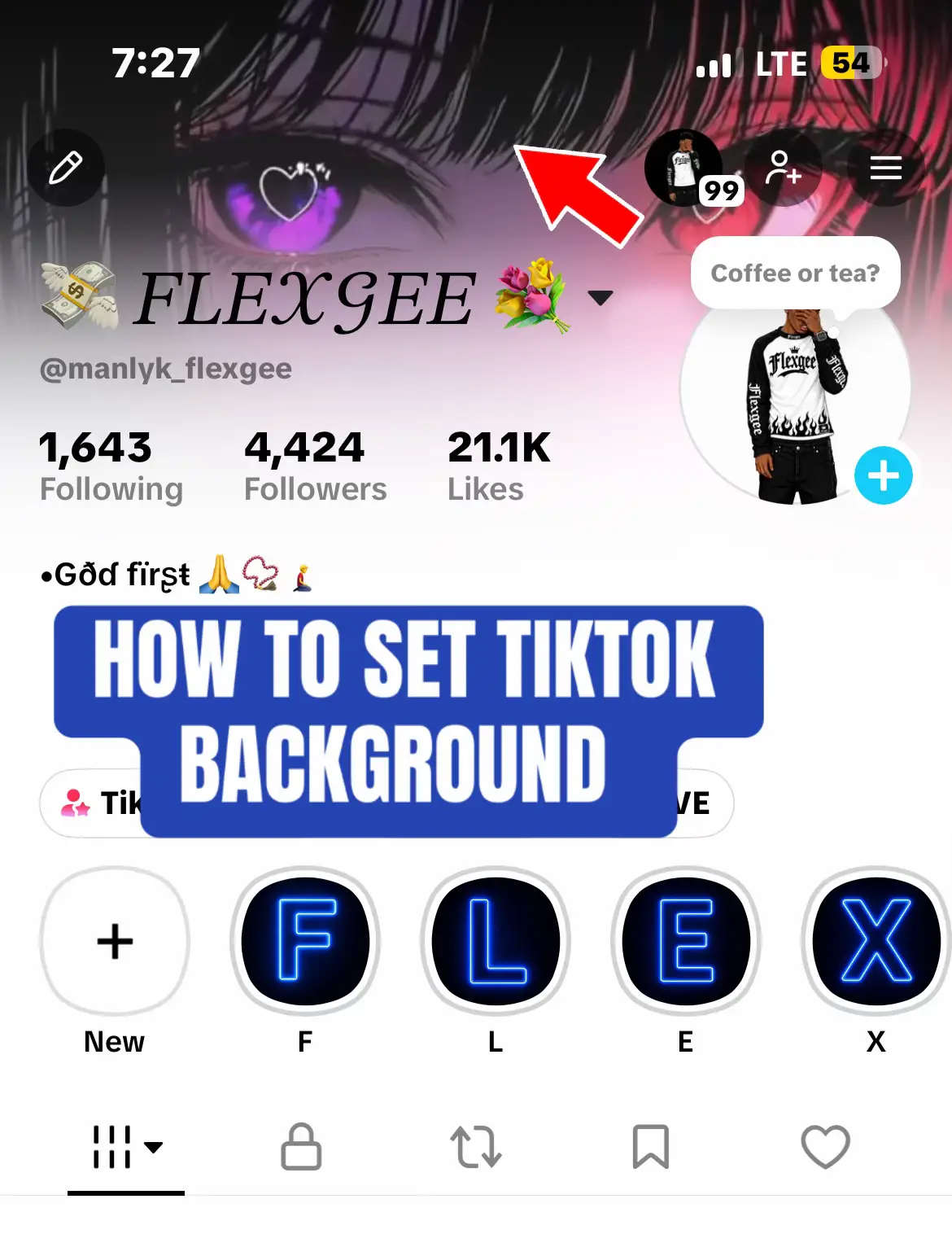
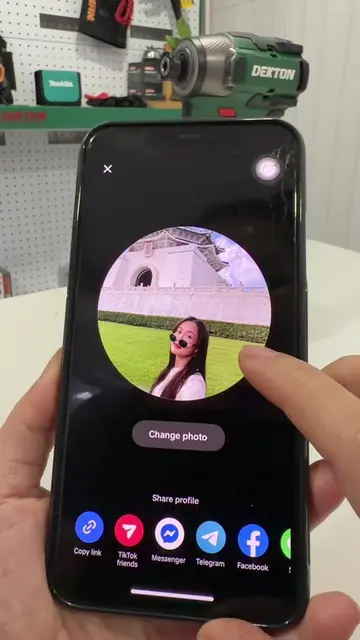
The creator provides a step-by-step tutorial on how to change profile information, including the name, profile picture, and biography, within the TikTok app settings. The video is a functional guide for users navigating the platform's interface.
Réponse à @louisson71 voici comment vous pouvez changer votre nom dans votre compte tiktok.vous pouvez changer photo de profil ainsi que biographie #astucetiktok #tutorials #tiktoktips #videoviraltiktok #contentcreator
kouman ou ka chanje non sou tiktok
Introduction to the tutorial
Call to action for engagement
Demonstration of profile settings access
Step-by-step guide for changing profile picture
Step-by-step guide for updating biography
Step-by-step guide for changing display name
TikTok: (a) it ACTS — the creator demonstrates how to navigate its settings menu to change profile information, which is the core functionality of the video. Removing it would make the video impossible as it is a tutorial on using the app's interface.
Playing this video’s own audio, so you’ll hear the creator over the sound.
Promotes 2 products. Create free account to see more.
Outliers and viral hits: their videos on Overshot, all time.