Loading video…
All videos Locked — part of Pro; create a free account to start.Open on TikTokPro
No preview available yet
Views
99.3K
Likes
17.5K
Comments
73
Shares
699
Engagement
18%
of views
81xthis account’s usual viewsOutlier
This video99.3KUsual views1.3K
The product
Not selling anything
No product promoted
We didn’t find a product being promoted in this video. Its hook, format and structure below still show why it took off.
Browse products winning on TikTokThe creator
We’re still analyzing this post.
Original caption
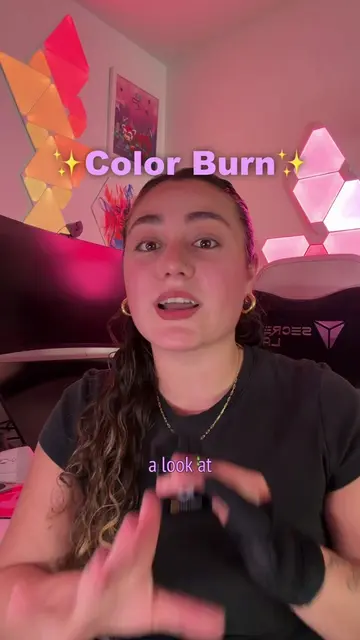
How to use the multiply layer mode to render your digital art: 1. Use it to block in basic shadows without disrupting the rendering underneath. 2. Isolate paper sketches so you can color them in digitally. Start by taking a picture of your sketch and uploading it to your drawing software. Next adjust the sketch layer saturation to 0, so you’re left with a black and white image. Set the layer to multiply. Create a new layer underneath and color! 3. Add realistic paper textures to your painting. Start by importing a paper texture to procreate by adding a photo. Place it above your drawing and set it to multiply. Adjust the opacity to get the desired intensity. Hopefully I was able to teach you something new :) happy drawing. #procreatetutorial #miniartlesson