Loading video…
Sound

original sound - kamidelstudio
Kam 🇵🇷 · Original audio
0:00–:––
Playing this video’s own audio, so you’ll hear the creator over the sound.
Hook
Posted Oct 28, 2026Video · 1:33by @kamidelstudio
The video provides high-value educational content that solves a specific pain point for digital artists, using the product as the natural vehicle for the demonstration.
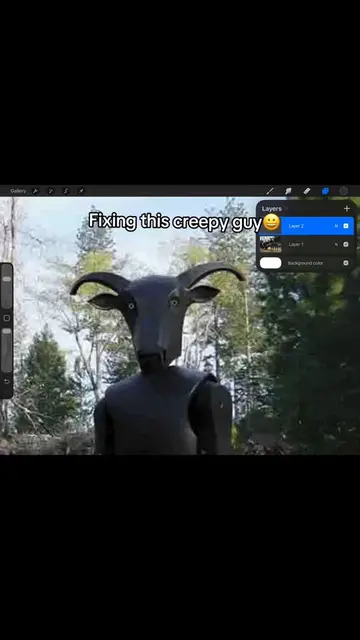
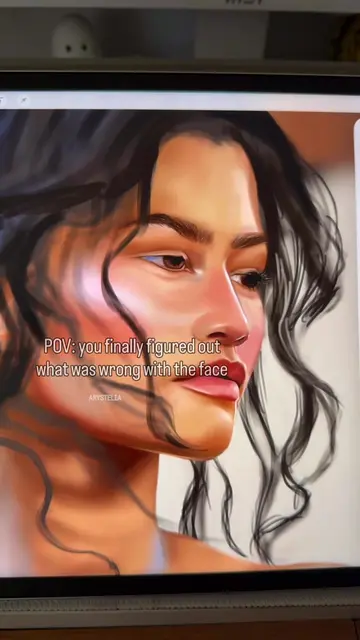
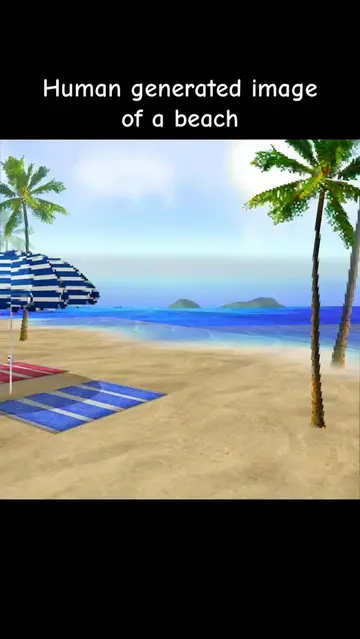
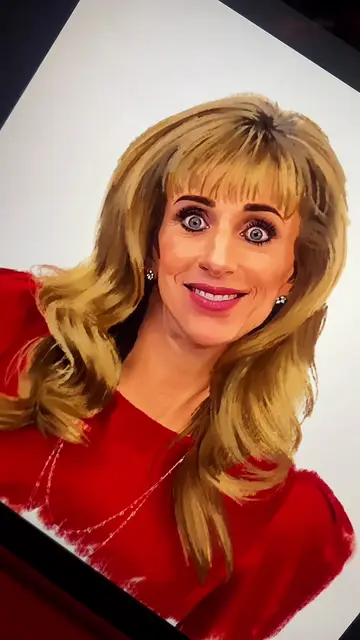
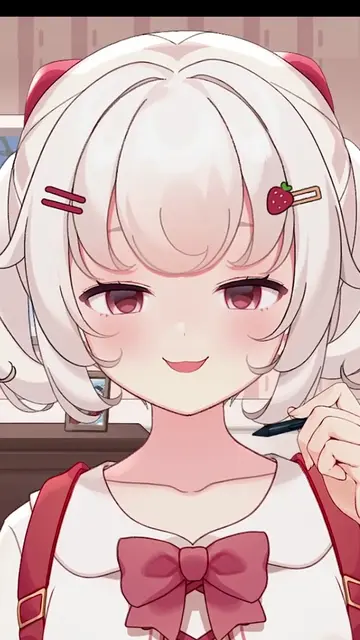
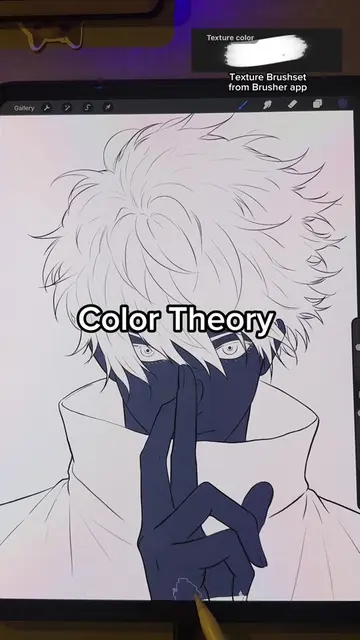
The creator explains the technical function of the 'Color Burn' layer mode within the Procreate app. She demonstrates how to use it to enhance contrast in digital illustrations by applying it to shadows.
Guys digital color can be so complex. This is part 3 of my layer modes for artists series. Today we’re tackling ✨Color Burn✨. Color burn is one of the lesser used modes within the “darkening” family of layer modes. Mainly, because it’s so harsh and crushes dark values if you’re not careful. To use it effectively in your art, you want to use it with lighter colors and a softer brush. If you use colors that are too dark, you will remove shadow details, so use it sparingly. The best time to use color burn is when you notice your shadows lack contrast. Not necessarily when they lack depth. Keep in mind that color burn will also add saturation by nature of crushing rgb channels to black. Hopefully you find this tutorial useful and can now feel confident using color burn in your digital art. For the next episode in this series we will venturing into the world of lightening blend modes! Make sure to drop a follow so you don’t miss any mini art lessons, happy arting 🫡 #digitalarttutorial #layermodetutorial
If you want your art to look juicy, you need to stop sleeping on Color Burn.
Introduction to Color Burn
Explanation of the mathematical formula
Demonstration of the tool in Procreate
Tips for avoiding common mistakes
Closing and teaser for next video
Procreate: (a) it ACTS — the creator operates its interface, demonstrates its layer modes, and uses its brush library to edit an illustration. Removing it would change the video entirely as it is the subject of the tutorial. Secret Lab: (b) it merely APPEARS — a logo on the chair in the background. Removing it would not change the video.
Playing this video’s own audio, so you’ll hear the creator over the sound.
Digital painting and animation app for artists using iPad
Views and creators: posted in the last 30 days (English videos). Videos: all time.
Promotes 1 product. Create free account to see more.
Outliers and viral hits: their videos on Overshot, all time.