Loading video…
Sound

original sound - obito.edit8535
Ꭷвιтσ ᴇᴅɪᴛ ᴢᴏɴᴇ 📸🦋 · Original audio
0:00–:––
Hook
Posted Oct 16, 2026Video · 0:28by @obito.edit8535
The video provides immediate, actionable value by showing users how to unlock hidden or specific features within a widely known tool (ChatGPT) using simple commands, which encourages viewers to save and share the content.
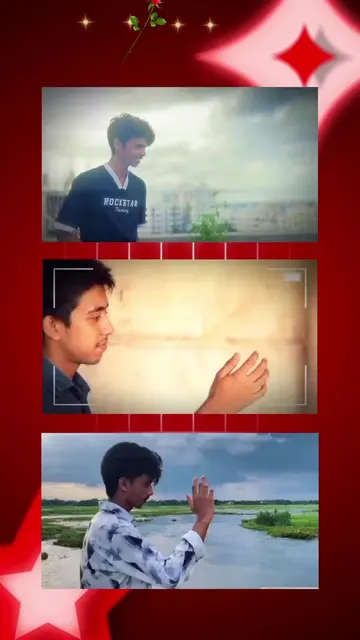
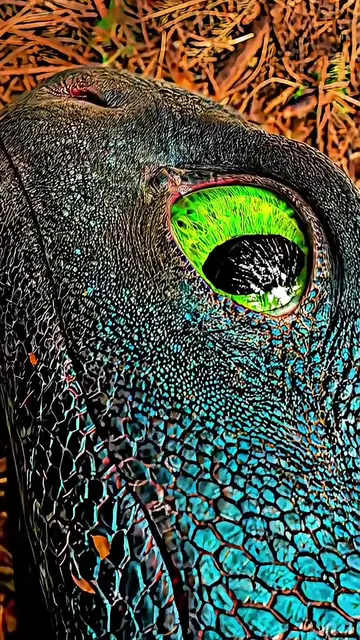
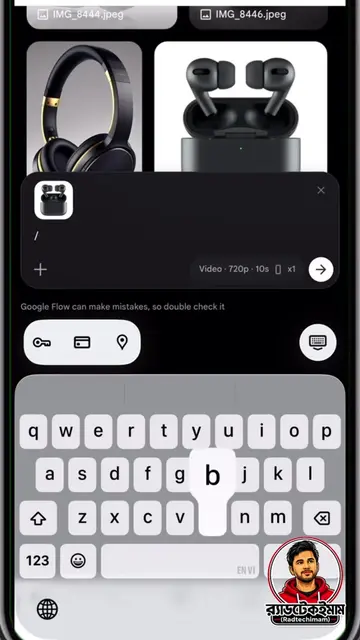
The creator demonstrates how to use specific slash commands in ChatGPT to apply different photo editing effects like motion blur, dynamic blur, and high-definition close-up enhancements. The video serves as a tutorial on leveraging ChatGPT's image processing capabilities for social media profile pictures.
Day26:Day30 make your pictures eyecatching 🔥💯 #creatorsearchinsights #views #ChatGPTTips #aicreations #viral
ভাই আপনি যদি চ্যাটজিবিটিকে /flashshake লিখে সেন্ড করেন তাহলে চ্যাটজিবিটি আপনাকে এ ধরনের মোশন ব্লার অ্যাড করে দিবে
Introduction to ChatGPT slash commands
Demonstration of motion blur effect
Demonstration of dynamic blur effect
Demonstration of high-definition close-up effect
Call to action to follow for more tips
(a) ChatGPT: its interface is operated to generate image edits based on specific commands; it ACTS. Removing it would change the entire video as it is the tool performing the edits.
আর এ ধরনের চ্যাটজিবিটির নিউ নিউ ট্রিকস পেতে টিকটক আইডিটা ফলো করে রাখুন।
Promotes 1 product. Create free account to see more.
Outliers and viral hits: their videos on Overshot, all time.
ChatGPT helps you get answers, find inspiration, and be more productive.
Views and creators: posted in the last 30 days (English videos). Videos: all time.