Loading video…
All breakouts Locked — upgrade to Pro to open.Open on TikTokPro

No preview available · watch on TikTok below
36.7Consumer Apps
Post
Post by @manlyk_flexgee
@manlyk_flexgee
8.2K followers · usually 4.5K views a post
Views
128.5K
Likes
2.3K
Comments
69
Shares
82
We’re still analyzing this post.
Original caption
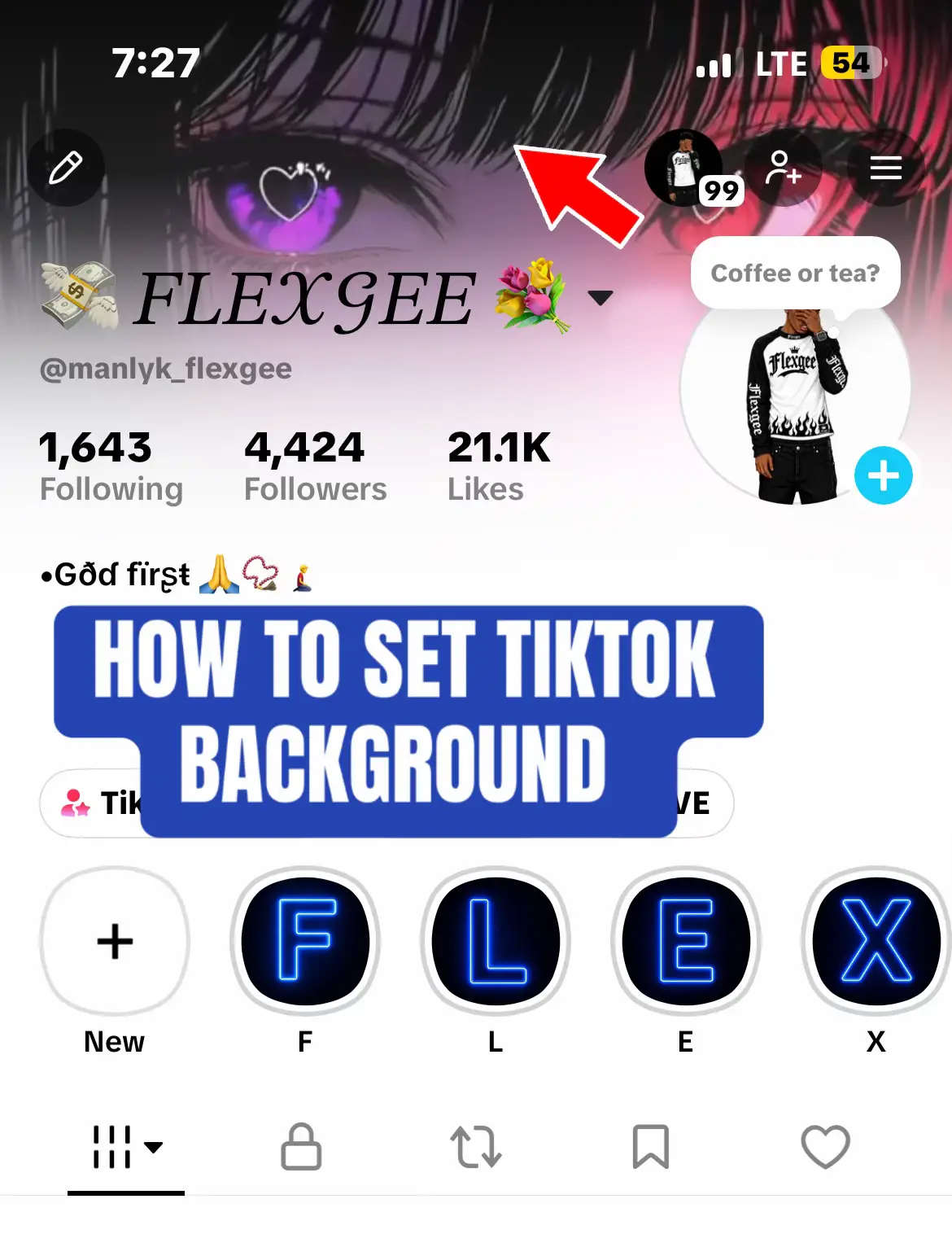
1️⃣ How to Change Your TikTok Profile Background 1. Open TikTok and go to your Profile. 2. Tap Edit Profile. 3. Look for the Change Background option. 4. Tap Upload Photo and select an image from your gallery. 5. Adjust the image and tap Done or Save. ⚠️ Can’t Find the Option? * Update TikTok to the latest version. * The feature may not be available for your account yet. * If it’s still missing, wait for TikTok to make it available to your account. * Avoid modified TikTok apps or unofficial tools that could put your account at risk. 📌 2️⃣ How to Add a Banner During TikTok LIVE 🎥 If the banner feature is available on your account: 1. Tap the + button and select LIVE. 2. Check the LIVE preview screen for an Add Banner option. 3. Enter your message, such as “Follow me for more updates ❤️”. 4. Save your changes and start your LIVE. 5. If supported, use the LIVE settings to edit or remove the banner. Note: TikTok’s LIVE eligibility requirements and features can vary by region and account. Check the requirements shown in your app. 💡 ALTERNATIVE IF YOU DON’T HAVE THE BACKGROUND FEATURE ✅ Pin your best video to the top of your profile. ✅ Create a professional profile image and bio. ✅ Use a matching visual style to make your profile stand out. 🔥 Have you checked your profile for the “Change Background” option? Comment below! ❤️ Like, share, and follow for more TikTok tips and tutorials! #FYP #TikTokTips #tiktokvideobanner #TikTokTutorial #TikTokbannerupdate2026
More from @manlyk_flexgee
More breakout videos from this creator.