Loading video…
All breakouts
~204App DemoWarning hookLifestyle
Hook
If something feels off, stop guessing. Get the facts.
@verity_investigation
48.0K followers · usually 1.1K views a post
Views
212.4K
Likes
3.6K
Comments
22
Shares
358
Why it worked
The video leverages a high-intent search query related to relationship insecurity and provides a simple, actionable technical solution that viewers can immediately verify.
Summary
The creator provides a tutorial on how to view a list of recently added friends within the Snapchat app. The video is presented as a tip for users to investigate their partner's activity.
Structure
- 1Introduction to the Snapchat tip
- 2Navigating to the Manage Friendships menu
- 3Accessing the Recently Added by Me list
- 4Closing with a mention of a broader tips playlist
Product placement
Snapchat: (a) ACTS — the creator demonstrates how to navigate the app's interface to view a list of recently added friends. Removing this would change the video entirely as it is the subject of the tutorial. Verity Investigation: (b) APPEARS — the creator's handle and bio imply they are a private investigator, but the video itself does not demonstrate their service, only a feature of Snapchat.
On-screen text
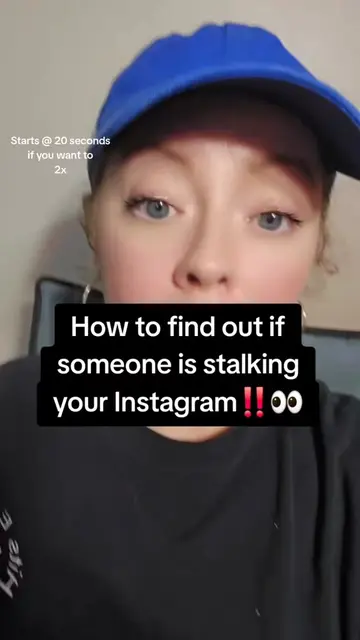
If something feels off, stop guessing. Get the facts.
Transcript
If something feels off, stop guessing. Get the facts. If you want to see who they recently added on Snapchat, I'm going to show you. All right, so the first thing you're going to do, you're going to go to Snapchat, then you're going to go up there at the top right corner and click on these three little dots. This is what's going to pop up once you do that. Now click on Manage Friendships. Now this is what's going to pop up. It's going to pop up your friends list. At the top right there in the right corner, you're going to click on the three little dots again. Whenever you click on those three little dots, it's going to allow you to see Recently Added by Me. So click right there. Now once you click right there, it's going to show you an entire list of from most recent to least recent people that they've added on their Snapchat. For more tips and tricks like this, I have an entire playlist that goes step-by-step through all kind of iPhone tricks, Snapchat tricks, and others.
Original caption
If something feels off, stop guessing. Get the facts. #whatsappspy #cheatingpartner #howtocatchacheater #whatsappmessages #howtospyonmyspousewhatsapp
More from @verity_investigation
More breakout videos from this creator.