Loading video…
Sound

original sound - anthonyglenn7503
Vent · Original audio
0:00–:––
Hook
Posted Oct 21, 2026Video · 0:22by @anthonyglenn7503
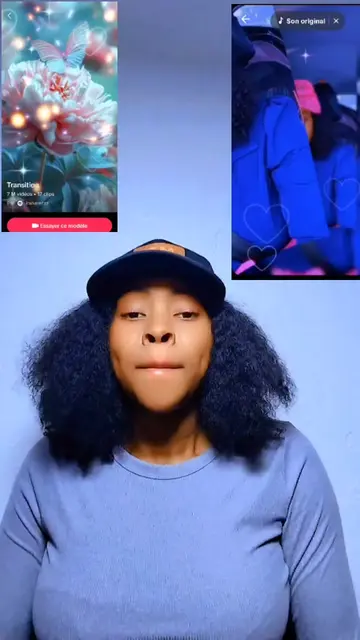
The video leverages a high-performing 'before/after' visual hook combined with a clear, low-friction tutorial that promises an easy way for viewers to participate in a current trend.
The creator demonstrates how to use a trending filter template within the CapCut app to create viral-style videos. The video provides a step-by-step walkthrough of the app's interface to show how easily users can replicate the effect.
Ces vidéos sont tellement tendance en ce moment, et vous pouvez les faire facilement - et même gratuitement! Aucune étape compliquée n'est nécessaire. Suivez-moi étape par étape, et vous aurez terminé en quelques secondes! Vous voulez savoir comment? Regardez jusqu'au bout et suivez le tutoriel. Allez#capcut #capcutpioneer
Ces vidéos sont tellement tendance en ce moment, et vous pouvez les faire facilement - et même gratuitement!
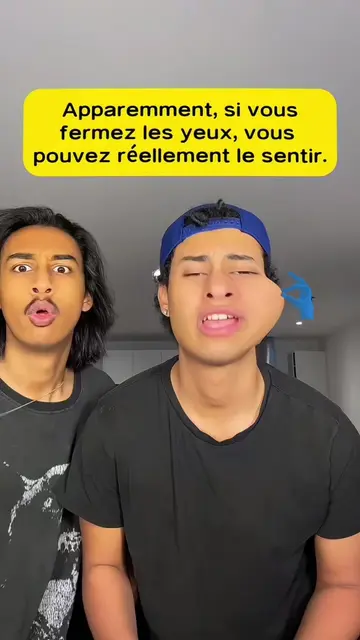
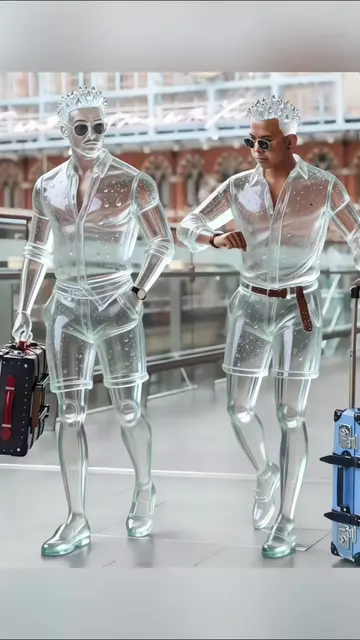
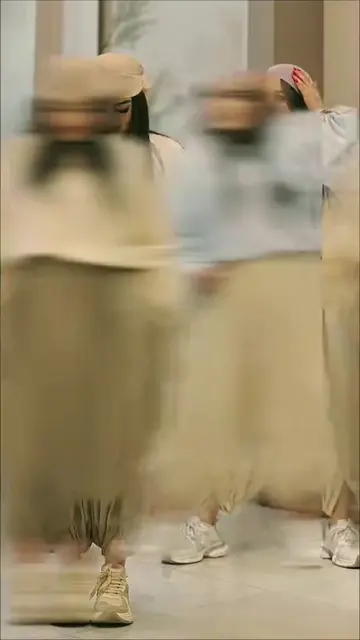
Showcase of the trending filter effect
Introduction to the tutorial
Screen recording of searching for the filter in CapCut
Step-by-step guide to applying the template
Final call to action to follow the steps
(a) CapCut: The video demonstrates its interface, specifically the process of searching for a filter, selecting a template, and applying it to photos. This is the primary tool being operated to create the video's content. Removing it would change the video entirely as it is a tutorial on how to use the app. (b) TikTok: Appears as the platform interface where the CapCut template is hosted. Removing it would not change the core tutorial content.
Follow the tutorial to make the video.
Promotes 1 product. Create free account to see more.
Outliers and viral hits: their videos on Overshot, all time.
Video editing app for creators making social media videos
Views and creators: posted in the last 30 days (English videos). Videos: all time.