Loading video…
Sound

original sound - manmandoudoubacup
Deltech-tutor Bacup · Original audio
0:00–:––
Playing this video’s own audio, so you’ll hear the creator over the sound.
Hook
Posted Oct 8, 2026Video · 2:22by @manmandoudoubacup
This video promotes it, but we haven’t matched it to a product page yet, so there are no product figures.
The video solves a common user pain point by providing a clear, step-by-step tutorial on a native app feature that users may not have discovered on their own.
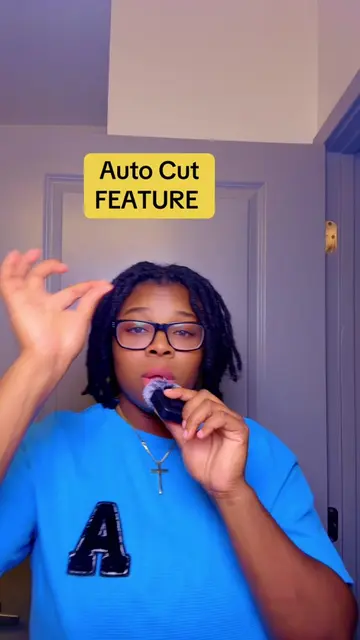
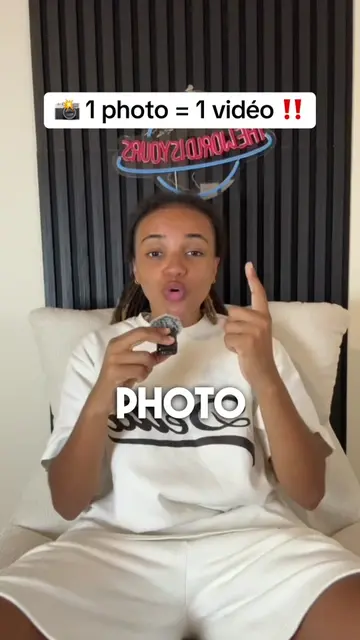
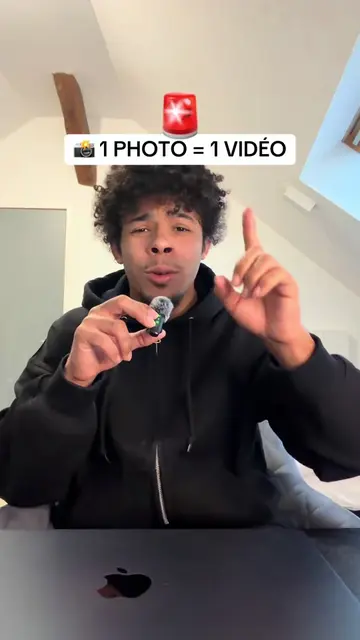
The creator demonstrates how to use the built-in AutoCut feature within the TikTok app to transform static photos into animated videos. The tutorial guides viewers through the selection process and the final generation of the video.
📸🎬 Comment transformer une photo en vidéo sur TikTok ? Tu veux donner vie à tes photos ? 😍 Découvre comment transformer une simple image en une magnifique vidéo animée sur TikTok en quelques étapes faciles ! ✨ Suis le tutoriel jusqu’à la fin et partage cette astuce avec tes amis. ❤️ #AstuceTikTok #MontageVidéo #IntelligenceArtificielle #deltech01
📸🎬 Comment transformer une photo en vidéo sur TikTok ?
Introduction to the photo-to-video feature
Navigating to the TikTok photo selection menu
Selecting multiple photos for the project
Applying the AutoCut feature for animation
Final result and call to action
TikTok: (a) ACTS — the creator demonstrates its built-in photo-to-video animation feature. Removing it would change the video entirely as it is the platform and the tool being demonstrated. AutoCut: (a) ACTS — the creator explicitly selects this tool within the TikTok interface to generate the video animation. Removing it would change the video as it is the specific feature being showcased.
Abonnez-vous à la page
Playing this video’s own audio, so you’ll hear the creator over the sound.
Promotes 1 product. Create free account to see more.
Outliers and viral hits: their videos on Overshot, all time.