Loading video…
Sound

original sound - chaw.chaw9503
A Chaw 🐯 · Original audio
0:00–:––
We didn’t find a product being promoted in this video. Its hook, format and structure below still show why it took off.
Browse products winning on TikTokThe video provides a highly actionable, low-friction solution to a common user pain point (editing videos) using a feature already present in the app the viewer is currently using.
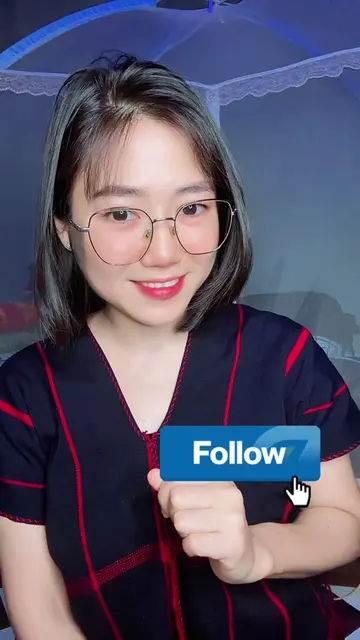
The creator demonstrates how to use the built-in 'Create' template feature within the TikTok app to automatically add lyrics to photos. She guides the viewer through the process of selecting a template and applying a photo to create a video.
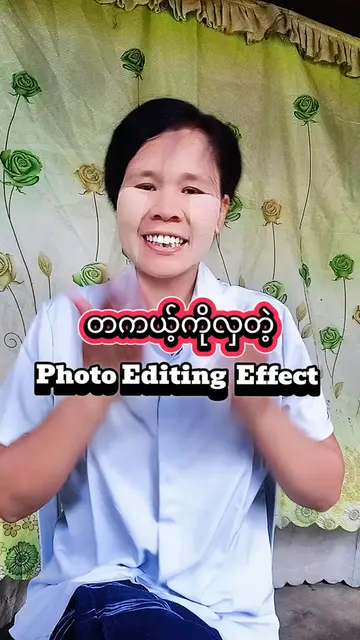
TikTok မှာ သီချင်းစာသား Auto ထိုးနည်း 🎶☘️✨ #autocaptions #lyricsvideo #creatorsearchinsights #thankyouvideoideas @A Chaw 🐯 @A Chaw 🐯
အလွယ်ဆုံး Edit နည်းလေးတွေ မျှဝေပေးမယ်နော်
Introduction to the tutorial
Navigating to the TikTok Create menu
Selecting a lyric template
Applying a photo to the template
Finalizing and posting the video
TikTok: (a) ACTS — the creator demonstrates the app's built-in 'Create' template feature to automatically generate lyric videos. Removing this would change the entire video as it is the subject of the tutorial.
Outliers and viral hits: their videos on Overshot, all time.