Loading video…
Sound

original sound - ဒေါ်ရစ်စိန်
ဒေါ်ရစ်စိန် · Original audio
0:00–:––
Hook
Posted Sep 11, 2026Video · 1:36by @tin.zar.oo800
We didn’t find a product being promoted in this video. Its hook, format and structure below still show why it took off.
Browse products winning on TikTokThe video provides a clear, step-by-step tutorial on a popular, easy-to-use feature within a platform the audience is already using, making the advice highly actionable and relevant.
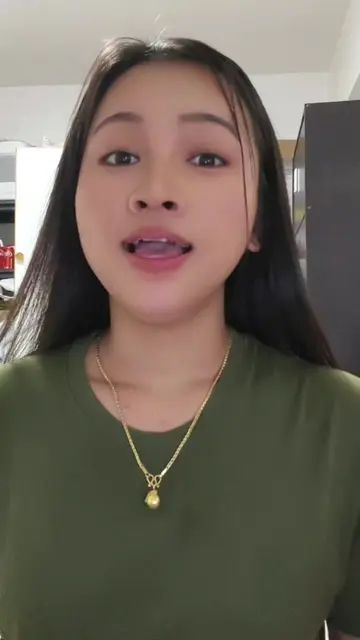
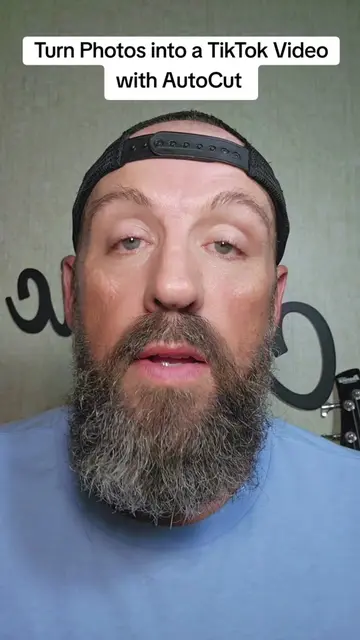
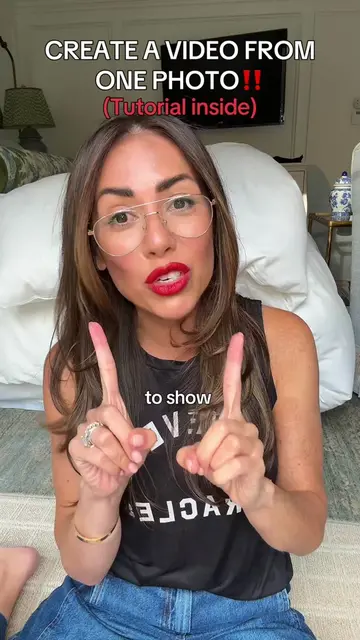
The creator demonstrates how to use the AutoCut feature within the TikTok app to create stylish videos from existing photos. She guides the viewer through the process of selecting photos and applying different design templates to increase engagement.
ဓာတ်ပုံလေးတွေကိုလည်း အရမ်းမိုက်တဲ့ ဗီဒီယိုတွေဖန်တီးလို့ရပါတယ် #creatorsearchinsights #fyp #photovideo#todaytrend #viewers
ဓာတ်ပုံလေးတွေကို ရှိနေတဲ့ အရမ်းမိုက်တဲ့ ဗီဒီယိုဖန်တီးလို့ရပါတယ်နော်
Introduction to photo-to-video creation
Opening the TikTok app
Selecting photos from the gallery
Using the AutoCut feature
Applying different design templates
Encouraging viewers to use the feature for better engagement
TikTok: (a) ACTS — the creator demonstrates the app's interface, specifically the photo-to-video "AutoCut" feature, to create a video. Removing this would change the entire video as the tutorial is about using this specific app's functionality.
Outliers and viral hits: their videos on Overshot, all time.