Loading video…
Sound

original sound - crececoneldescanso2
El DescansoJR · Original audio
0:00–:––
Playing this video’s own audio, so you’ll hear the creator over the sound.
Hook
Posted Oct 23, 2026Video · 1:52by @crececoneldescanso2
We didn’t find a product being promoted in this video. Its hook, format and structure below still show why it took off.
Browse products winning on TikTokThe video provides a clear, step-by-step tutorial for a useful native feature that solves a common pain point for creators: quickly editing content.
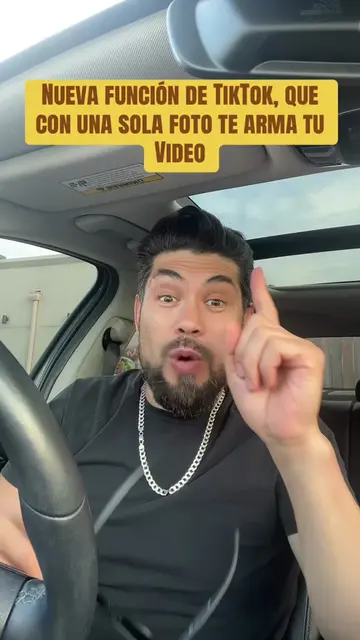
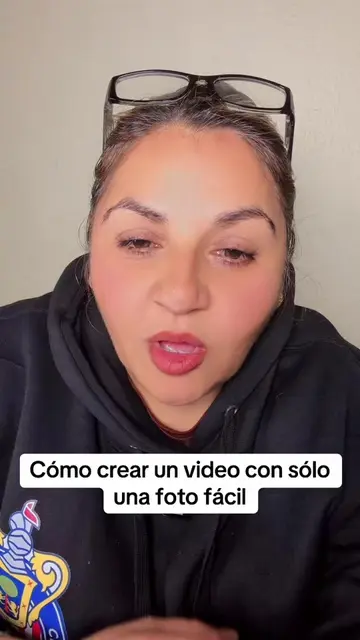
The creator demonstrates how to use the "Auto Cut" feature within the TikTok app to automatically create a video from a selection of photos. He guides the viewer through the interface steps to select photos and apply templates.
#creatorsearchinsights #creodordecontenido Auto Cut #parati #AprendeEnTikTok #tiktoktips
Si no tienes que publicar, no te preocupes porque te voy a enseñar a crear video rápido, fácil y sencillo
Introduction to the Auto Cut feature
Navigating to the create menu in TikTok
Selecting photos from the gallery
Demonstrating the automatic video generation
Finalizing and publishing the video
(a) TikTok: The creator demonstrates the "Auto Cut" feature within the TikTok app interface to create a video from photos. This is the central action of the video. Removing it would make the video impossible to produce.
sígueme, dale like, comenta, guarda y comparte
Playing this video’s own audio, so you’ll hear the creator over the sound.
Outliers and viral hits: their videos on Overshot, all time.