Loading video…
Sound

original sound - susana200889
Susy 🍃 · Original audio
0:00–:––
This video promotes it, but we haven’t matched it to a product page yet, so there are no product figures.
The video provides a quick and easy tutorial for a popular feature (AutoCut) on a widely used platform (TikTok), addressing a common creator need for efficient content creation. The step-by-step demonstration and clear instructions make it highly actionable for viewers.
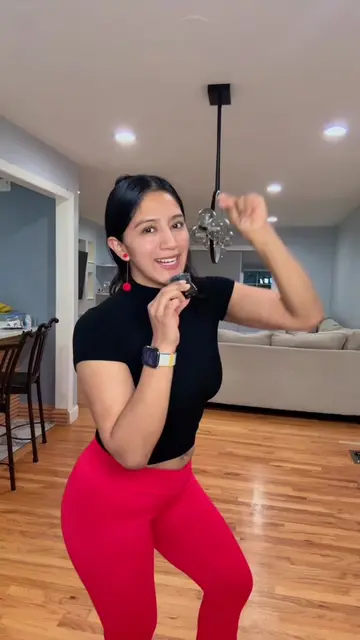
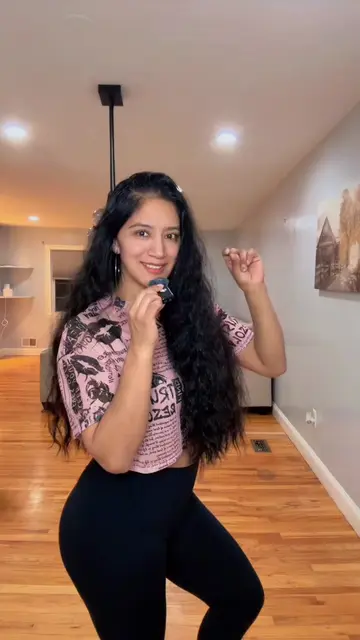
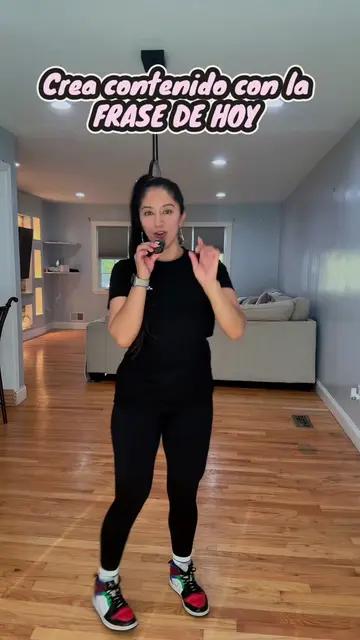
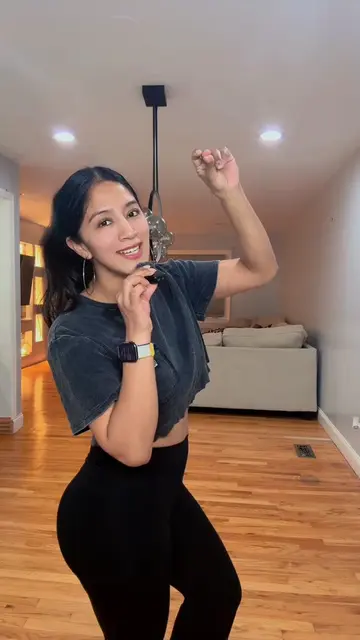
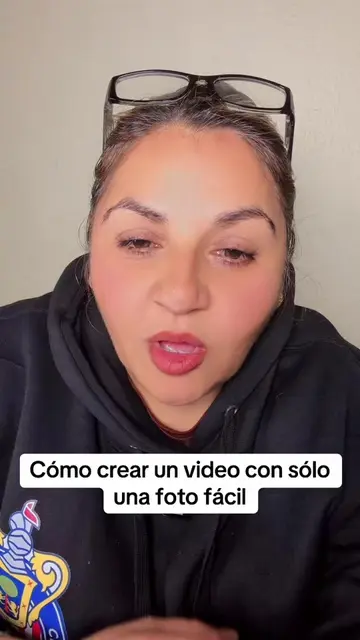
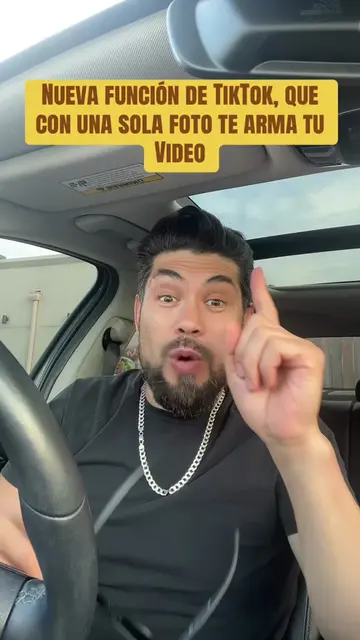
The creator demonstrates how to quickly and easily create content on TikTok using a single photo with the AutoCut feature. The tutorial guides viewers through selecting a photo, using AutoCut, choosing a template, and adding text before sharing it as a story or post.
Crea contenido utilizando autocut #autocut #creadoresdecontenido #tips #algoritmo #susy🍃
Cómo crear contenido
Introduction to creating content quickly on TikTok
Navigating to the profile and the '+' sign
Selecting a photo or video from the gallery
Using the AutoCut feature and choosing templates
Adding text and sharing the content
Call to action for likes and shares
TikTok: it is the platform where the content is created and edited. Removing it would change what happens in the video. AutoCut: it is a feature within TikTok used to edit photos and videos. Removing it would change what happens in the video.
Follow for more tips
Promotes 3 products. Create free account to see more.
Outliers and viral hits: their videos on Overshot, all time.