Loading video…
Sound

original sound - remotecartube
Remote carTUBE · Original audio
0:00–:––
Playing this video’s own audio, so you’ll hear the creator over the sound.
Hook
Posted Oct 25, 2026Video · 2:17by @remotecartube
The video solves a specific, high-demand pain point for car owners (watching YouTube on CarPlay) with a clear, step-by-step demonstration of the solution.
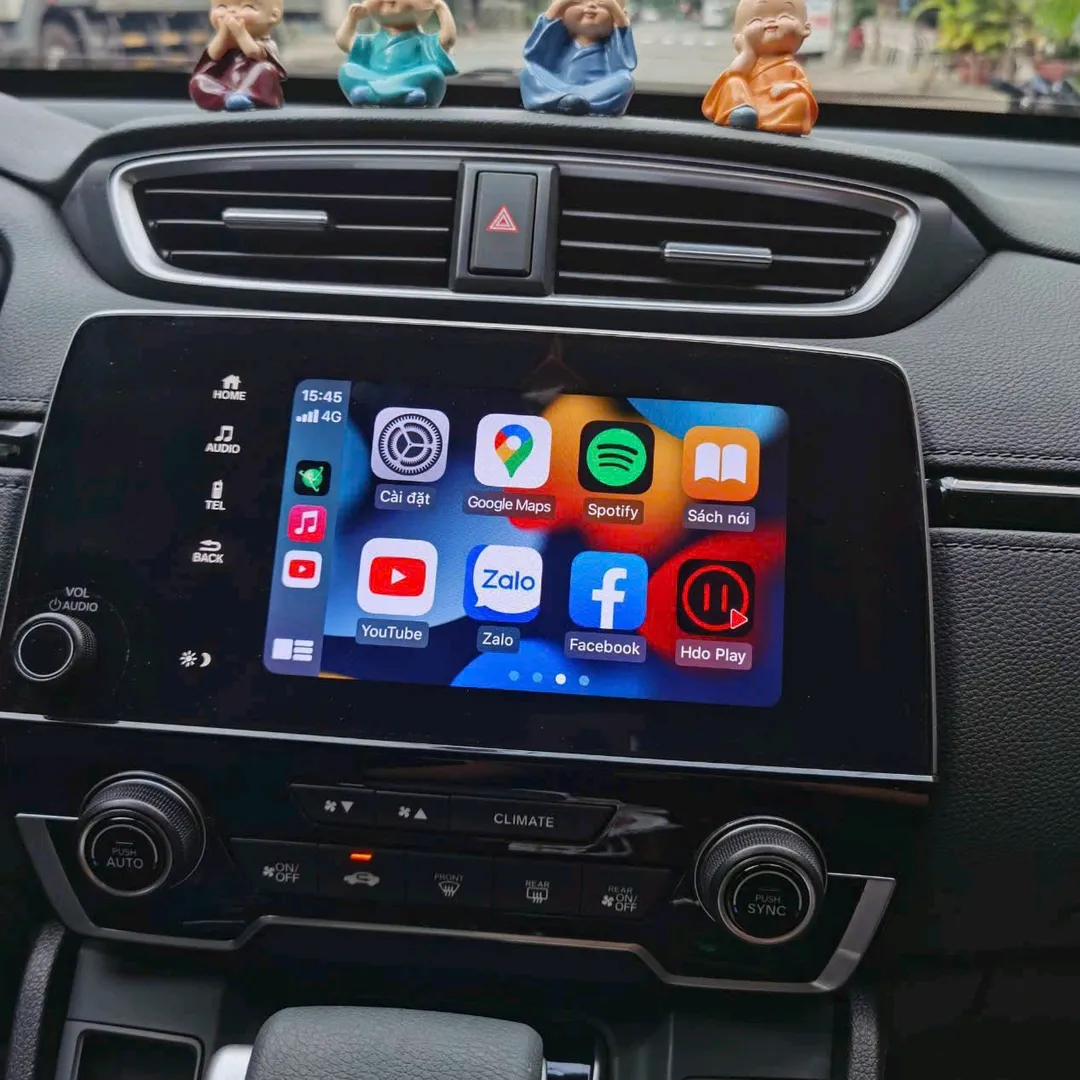
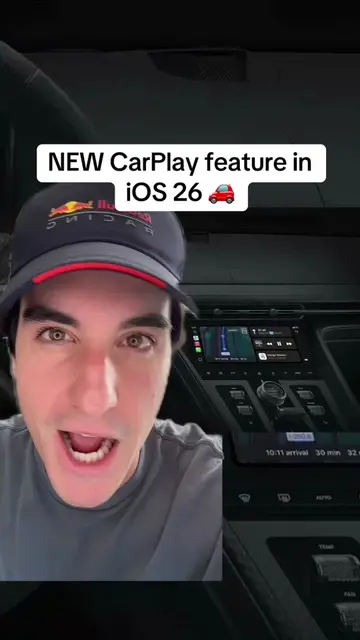
The creator demonstrates how to use the CarTV app to enable YouTube and split-screen functionality on Apple CarPlay. The video shows the app's interface and how it allows for multitasking while using navigation apps.
CarTV ứng dụng xem Youtube chiếu màn chia đôi màn hình trên Carplay #carplay #cartvapp #youtubecarplay #carplayyoutube #chieumanhinhiphone
chia sẻ đến anh chị và các bạn cái ứng dụng CarTV này
Introduction to CarTV app
Demonstrating YouTube playback on CarPlay
Showing the split-screen functionality
Operating the screen mirroring feature from the iPhone
Using navigation apps simultaneously
Conclusion and app identification
(a) CarTV: The app is operated, its interface is shown, and it is used to enable YouTube and split-screen functionality on CarPlay. Removing it would change the video entirely as it is the subject. (b) Vietmap Live: Appears as an icon on the CarPlay interface. Removing it would not change the video. (c) Spotify: Appears as an icon. Removing it would not change the video. (d) Soundcloud: Appears as an icon. Removing it would not change the video. (e) Google Maps: Operated to show navigation. Removing it would not change the video as it is a standard feature being used to demonstrate the app's split-screen capability.
Playing this video’s own audio, so you’ll hear the creator over the sound.
Promotes 1 product. Create free account to see more.
Outliers and viral hits: their videos on Overshot, all time.
IPhone app for playing IPTV and casting content in the car
All time.