Loading video…
All breakouts
21.9Talking HeadStory Open hookEducation
Hook
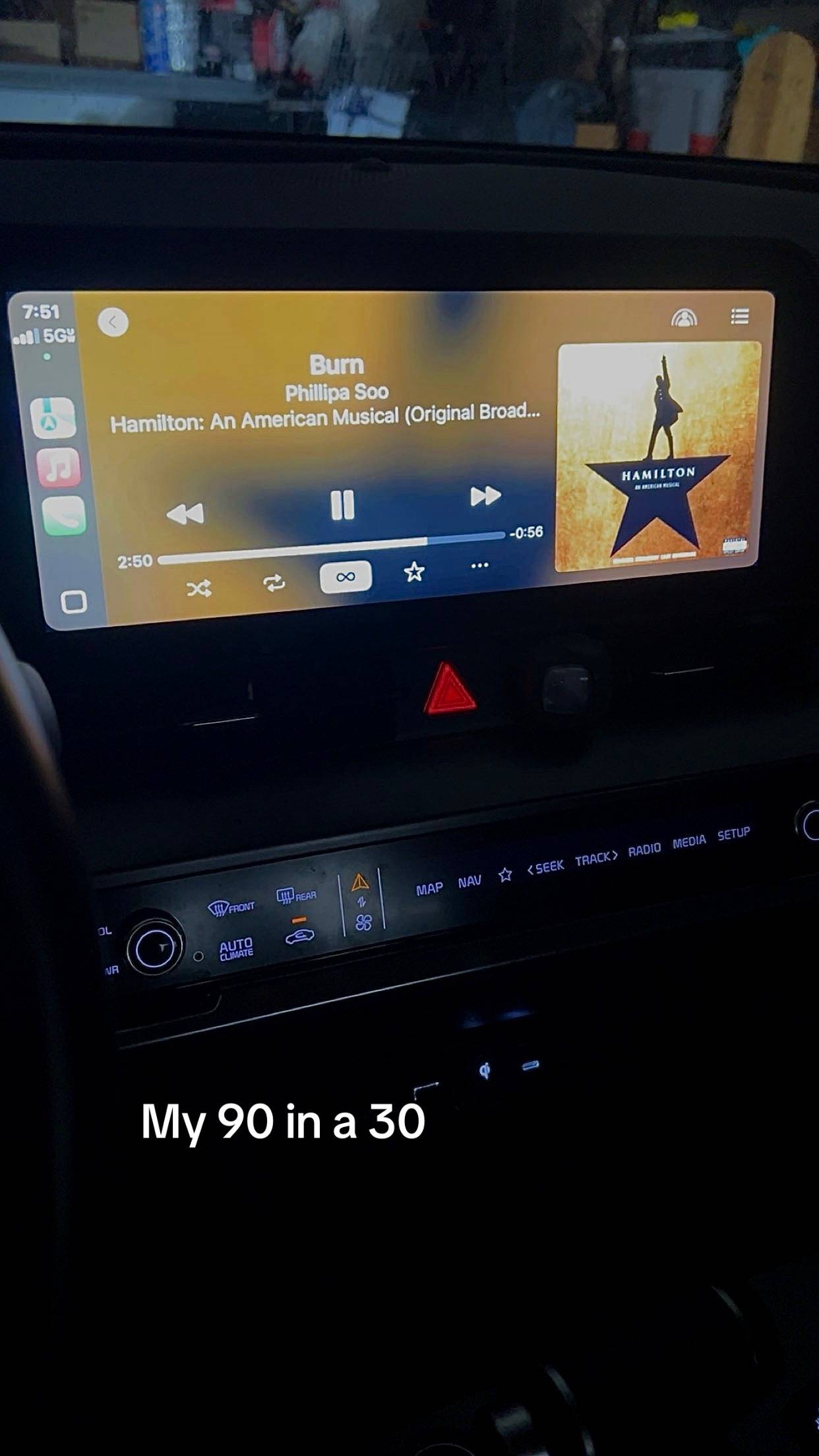
Okay, so a lot of people have been asking for a tutorial on how to do the CarPlay startup sound.
@sereenyweeny
1.8K followers · usually 1.3K views a post
Views
26.4K
Likes
2.8K
Comments
64
Shares
279
Why it worked
The video addresses a specific, high-interest 'hack' for a popular feature (CarPlay) that users frequently search for, providing a clear, actionable tutorial that solves a technical problem.
Summary
The creator provides a step-by-step tutorial on how to set a custom startup sound for Apple CarPlay using screen recordings, a web-based file converter, and the iOS Shortcuts app. The video guides the viewer through downloading audio, converting it to an MP3, saving it to files, and configuring an automation in the Shortcuts app.
Structure
- 1Introduction and explanation of the tutorial
- 2Downloading audio and converting to MP3
- 3Saving the audio file to the device
- 4Setting up an automation in the Shortcuts app
- 5Finalizing the automation to play the sound on CarPlay connection
On-screen text
Wait i NEED a tut plz
Transcript
Okay, so a lot of people have been asking for a tutorial on how to do the CarPlay startup sound. So here it is. Sorry it took so long, I've been busy. But I screen recorded the process of it with like a voiceover on it trying to explain it kind of. Hopefully helpful enough. Let me know, if not, I can try and do another one. But overall, it's pretty easy. So yeah, I'll upload that. So the first thing you're going to do is you're going to pick your audio and you're going to screen record it off of whatever. I did mine off YouTube, you can do yours off of TikTok or whatever. Just save it to your camera roll basically. And then you're going to go to Google and search up video to MP3 converter. I just clicked on the first one because it worked the best. And then you're going to click that and then click from device, photo library. And then you're going to upload the video. So once your video is uploaded, you're going to click convert and let it load. So once it's done, you're going to click download and then I clicked save to device and then click download, click open. And then at the bottom, it's going to show the little share button. Click that and then you're going to scroll and click save to files. And then you can name it whatever you want. It doesn't really matter, but just save it. And then once you do that, you're going to go ahead to shortcuts. And then you're going to click automation at the bottom. I already have my automation here, but if you don't have any automations, it'll show on this screen to add one or you can just click the plus button at the top. In the search bar, you're going to search up CarPlay. Once you're here, you're going to click run immediately. Click next. And then here you're going to click new blank automation. And then from here, you're going to search up files. Click on that. Click on file again and then file again. And it'll bring you all of them here. And then you're going to click on your audio. And then you're going to click search and then you're going to search up play sound. That and then just click done. And now every time you connect to your CarPlay, this should be the first thing that you hear.
Original caption
Replying to @Samantha here’s the tutorial on how to do a CarPlay startup sound!! (Sorry for all the black screens I was trying to block out some stuff) #carplay #startup #fyp
More from @sereenyweeny
More breakout videos from this creator.