Loading video…
Sound

original sound - pkojpe474
xingbake · Original audio
0:00–:––
Playing this video’s own audio, so you’ll hear the creator over the sound.
The video leverages a trending effect and provides a clear, step-by-step tutorial using an AI tool, making it easy for users to replicate the popular aesthetic with minimal effort.
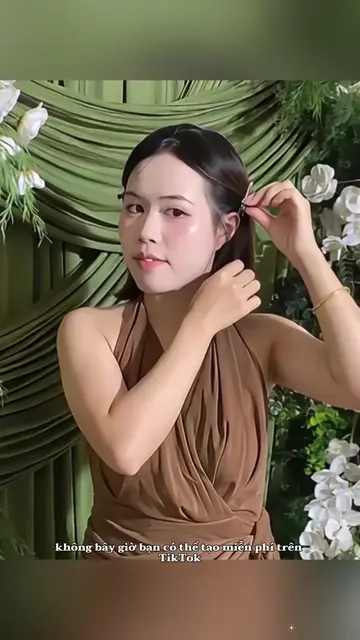
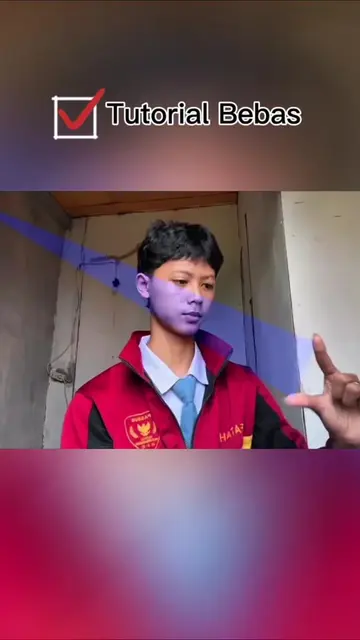
This video demonstrates how to use the Hyphic AI photo editor to create a viral effect. It guides viewers through copying a prompt from a TikTok video's comments, applying it to a photo within the Hyphic app, and then adjusting filters and aspect ratios for a polished result.
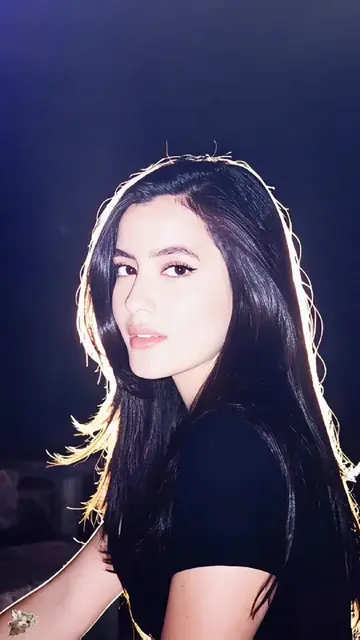
Tutorial trend foto flash filter viral ✨ Cara membuat efek cahaya dibelakang yang sedang viral di TikTok. Tutorial edit foto glow aesthetic dengan AI gratis. Bagaimana membuat trend lirik dang puji ta pe lupah dan dang puji tapi ludah menggunakan foto sendiri? Tutorial membuat foto viral dengan efek flash light. Trend foto cahaya belakang terbaru. Tutorial efek glow belakang badan. Cara mengikuti trend ohmnanon tanpa ribet. Tutorial edit foto odamayek eksklusif. Efek cahaya viral TikTok. Tutorial membuat foto estetik dengan AI. Cara membuat foto viral hanya dengan satu foto. Template foto AI gratis. Editor foto AI gratis. Tutorial edit foto viral dengan AI Editor. Efek flash aesthetic. Filter cahaya viral. Filter glow photo. Efek lampu belakang foto. Edit foto kekinian. Trend TikTok Indonesia. Trend foto viral 2025. Tutorial AI photo editing. Viral flash filter tutorial. Backlight glow effect. Aesthetic photo editing. AI photo editor. Free AI photo template. Viral TikTok photo trend. Glow light effect. Flash photo filter. Backlight photo effect. AI creative editor. AI image editing. Viral photo filter. Trending photo effect. TikTok viral editing. Portrait AI photo. Creative AI photo editor. Glow background photo. Flash light photo trend. AI generated portrait. Viral aesthetic filter. #hypic #hypiccreator
MAU COBA EFEK
Introduce the viral effect and its ease of creation.
Instruct to copy the video link and prompt.
Navigate to the Hyphic app and AI editor.
Apply the copied prompt to a chosen photo.
Adjust filters and aspect ratio.
Showcase the final edited photo.
Hyphic (ACTS - it is an AI photo editor that generates a new image based on a prompt and user-selected photo. Removing it would change what happens in the video).
Klik tombol bagikan, lalu salin link video ini, masuk ke profil, lalu buka lagi video ini, buka kolom komentar, lalu salin prom yang saya bagikan. Klik tombol di kiri bawah, pilih gunakan template, lalu masuk ke AI editor. Pilih satu foto. Tempel prom yang tadi kamu salin dari komentar, klik kirim, lalu tunggu beberapa detik. Setelah selesai, kamu bisa menambahkan filter agar foto lebih cerah dan estetik. Terakhir, atur ukuran dan rasio foto.
Playing this video’s own audio, so you’ll hear the creator over the sound.
Photo editing app for creating stylized portraits and image effects
All time.
Promotes 2 products. Create free account to see more.
Outliers and viral hits: their videos on Overshot, all time.