Loading video…
Sound

original sound - gqrdwp0
Luna · Original audio
0:00–:––
Playing this video’s own audio, so you’ll hear the creator over the sound.
The video leverages a high-engagement viral trend and provides a clear, frictionless 'how-to' guide that solves a specific creative problem for the viewer.
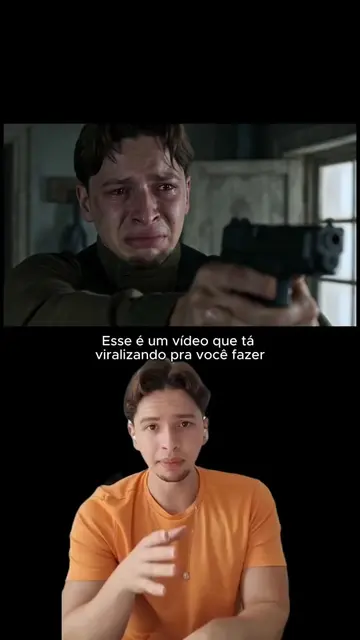
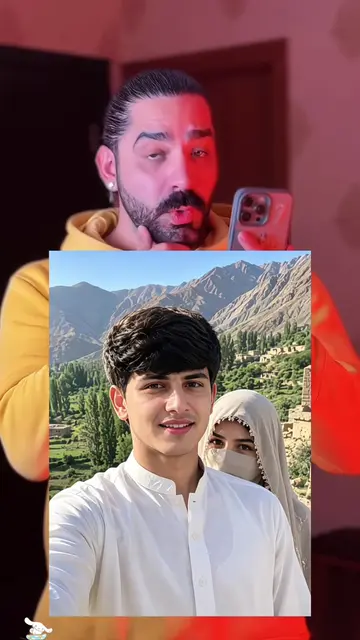
The creator provides a step-by-step tutorial on how to use the Hypic mobile app to create a trending 'bicep heart' AI photo effect. The video demonstrates the specific workflow within the app's interface to achieve the result.
#hypic#hypiccreator#Godpic @hypic_br_official Te enseño cómo hacer fotos de la tendencia del corazón con bíceps con IA, es muy fácil, solo necesitas una foto Dicen que los chicos de gym no tienen sentimientos… aquí está mi corazón 💪🔥 El trend del bíceps corazón es la combinación perfecta: músculo y ternura en una sola imagen. 💪❤️ Porque sí, entreno duro, levanto pesado y tengo cara de pocos amigos… pero mi corazón está justo ahí, latiendo en cada repetición. En este video te muestro cómo lo hice paso a paso: primero el ángulo y la luz para que el bíceps se vea bien marcado, después el efecto del corazón con la app, y el truco para que parezca pintado en la piel y no pegado encima. 🤫 Queda tan bien que me lo pidieron todos mis amigos del gym. Te dejé el tutorial y los prompts en mi biografía. 🔗 ¿Te animas a hacerlo? Etiqueta a tu gym bro para que se lo ponga también. ✊💪
como fazer esse vídeo da tendência do coração no braço
Introduce the viral bicep heart trend
Demonstrate copying the link to the template
Show the process of selecting the template in Hypic
Show the final step of selecting a photo for AI generation
Hypic: (a) ACTS — the video demonstrates the app's interface, specifically the 'template' feature, to generate an AI-enhanced image. Removing the app interface would remove the entire purpose of the video. The app is the subject of the tutorial.
Playing this video’s own audio, so you’ll hear the creator over the sound.
Promotes 2 products. Create free account to see more.
Outliers and viral hits: their videos on Overshot, all time.
AI photo-editing app for people creating retouched and stylized images
Views and creators: posted in the last 30 days (all languages). Videos: all time.