Loading video…
Sound

original sound - makeephoneram53
makeephoneram53 · Original audio
0:00–:––
Playing this video’s own audio, so you’ll hear the creator over the sound.
This video promotes it, but we haven’t matched it to a product page yet, so there are no product figures.
The video addresses a common, relatable pain point for smartphone users and provides a quick, actionable solution that improves the user experience.
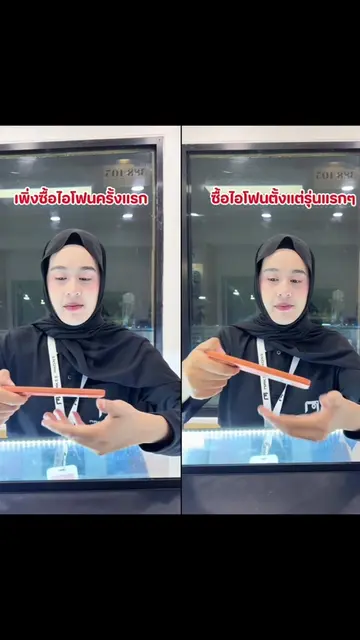
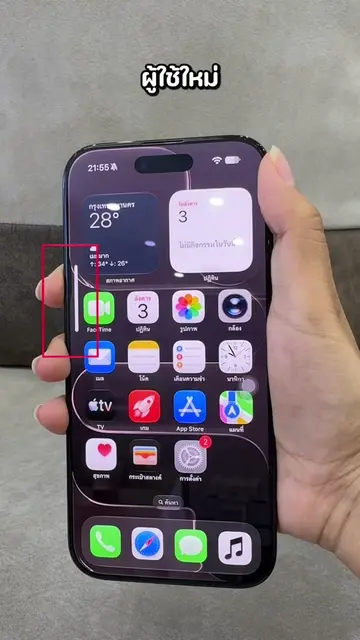
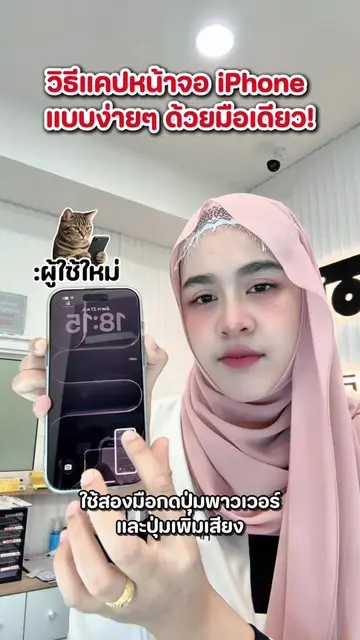
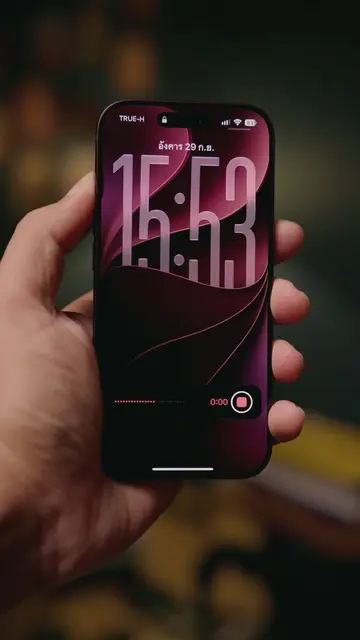
The video demonstrates a multitasking tip for iPhone users, showing how to enable the Picture-in-Picture feature to watch videos while replying to messages. It contrasts a new user who struggles with multitasking against an experienced user who knows the correct settings.
เคล็ดลับ #iphone ที่คนชอบดูหนังต้องรู้ ! ##ทริคไอโฟน##ความรู้ไอโฟน##makeephoneสาขาราม53##ร้านผ่อนไอโฟน
เมื่อคนใช้ iPhone ต้องตอบแชทไป ดูหนังไป
Introduce the problem of multitasking on iPhone
Show a new user struggling to reply while watching a video
Show an experienced user navigating to settings
Demonstrate enabling the Picture-in-Picture feature
Show the successful result of multitasking
iPhone: (a) ACTS; the video demonstrates how to use the Picture-in-Picture feature on the device to multitask between watching a video and replying to messages. Removing it would change the entire video as it is the subject of the tutorial. MakeEPhone: (b) APPEARS; the creator's handle and bio mention this store, but it does not act or perform any function in the video content itself.
Playing this video’s own audio, so you’ll hear the creator over the sound.
Outliers and viral hits: their videos on Overshot, all time.