Loading video…
Sound

original sound - makeephoneram53
makeephoneram53 · Original audio
0:00–:––
Playing this video’s own audio, so you’ll hear the creator over the sound.
This video promotes it, but we haven’t matched it to a product page yet, so there are no product figures.
The video provides a high-utility, 'hidden' feature tip that solves a common pain point for iPhone users, making it highly shareable and useful.
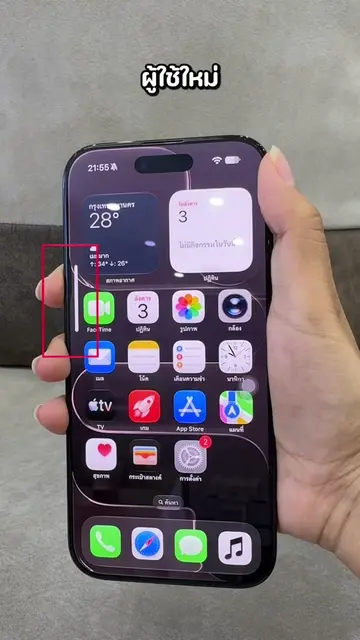
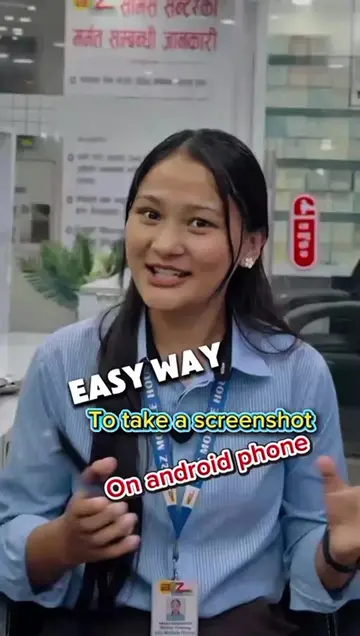
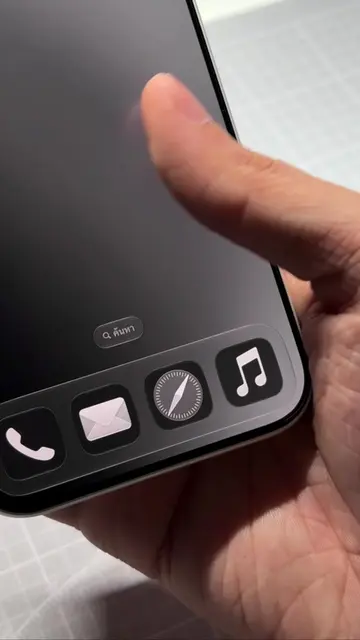
The creator demonstrates a hidden iPhone feature called Back Tap that allows users to take screenshots by tapping the back of the device. The video guides the viewer through the settings menu to enable this accessibility shortcut.
📌แคปหน้าจอ #iPhone แค่่มือเดียว! เพียงกด2ครั้ง📲👍 #ทริคไอโฟน #ความรู้ #ผ่อนมือถือใช้บัตรประชาชน #makeephoneสาขาราม53
วิธีแคปหน้าจอ iPhone แบบง่ายๆ ด้วยมือเดียว!
Identify the problem of taking screenshots with one hand
Navigate to Settings > Accessibility > Touch
Enable Back Tap feature for screenshots
Demonstrate the final result
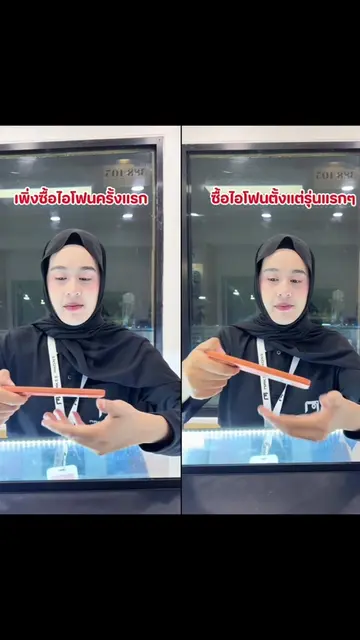
(a) iPhone: ACTS; the creator demonstrates how to configure and use the Back Tap feature to take a screenshot. Removing this would change the video as it is the subject of the tutorial. (b) Makee Phone: APPEARS; the store name is on the creator's shirt and the background, and it is the handle/bio. Removing this would not change the tutorial content.
Playing this video’s own audio, so you’ll hear the creator over the sound.
Outliers and viral hits: their videos on Overshot, all time.