Loading video…
Sound

Ozowa
Nuvfr
0:00–:––
Playing this video’s own audio, so you’ll hear the creator over the sound.
- Videos using it
- 2
- Creators
- 2
- Views on those videos
- 501.3K
Hook
Posted Nov 12, 2026Video · 0:47by @j0b33
This video promotes it, but we haven’t matched it to a product page yet, so there are no product figures.
The video provides a clear, actionable solution to a specific creative problem, making the software recommendation feel like a helpful tip rather than an advertisement.
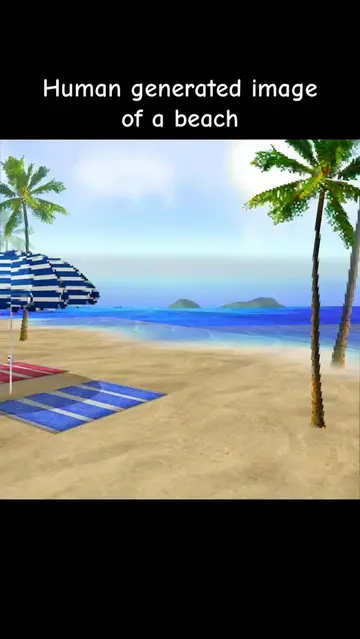
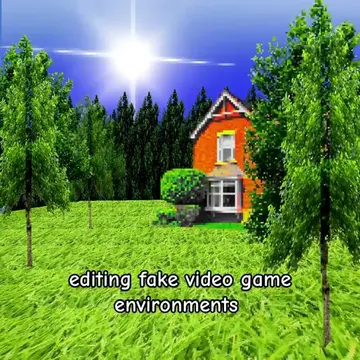
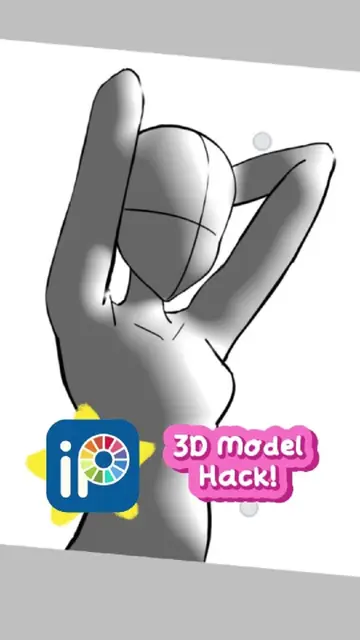
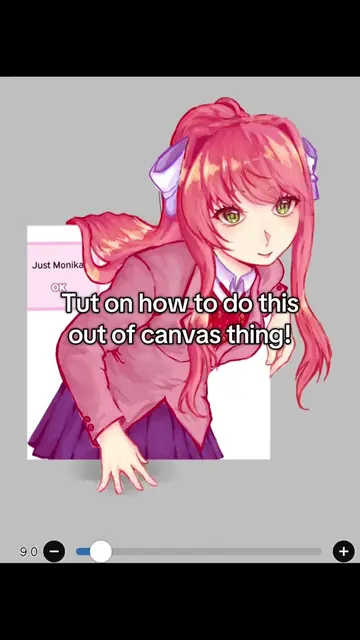
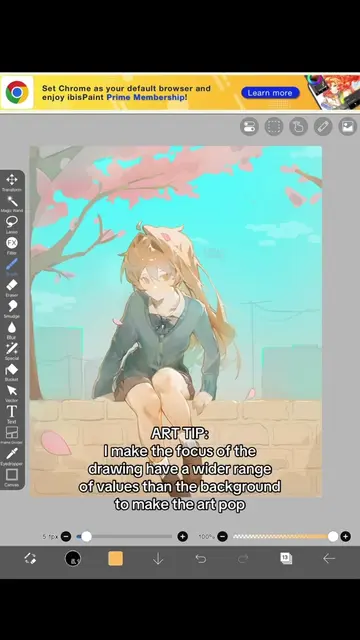
The creator provides a tutorial on how to create 3D-appearing images using mobile drawing software. They demonstrate the process of mapping textures, removing backgrounds, and using perspective tools within the Ibis Paint app.
I’ve been getting a lot of comments asking me how I made the images from my last video, so here’s a very simple tutorial on how I make these. If there’s anymore questions I’ll answer them in the comments! #liminalspaces #arttutorial #tutorials #foryoupage #fypシ
How to make images that appear 3D without a computer software
Introduction to the 3D image technique
Step 1: Creating and mapping textures
Step 2: Importing and editing in Ibis Paint
Step 3: Applying filters and perspective adjustments
Ibis Paint (a) ACTS: the creator explicitly instructs the viewer to upload textures to it, and shows its interface for importing pictures and applying filters. Removing this would change the tutorial as it is the primary tool recommended for the process.
Playing this video’s own audio, so you’ll hear the creator over the sound.
Promotes 1 product. Create free account to see more.
Outliers and viral hits: their videos on Overshot, all time.