Loading video…
All breakouts
3.6App DemoHow-To hookCreator Economy
Hook
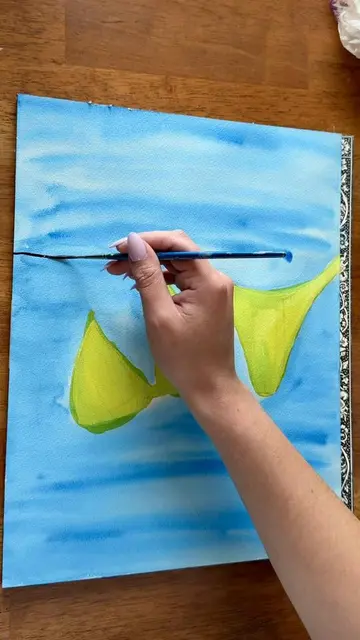
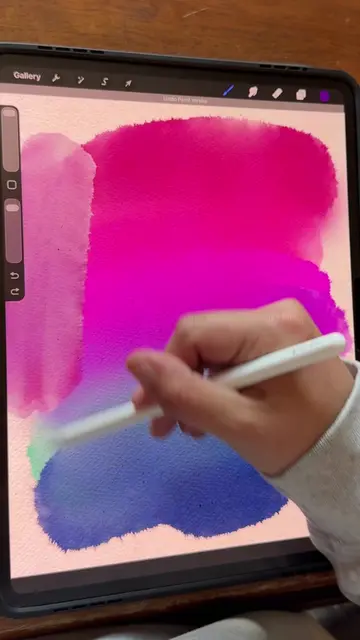
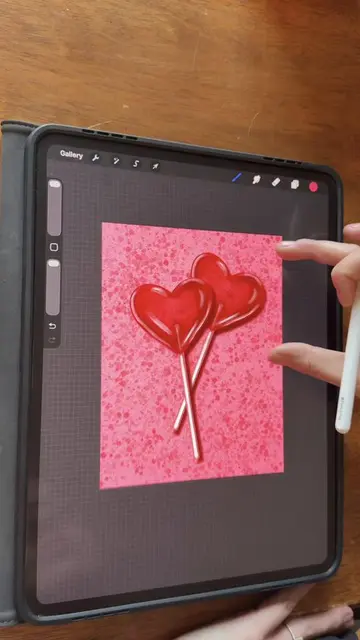
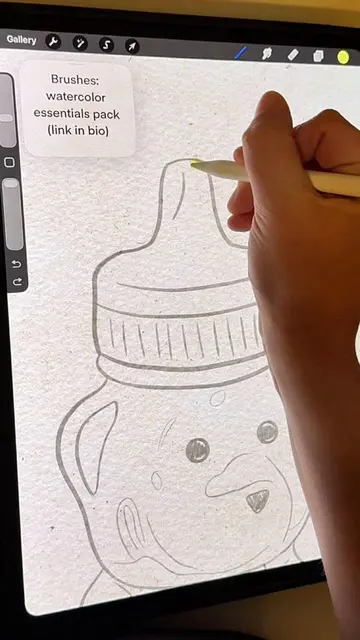
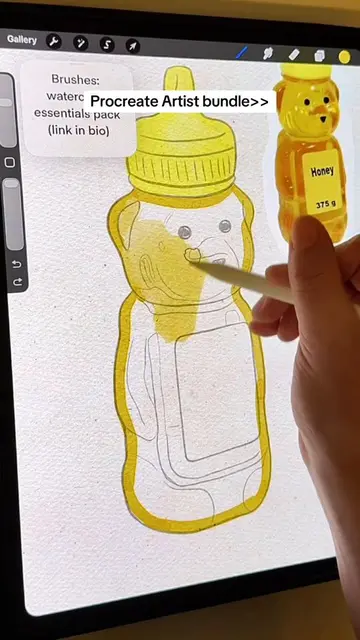
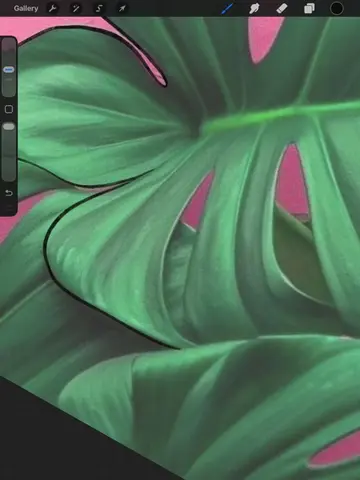
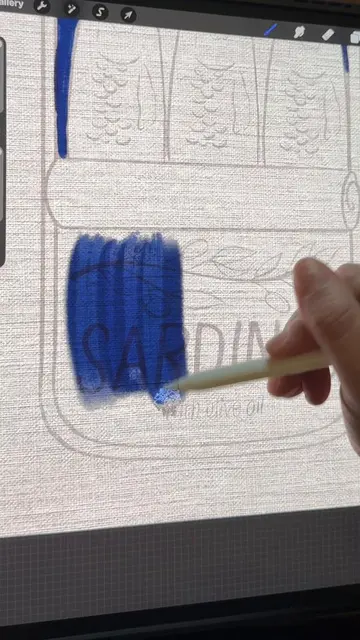
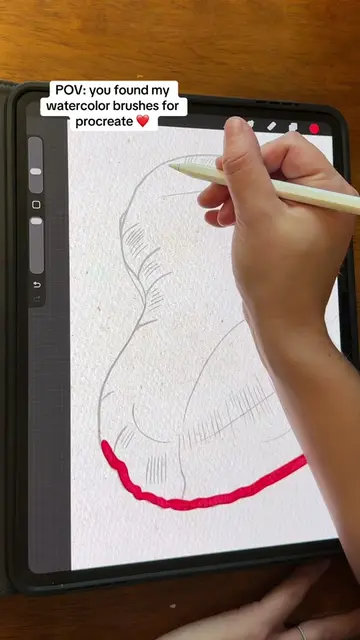
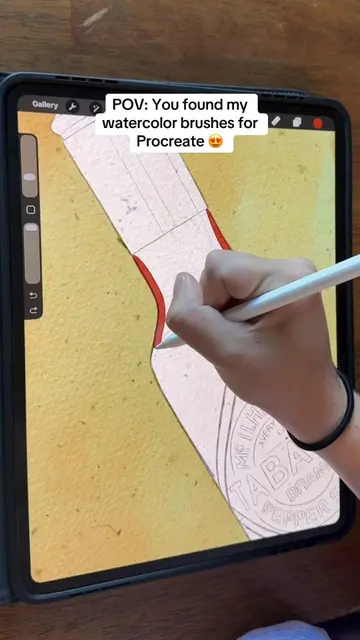
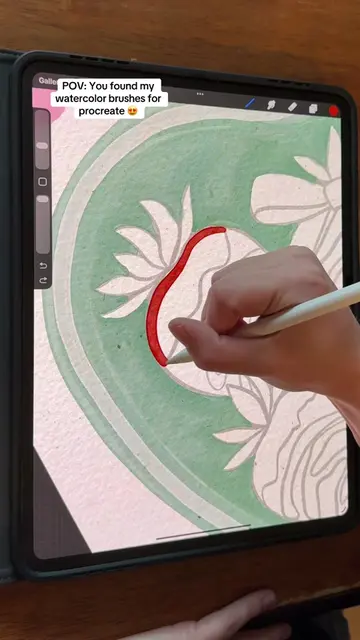
Here is how you can get a paper texture effect in Procreate!
@sam.does.art
48.3K followers · usually 2.2K views a post
Views
7.7K
Likes
397
Comments
4
Shares
24
Why it worked
The video provides a clear, concise tutorial on a specific artistic technique, using a popular digital art application. The visual demonstration and the use of blend modes offer a tangible and easily replicable outcome for viewers interested in enhancing their digital art.
Summary
This video demonstrates how to add a paper texture effect to digital art using Procreate. The creator shows how to find and import a paper texture image, resize it, and apply a 'Linear Burn' or 'Multiply' blend mode to achieve a realistic watercolor or canvas effect.
Structure
- 1Show final artwork with texture
- 2Search for paper texture online
- 3Import texture into Procreate
- 4
Original caption
Here is how you can get a paper texture effect in Procreate! Paper textures add so much to a digital art piece. This is an easy way to make your procreate art look more realistic! #procreatetutorials #procreatepaper #procreatetips #procreateideas #procreateapp
More from @sam.does.art
More breakout videos from this creator.