Loading video…
Sound

original sound - jatemplate
JA [ER] · Original audio
0:00–:––
Playing this video’s own audio, so you’ll hear the creator over the sound.
Hook
Posted Nov 14, 2026Video · 0:30by @jatemplate
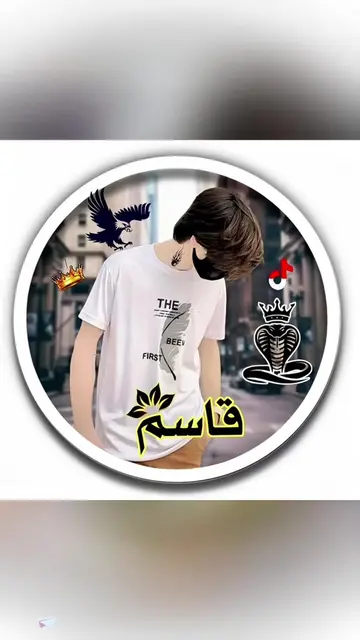
The video uses a high-quality visual transformation as a hook, followed by a concise, low-friction tutorial that makes the complex AI process feel accessible and achievable.
The creator demonstrates how to use the AI photo editing features within the CapCut mobile app to transform a portrait. The video provides a step-by-step walkthrough of the interface to achieve a specific aesthetic result.
Tutorial Edit Photo AI | Midnight Birthday - Candlelight Portrait #capcut #capcutpioneer #capcutphoto #happybirthday #capcut_edit
Want to turn your photos into stunning AI pictures like these?
Hook with before/after result
Open CapCut and select edit photo
Upload photo and input AI prompt
Select AI model and wait for generation
Save and export the final image
CapCut: (a) ACTS — the video demonstrates its interface, specifically the 'edit photo' feature, AI prompt input, model selection, and the generation process. Removing this would remove the entire subject of the video. The app is also named in the on-screen text and the creator's bio link.
Save this tutorial and try it yourself.
Playing this video’s own audio, so you’ll hear the creator over the sound.
Video editing app for creators making social media videos
Views and creators: posted in the last 30 days (English videos). Videos: all time.
Promotes 1 product. Create free account to see more.
Outliers and viral hits: their videos on Overshot, all time.