Loading video…
Sound

original sound - toluoflele
Tolulope Boy · Original audio
0:00–:––
Playing this video’s own audio, so you’ll hear the creator over the sound.
We didn’t find a product being promoted in this video. Its hook, format and structure below still show why it took off.
Browse products winning on TikTokThe video directly addresses a common user pain point with a clear, step-by-step screen recording, making it highly valuable and shareable for new users.
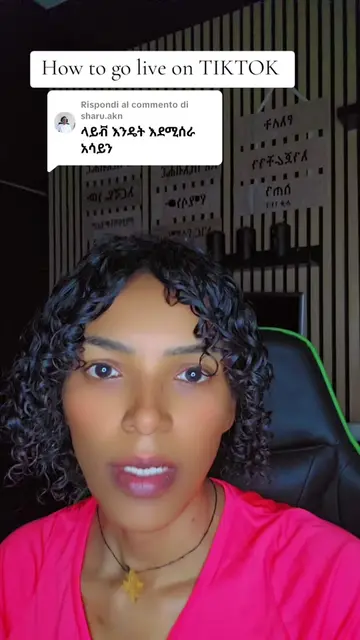
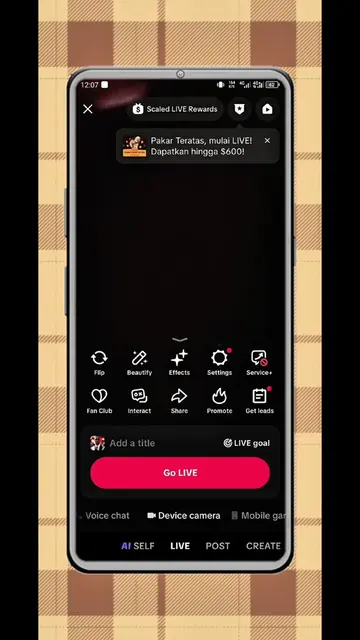
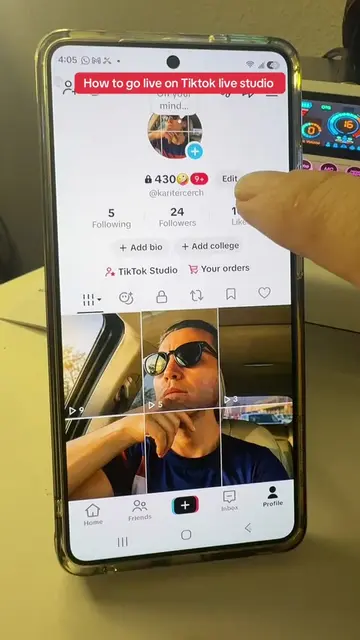
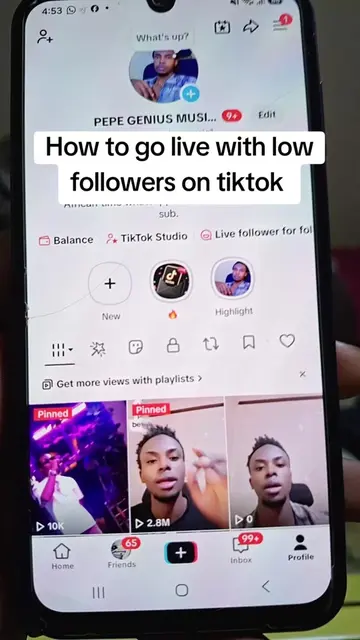
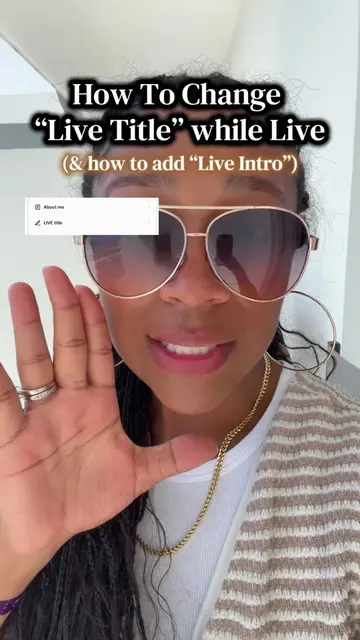
A creator provides a step-by-step tutorial on how to start a live stream on TikTok, explaining various settings like voice chat, mobile gaming, and live studio. The video concludes by showing the user how to end the live stream.
Replying to @LĚKĚ | LEKES MINDSET How To Save Your Livestream Highlights to your Gallery from Tiktok #goviral
please how can I go live on TikTok
Addressing a viewer's question about going live
Navigating to the live streaming interface
Explaining title and gift settings
Demonstrating different live modes
Starting and ending the live stream
TikTok (a) ACTS — the video demonstrates its interface, specifically the 'Go Live' feature, settings, and navigation. Removing it would change the video entirely as it is the subject of the tutorial.
Like this video, share this video to your friends that might need the knowledge, save to your favorite so you can watch it later.
Playing this video’s own audio, so you’ll hear the creator over the sound.
Promotes 3 products. Create free account to see more.
Outliers and viral hits: their videos on Overshot, all time.