Loading video…
Sound

original sound - mobysiddique
Moby @ RedPandas Digital · Original audio
0:00–:––
The video provides a clear, step-by-step tutorial for a common user need (creating a good LinkedIn photo) using readily available free tools. The "native mention" approach, where the tools are used to achieve the end goal without an overt sales pitch, makes it highly shareable and valuable content.
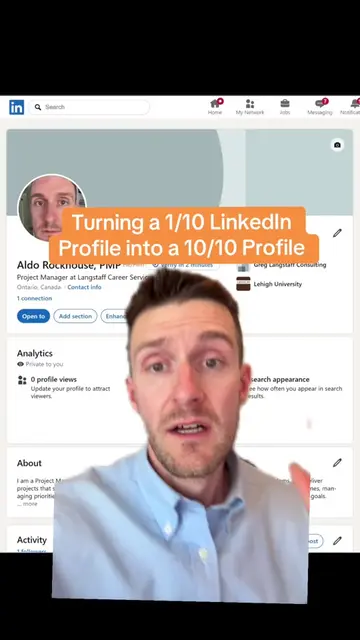
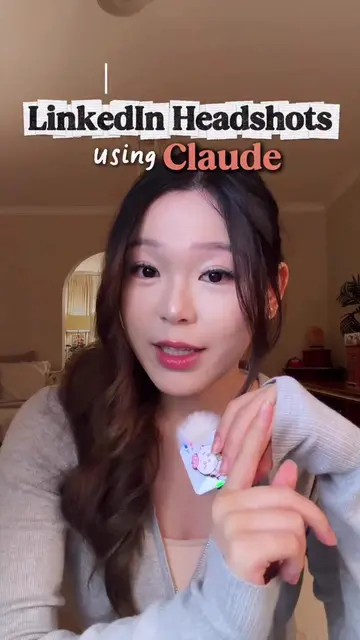
This video demonstrates how to create a professional LinkedIn headshot using online tools. It guides viewers through taking a photo, removing the background with remove.bg, adding a circular frame and outline color in Canva, and finally uploading it to their LinkedIn profile.
How to create the ideal LinkedIn headshot #linkedinbio #linkedinmarketing #digitalmarketingtips #digitalmarketingtips
How to Create an awesome LinkedIn headshot
Introduce the goal: create an awesome LinkedIn headshot.
Step 1: Take a direct-to-camera photo.
Step 2: Remove the background using remove.bg.
Step 3: Upload the image to Canva and add a circular frame with a colored outline.
Step 4: Upload the finished headshot to LinkedIn.
The video demonstrates using remove.bg to remove image backgrounds and Canva to edit the photo, with the final product being a LinkedIn profile picture. The creator's agency, RedPandas Digital, is also promoted via the bio link.
Outliers and viral hits: their videos on Overshot, all time.
Digital marketing agency for businesses seeking SEO and inbound marketing
All time.