Loading video…
All breakouts

7.5Talking HeadDirect Question hook
Hook
You should make it somthing about privacy settings cuz what if your freind sends you somthing funny
@branchapp
1.9K followers · usually 910 views a post
Views
6.7K
Likes
213
Comments
24
Shares
0
Why it worked
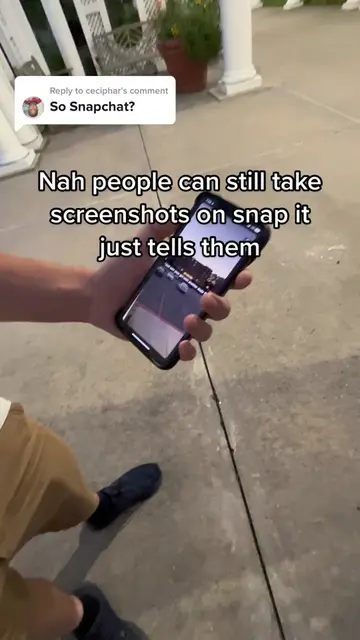
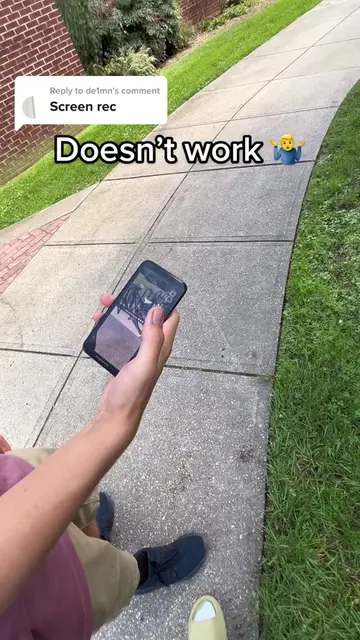
The video addresses a common user concern about privacy and control over shared content, making it relatable and informative. The "Link in Bio" CTA encourages viewers to explore the promoted app for these features.
Summary
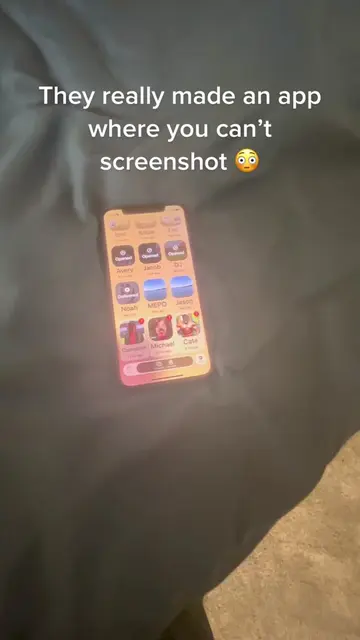
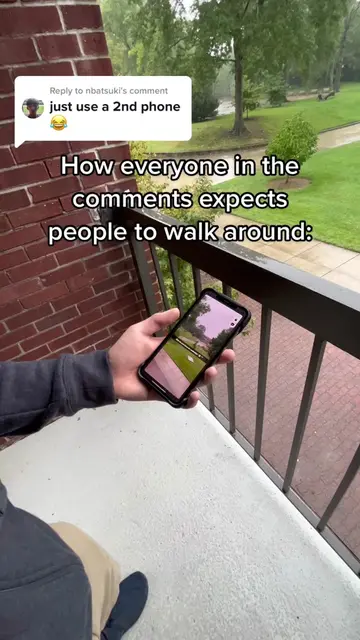
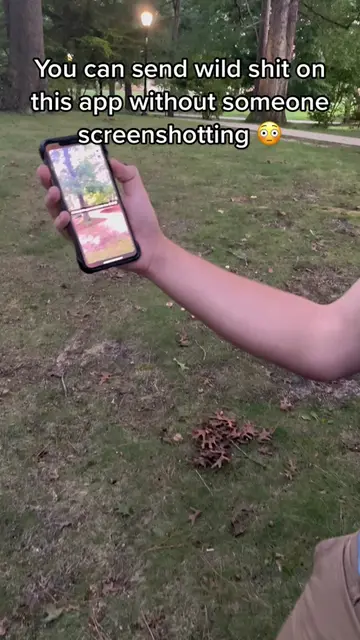
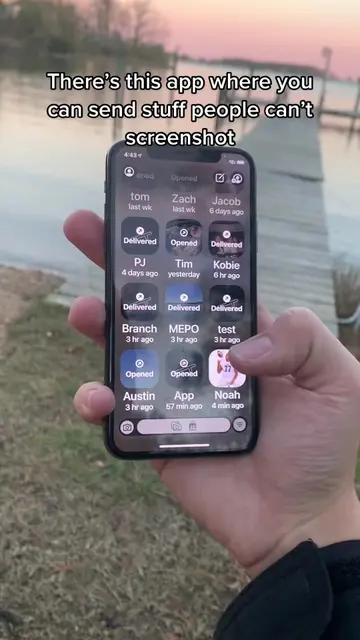
The video demonstrates how to toggle screenshot settings on a social media app, implying that users can control whether others can screenshot their content. It concludes with a "Link in Bio" call to action.
Structure
- 1Introduction to privacy settings and screenshots
- 2Demonstration of toggling screenshot options
- 3Call to action: Link in Bio
Product placement
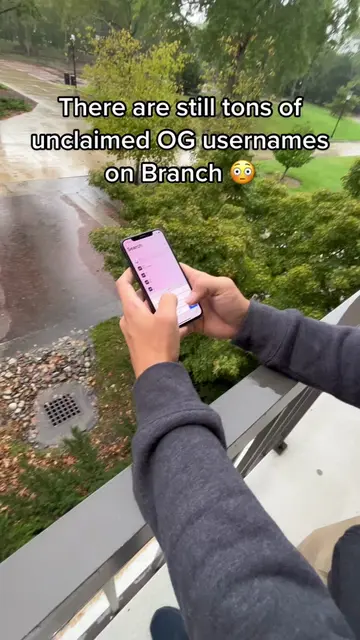
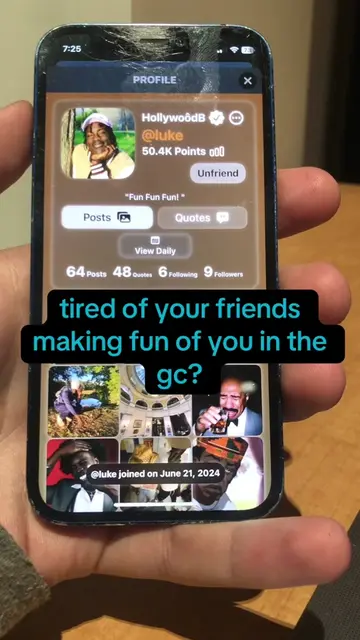
The video showcases features of a social media app, likely Branch Social, focusing on its privacy settings related to screenshots. The "Link in Bio" suggests the app itself is being promoted.
Call to action
LINK IN BIO ‼️
On-screen text
You can toggle if someone can screenshot or not 😳
LINK IN BIO ‼️
Original caption
Replying to @kochyboi LINK IN BIO ‼️ #socialmedia #media #privacy #snapchat #screenshotting #appstore #app #fyp #xyzbca #technology #Tech
More from @branchapp
Their other posts in the index, biggest breakout first.