Loading video…
Sound

Clean, motivational, positive corporate music
3KTrack
0:00–:––
- Videos using it
- 4
- Creators
- 4
- Views on those videos
- 606.1K
Hook
Posted Nov 19, 2022Video · 1:49by @mongkon.krirk
We didn’t find a product being promoted in this video. Its hook, format and structure below still show why it took off.
Browse products winning on TikTokThe video provides a practical and useful tip for Android users, particularly those interested in app development. The clear, step-by-step instructions and visual demonstration make it easy to follow, and the topic itself appeals to a niche audience interested in mobile development.
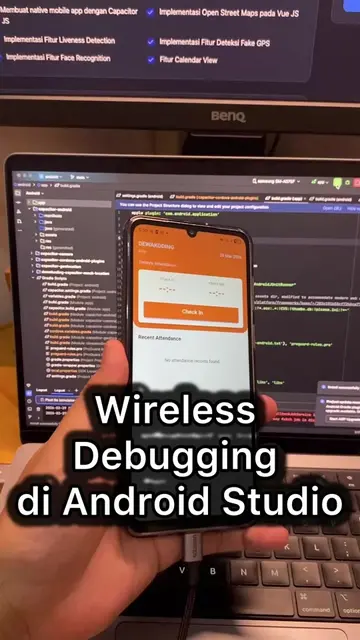
The video demonstrates how to enable Developer Mode on an Android phone. It guides viewers to navigate through Settings > About Phone > Build Number and tap it seven times. Once enabled, the Developer Options menu becomes accessible, allowing for features like USB debugging, which is useful for testing applications directly on the device.
เคล็ดลับการเปิดโหมด Developer บนมือถือแอนดรอยด์ #mobileappdevlopment #tiktokสายความรู้ #mobileapp #education #tiktokuni #programmer #ios #android #appstore #playstore #สอนเขียนแอพ #coding #โปรแกรมเมอร์ #ภาษาคอมพิวเตอร์
เคล็ดลับการเปลี่ยนมือถือแอนดรอยด์ให้เป็น Developer Mode
Introduction to enabling Developer Mode on Android
Navigating to Settings and About Phone
Tapping the Build Number seven times
Confirmation of Developer Mode activation
Accessing Developer Options and USB Debugging
Conclusion and call to action
The video shows how to enable Developer Options on an Android phone, which is a built-in feature of the operating system. No third-party product is explicitly promoted.
กดหัวใจกดติดตามไว้ได้เลยนะครับ
Outliers and viral hits: their videos on Overshot, all time.