The video provides high-value, actionable 'behind-the-scenes' content that solves a specific pain point for other agency owners, making the product demo feel like a helpful tutorial rather than an ad.
Summary
The creator demonstrates a client onboarding workflow for a social media marketing agency using the Lead Catch platform. He explains how automated text messages and pipeline stages streamline the process of gathering client information and launching ad campaigns.
Structure
1Introduction to the agency onboarding process
2Demonstration of the initial client intake automation
3Explanation of the 'Ready to Start' stage and internal notifications
4
Original caption
How we onboard smma clients with go high level✅
More from @kevenbuilds
More breakout videos from this creator.
Overview of the final 'Completed' stage and automated delivery of assets
5Call to action for questions
Product placement
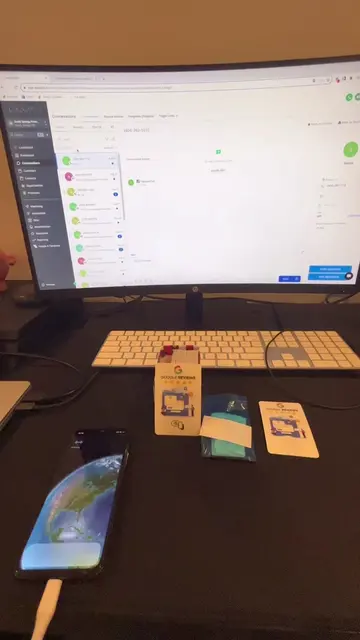
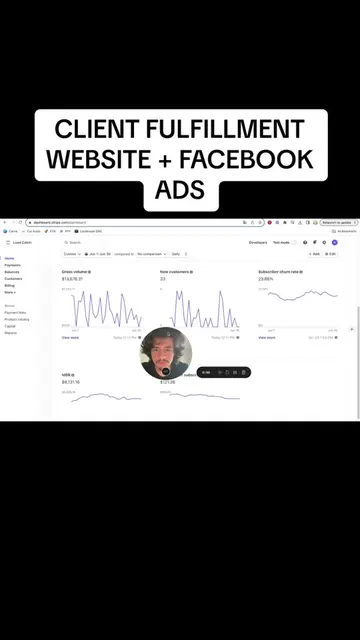
The video is a screen recording of the Lead Catch platform, which is the primary focus of the tutorial.
Call to action
If you have any questions about the process, go ahead comment down below or shoot me a DM on Instagram.
On-screen text
Client Onboarding
New client
Ready to start
COMPLETED
Transcript
I'm gonna walk you through it step-by-step and show you the cool little automations I have in the background. So as soon as we take payment from a client, first thing we do is we go to contacts, create their contact with their phone number name, then we add them to the new client stage. Now as soon as they're on this stage, what happens is this automation kicks off. So the way we have it set up is pipeline stage change is for new client, and they get these text messages as following. So hey contact name, this is Kevin from Lead Catch, submit the following information, company name, your logo, Facebook information for when we run their ads. And then we also have a little onboarding tutorial. So this first YouTube video shows them how to set up the ad manager, the business manager, making sure it's all in good standing. Then on the second link they go ahead and give me partner access to their ad account so we can launch ads on our end. So as soon as they submit the information, on the last text message they have to reply with done. As soon as done is recorded, what happens is this automation goes off automatically. So as you can see in the pipeline, this is the ready to start stage. As soon as done is recorded, as you can see over here, replied with done, they're automatically in this stage, and what happens is I get a notification, my virtual assistant gets a notification that this client over here is ready to get started. That's why they're over here. Now as soon as they're over here, my virtual assistant typically gets started on launching their Facebook ads and website. I have full tutorials of this on my page. As soon as they completed, they get dragged to this part of the pipeline, either completed Leila or completed Keven. And on this last part, what happens is they get the following automations. So a notification goes out to me that the client is finished, then they get the following text messages. Hey contact name, your website is ready. Next step, download our mobile app and access our desktop software using the links below. And then we have our desktop software which is GoHighLevel. We've got the mobile app, and we've got their login information. So my virtual assistant is trained on um sending these text messages in the last part. So as you can see over here, all these messages were sent. The only thing my virtual assistant has to send is this last part over here. But as you can see, this is the complete onboarding process. So we've got the first text message that goes out, then they submit the information, we take this information, launch their Facebook ads, launch their website, and then once it's all done, they get the following text message. This makes things super easy and save so much time. If you have any questions about the process, go ahead comment down below or shoot me a DM on Instagram.