The video provides high-value, actionable 'how-to' content that solves a specific problem (building websites fast) while demonstrating the efficiency of the promoted tool, making the pitch feel like a helpful tip rather than an ad.
Summary
The creator demonstrates how to quickly build a professional website for a local business using a specific SaaS platform and pre-made templates. They walk through the entire process, from finding a client to publishing the site and hooking up a custom domain.
Structure
1Identify a local business without a website
2Gather business assets from Facebook
3Import a pre-made snapshot into the SaaS platform
Original caption
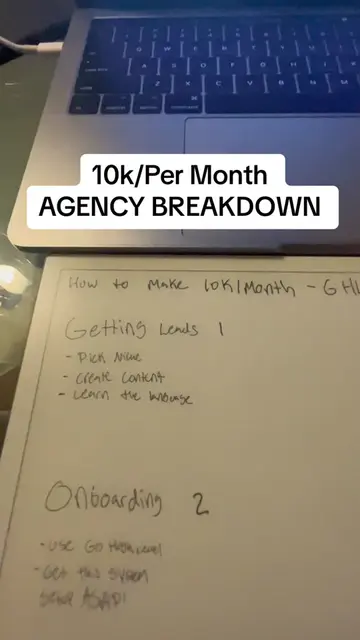
How we build websites in less than 10 minutes | Detailed Walkthrough
More from @kevenbuilds
More breakout videos from this creator.
4
Configure custom values and upload the logo
5Connect a custom domain via DNS settings
6Show the final live website to the client
Product placement
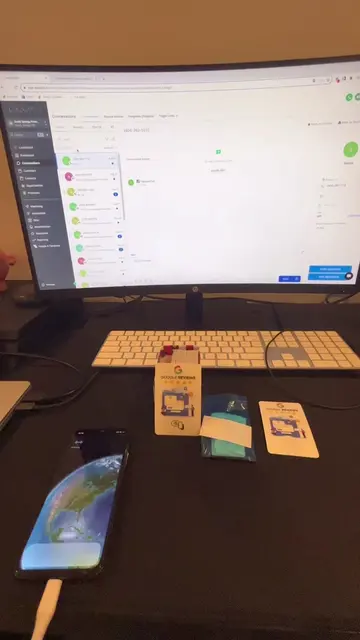
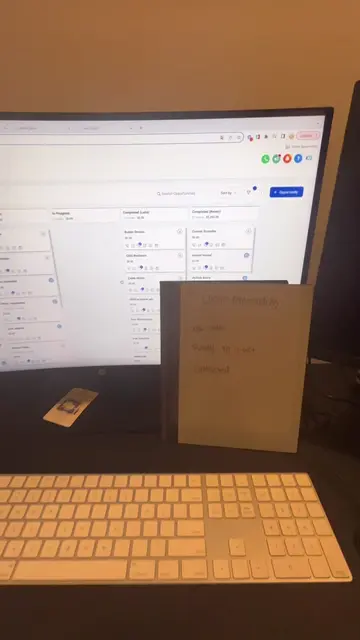
The creator uses GoHighLevel (referred to as 'LeadCatch' in the UI) to build the website, demonstrating its features like snapshots, custom values, and domain management.
Call to action
Check out the free course in my bio.
On-screen text
1. LOGO
2. Sub-Account
3. Custom Values
4. Domain
5. Call
We're Using Go High Level
Transcript
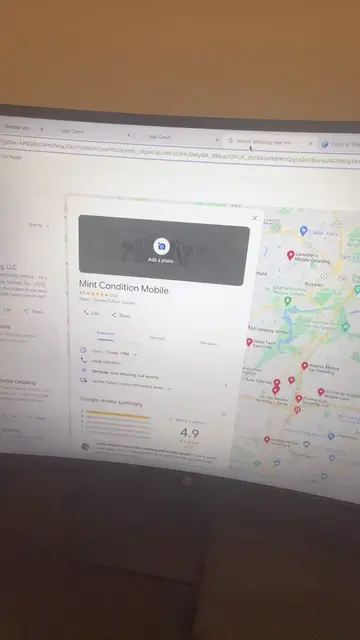
So while everyone is spending their Saturday scrolling on TikTok, this is how I make money and deliver websites in less than 10 minutes. We're going to break it down step-by-step. So first, what you're going to do is you're going to search up mobile detailers near you and you're going to find one that doesn't have a website. As soon as you do that, you're going to look for them on Facebook, click their profile, grab the image, and we're going to use this for the website we're going to build them. We're going to lead with value first, deliver the website before they even know about us. This is going to help you close clients for your social media marketing agency. But next step, what we're going to do is we're going to go into the sub-account. So logo is done. Let's go ahead and create the sub-account. What we're going to do is just select the blue button over here. We're going to go to our own snapshots and we're going to use the mobile detailing snapshot. If you want to get this snapshot, it's in the free course in my bio. Just go ahead and check that out. But next, we're going to fill in this information and I'll catch up with you once I fill this in. Okay, now that all the information is filled in, we're simply going to save the sub-account and go ahead and start the website building process. As soon as this saves, we're going to go ahead and switch the sub-account, which we're going to select over here. Now you're going to see how fast we get this delivered. So let's go ahead and mark this off and start with the custom values. Let's give this a second to load. Okay, so now that we have the snapshot imported, what we're going to do is we're going to head over to custom values. And to do this, you're going to go down to settings. You're going to go down to custom values on the left, and you're going to use the snapshot custom values that we have over here. For a company name, we're going to do Mint Condition Mobile. So we'll go over here, next to this out. Mint Condition Mobile. Copy, go back here. You're going to see how fast this website gets delivered. This is all we need to do for the website building process. We literally only have four more steps left. So Mint Condition Mobile, we're going to go over here, grab the phone number, copy, go back here, paste. And in the meantime, what we're going to do is we're going to have our Google domains open so we can actually hook up a domain to this website. Now if you want to see the unlimited domains hack, go ahead and check out one of my other videos. I made a video covering domains as well. So last thing we're going to do is we're just going to get the logo image URL and to do this, we're going to go down to media. We're going to go open media library, upload file, and we're going to upload the one that we just saved from Facebook. As soon as that uploads, we're going to go ahead and right-click on it, click get link, go back, go down to custom values, go back to this custom value for the logo image URL, and we're going to paste it in here. Now the last step we have to do is just set up the domain. This is the last step we have to do to get the website published and I'm going to show you what the final result looks like as soon as we hook up this domain. So last thing we need to do is go to your domain, go to your DNS settings, click manage custom records. You're going to go down here and put in their business name. In this condition, in this case, it was Mint Condition Mobile. So we're going to go ahead and copy that, go to domains, paste that, take out the spaces. You can't put spaces in the domain. Next, we're going to select CNAME. We're going to go to this, copy this, put the flashfunnels.messenger.com, paste, boom. Domain is almost set up now. Next, we're going to go command F, look for Mint Condition. We're going to go ahead and copy this. This is how we hook up the domains. Go back to our high level. We're going to go to the domains tab, add domain, paste domain, continue. It's going to set up the domain. Next, just authorize. Okay. Now that we have the domain authorized, we're just going to give it a second to load over here. Next, just select the funnel, mobile detailing site, home, link domain. Boom. Now our website's published, our domain is hooked up and I'm going to show you the final result. Let's go ahead and take this domain, search it up real quick. Boom. And just like that, we've created a website for our client, Mint Condition Mobile. As you can see, we've got the logo over there. We've got the phone number automatically linked. And if we scroll down, you can actually see all of the content is already written out for mobile detailing. Again, the snapshot is in the free course in my bio. But as you can see, everything is built out for you and you can rinse and repeat this process. The last thing you have to do is call up the business and show them the website you just built for them. If you have any questions, go ahead and comment down below and again, check out the free course in my bio.