Loading video…
All breakouts
363App DemoHow-To hookSaaS
Hook
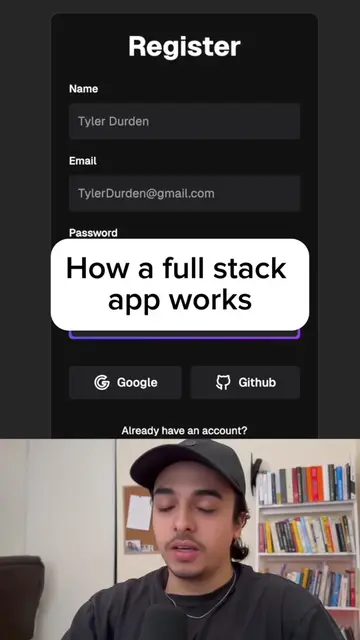
Let's make our first website!!
@222nizzy
15.7K followers · usually 3.0K views a post
Views
1.1M
Likes
59.8K
Comments
494
Shares
1.8K
Why it worked
The video provides high-value, actionable technical knowledge in under a minute, making it highly shareable for beginners interested in programming.
Summary
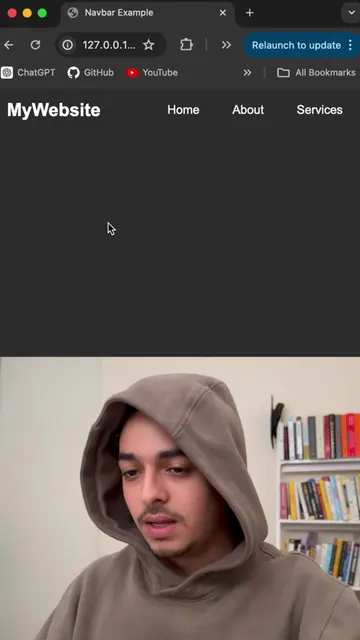
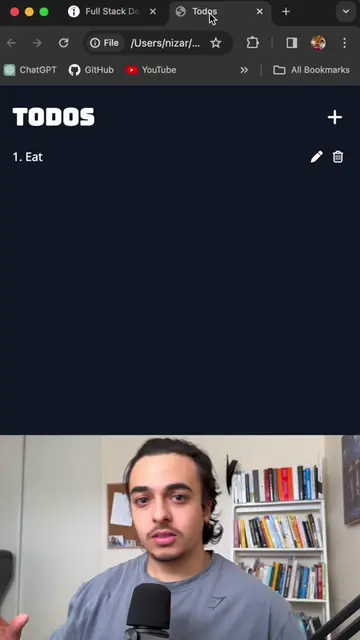
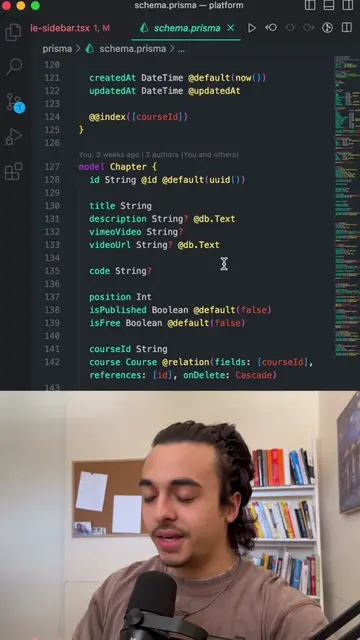
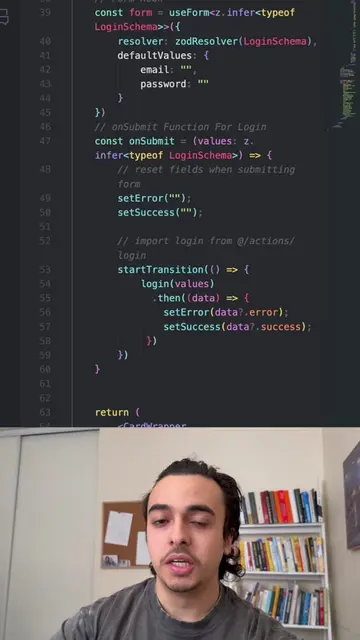
The creator provides a quick, step-by-step tutorial on how to set up a basic HTML file using Visual Studio Code and the Live Server extension. He demonstrates the process from creating the file to rendering a simple text output in a browser.
Structure
- 1Introduction to creating a website
- 2Installing and opening Visual Studio Code
- 3Creating an index.html file
- 4Generating HTML boilerplate
- 5Installing and using the Live Server extension
- 6Testing the website with a simple text input
Product placement
Visual Studio Code (code editor) is shown and used throughout the tutorial.
On-screen text
Let's make our first website!!
Original caption
Let’s make our first website!! #fyp #coding #viral #programming #website
More from @222nizzy
More breakout videos from this creator.