Loading video…
All breakouts
31.6App DemoHow-To hookSaaS
Hook
Let's build this simple yet beautiful navbar using HTML and CSS.
@222nizzy
15.7K followers · usually 3.0K views a post
Views
94.8K
Likes
5.8K
Comments
37
Shares
154
Why it worked
The video provides high-value, actionable technical education in a concise format, which is highly shareable and saves viewers time.
Summary
The creator provides a step-by-step tutorial on how to build a responsive navbar using HTML and CSS. He demonstrates the code in a text editor and shows the resulting design in a browser.
Structure
- 1Introduction to the project
- 2Writing the HTML structure
- 3Reviewing the unstyled result
- 4Applying CSS styling
- 5Final result showcase
On-screen text
Navbar Example
MyWebsite
Home
About
Services
index.html
styles.css
Transcript
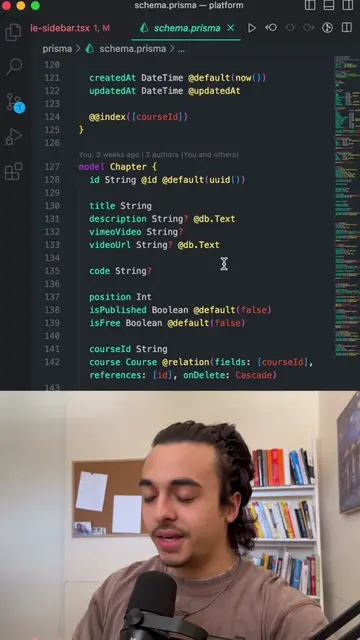
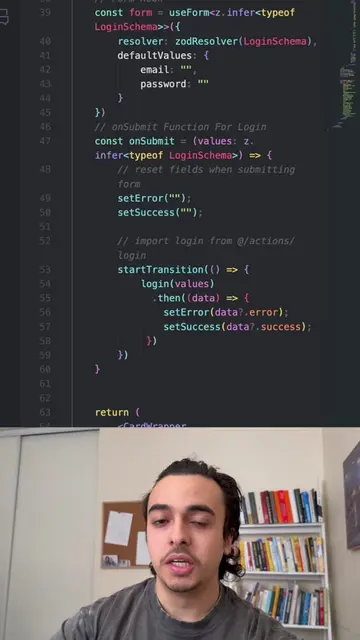
Let's build this simple yet beautiful navbar using HTML and CSS. So the first thing we need to do is create an index.html file, set everything up, while also connecting a CSS file which we will get into. And then we're going to create a nav card. Then we're going to add the logo, which is just a text saying MyWebsite, and then the rest of the items. And if you don't know what this is, it's just a list of items stating the different pages, so we have a home page, an about page, a services page. That's all. However, as of now, this is what everything looks like, and it looks like absolute crap. So let's actually design this using CSS. So the first thing we're going to do is make sure there's no padding on the entire page. Then we're going to design the body by giving it a darker color and a specific font. Then we're going to design the navbar. Essentially here we're giving it some color and some padding. Then we're going to make the text logo a little bit thicker. We're then going to design the navbar links. I'm going to pause so you can see this. And then the hover state for the nav item. And if we go back to our page, this is what the final product will look like, simple, yet beautiful.
Original caption
How to build a navbar using HTML & CSS 😍🧑🏽💻 #fyp #viral #website #coding
More from @222nizzy
More breakout videos from this creator.