Loading video…
All breakouts
4.4Silent UGCOther hookConsumer Apps
Hook
No SIM 05:20 1% Sunday, 28. April just got the new apple calculator ✨✨
@ttbtech
97.6K followers · usually 181.9K views a post
Views
770.5K
Likes
46.8K
Comments
438
Shares
430
Promoted product
Apple Calculator
Why it worked
The video leverages a common user experience (getting a new app) and presents it humorously as a significant event, using the familiar Apple interface to create relatability and intrigue.
Summary
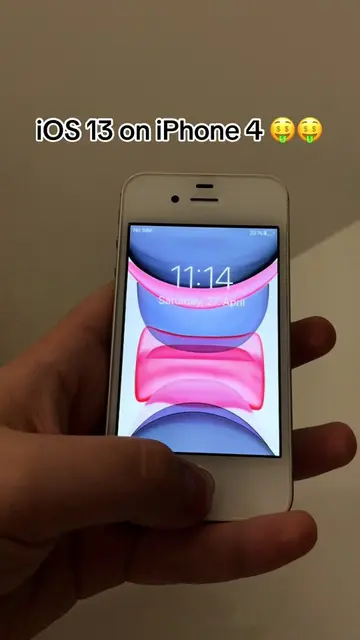
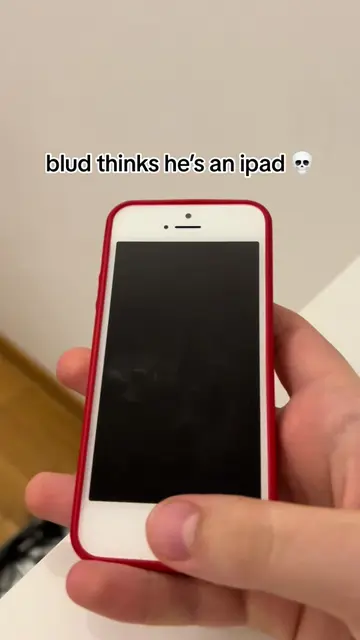
The video shows a user unlocking their iPhone, which displays a message about getting the new Apple Calculator. It then navigates through the phone's settings, showing the "iCalc" app and its version as 1.0, before returning to the home screen with the calculator icon visible.
Structure
- 1Phone lock screen with message about new calculator
- 2Accessing settings and app name 'iCalc'
- 3Viewing app version and model
- 4Returning to home screen with calculator icon
Product placement
Apple Calculator: ACTS - it is the subject of the video, shown being used and its settings being accessed. Removing it would change the video. iCalc: ACTS - it is the name of the calculator app, shown in settings. Removing it would change the video. Calc Store: APPEARS - it is mentioned as part of the iCalc setup, but not interacted with. Removing it would not change the video. Apple: APPEARS - it is the brand of the phone and implied brand of the calculator app. Removing it would not change the video.
Original caption
crazy #applecalculator #calculator #apple #iphone #mariobros #supermario #mario #ios #jailbreak
More from @ttbtech
More breakout videos from this creator.