Loading video…
All breakouts
4.2App DemoProblem Callout hookConsumer Apps
Hook
No Passcode! No Computer?
@depict.iunlockerpro
4.5K followers · usually 1.1K views a post
Views
4.5K
Likes
52
Comments
2
Shares
6
Why it worked
The video likely worked because it addresses a common pain point for iPhone users: forgetting their passcode. The promise of an easy, no-computer solution is highly appealing and likely drove engagement.
Summary
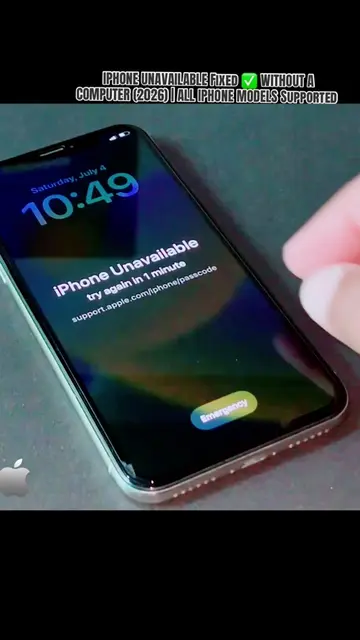
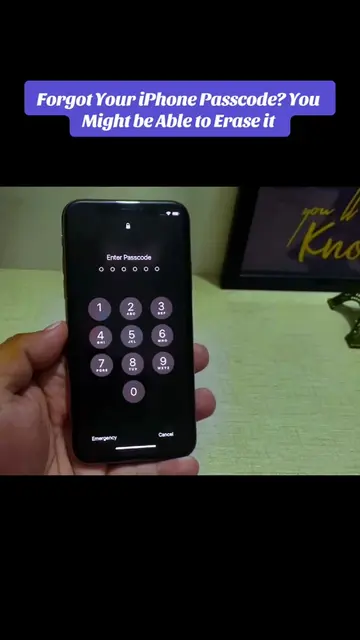
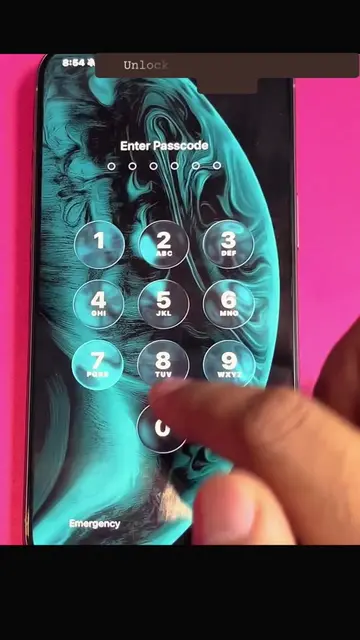
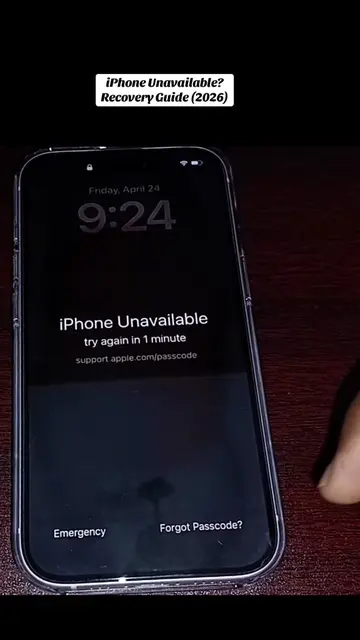
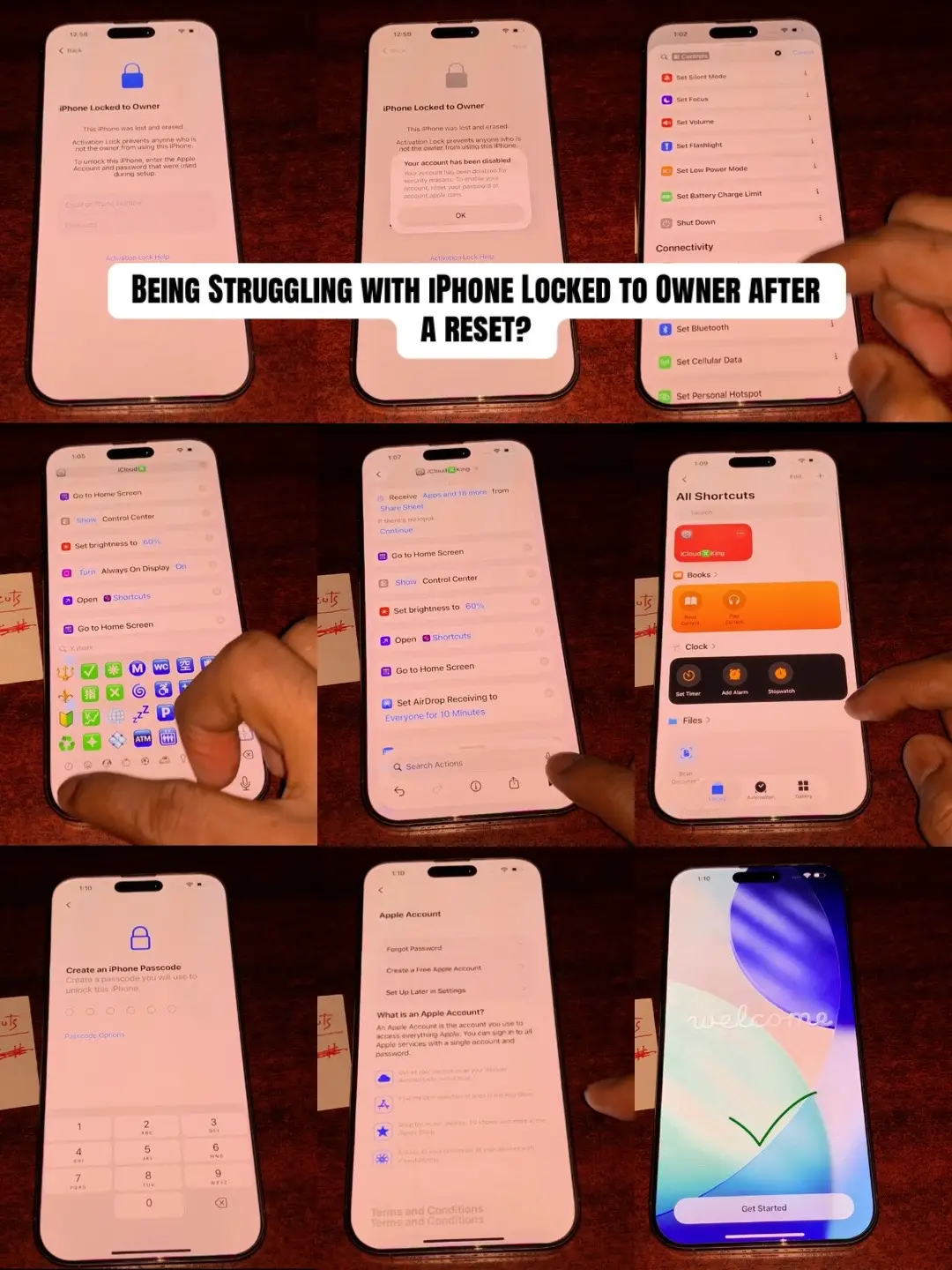
The video demonstrates a trick to unlock an iPhone without a passcode or computer. It shows the user interacting with the emergency call screen and inputting a code, after which the phone's home screen is displayed.
Structure
- 1Show iPhone lock screen
- 2Display text overlay about unlocking
- 3Access emergency call screen
- 4Input a specific code
- 5Unlock the iPhone
On-screen text
No Passcode! No Computer?
This trick Unlock Your iphone Passcode Easily - iphone 5-16
Original caption
Can't access your iPhone due to Forgotten Passcode? Try this Trick! iPhone Passcode reset made easy in a sec... #appleiphone #passcodeunlock #forgotpasscode #howto #iphonetips
More from @depict.iunlockerpro
More breakout videos from this creator.