Loading video…
Sound

original sound - HADU75 TV
HADU75 TV · Original audio
0:00–:––
Playing this video’s own audio, so you’ll hear the creator over the sound.
Hook
Posted Sep 11, 2024Video · 3:08by @hadu75tv
The video provides a clear, step-by-step tutorial on how to install a specific application (E-Sign) on iOS using an IPA file. This type of content is highly valuable for users who want to install apps not available on the App Store, addressing a common user need.
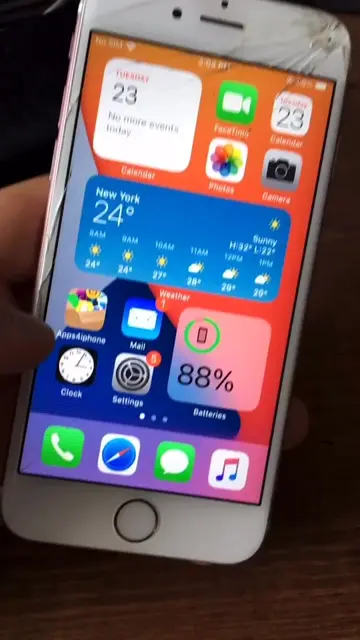
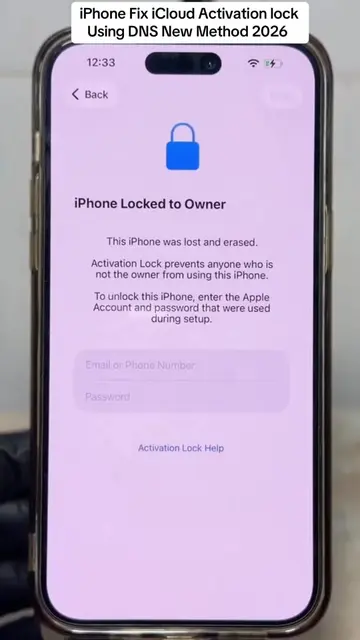
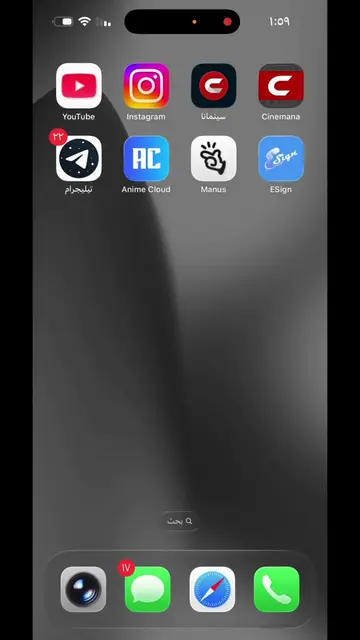
The video demonstrates how to install the E-Sign app on iOS by downloading an IPA file. It guides the user through the process of downloading the file, installing it via a profile, and trusting the developer in the device settings.
Cách cài E-Sign mới nhất ios | Cài file ipa trên iphone #esign
Cách cài E-Sign mới nhất ios | Cài file ipa trên iphone #esign
Download the IPA file for E-Sign.
Install the profile from the downloaded file.
Trust the developer in the device settings.
Open and use the E-Sign app.
The video shows the process of installing and using the E-Sign app on an iPhone.
Playing this video’s own audio, so you’ll hear the creator over the sound.
Promotes 5 products. Create free account to see more.
Outliers and viral hits: their videos on Overshot, all time.
IPhone app for installing and signing iOS apps with certificates
All time.