Loading video…
All breakouts
4.9App DemoOther hookConsumer Apps
Hook
Apple Beta Software Program
@jessedortiz
5.0K followers · usually 3.6K views a post
Views
16.8K
Likes
390
Comments
26
Shares
6
Why it worked
The video provides a clear, step-by-step tutorial on how to access beta software, a topic of high interest to tech-savvy users. By demonstrating the process directly on a device, it offers practical value and addresses a common user desire to try new features before public release.
Summary
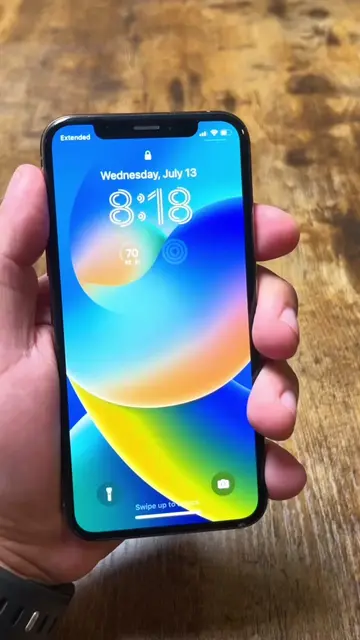
This video demonstrates how to enroll an iOS device in the Apple Beta Software Program to download and install beta versions of iOS and iPadOS. It guides viewers through backing up their device, downloading the configuration profile, and installing it via the Settings app.
Free accountLocked — create a free account to open
Transcript, structure and on-screen text
6 beats, a 252-word transcript and 78 lines of on-screen text — the parts you need to write your own version.
Original caption
The iOS16 Public Beta looks pretty stable so far. But still this is a risk to put on your phone. #JesseDOrtiz #Tech #TechTok #fyp #Apple #iOS16 #Beta #iPhone #iPhone13
More from @jessedortiz
More breakout videos from this creator.