Loading video…
All breakouts
39.3App DemoHow-To hookConsumer Apps
Hook
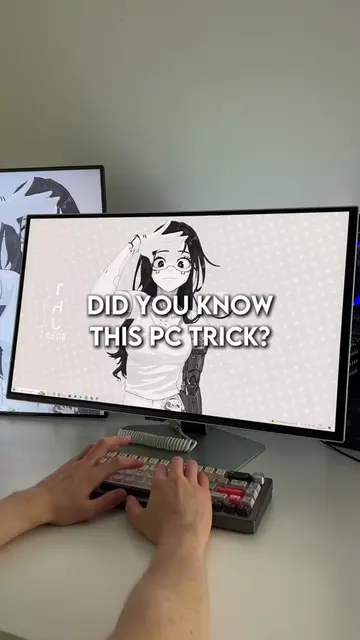
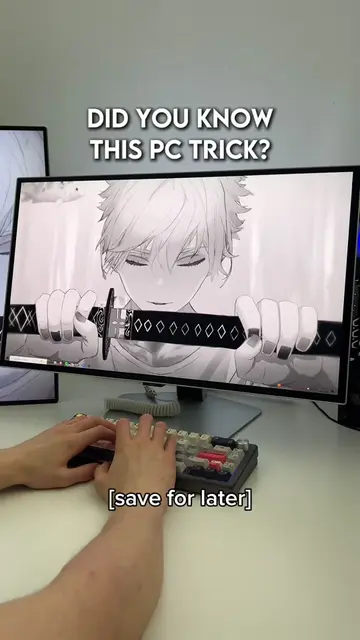
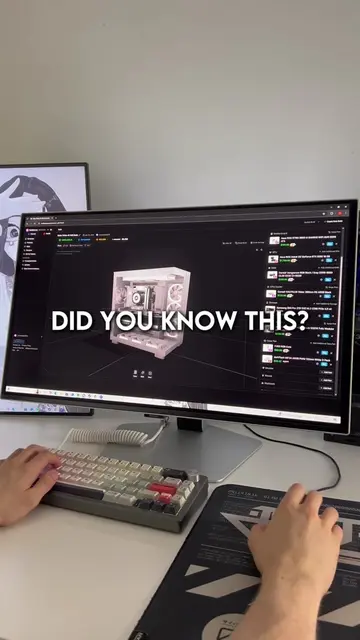
Here's a Windows trick you don't know.
@lucastechq
346.2K followers · usually 19.5K views a post
Views
764.3K
Likes
34.8K
Comments
171
Shares
1.3K
Why it worked
The video provides a high-value, actionable technical tip that solves a common user frustration (input lag) in under 15 seconds, making it highly shareable and rewatchable.
Summary
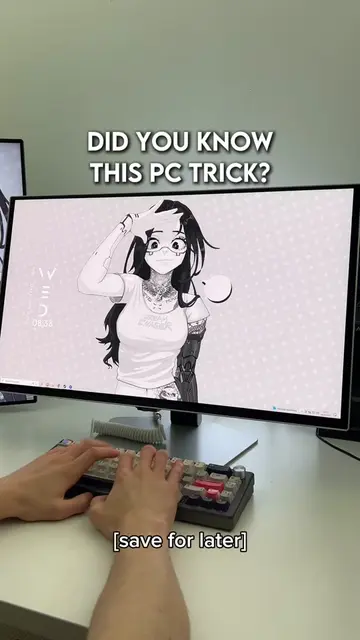
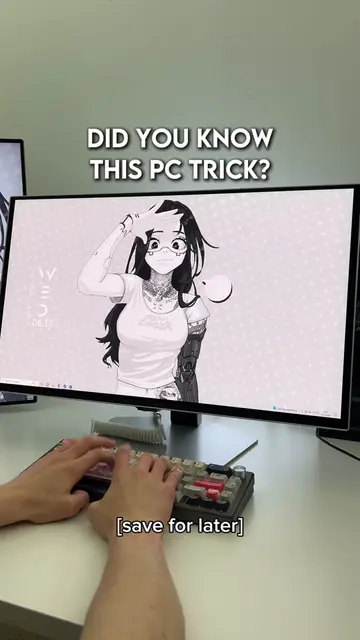
The video demonstrates a quick Windows setting adjustment to reduce keyboard input delay. It guides the user through the Control Panel to modify repeat delay and repeat rate settings.
Structure
- 1Introduce the Windows trick
- 2Open keyboard settings
- 3Adjust repeat delay and rate
- 4Apply changes and explain benefit
On-screen text
*PART 17*
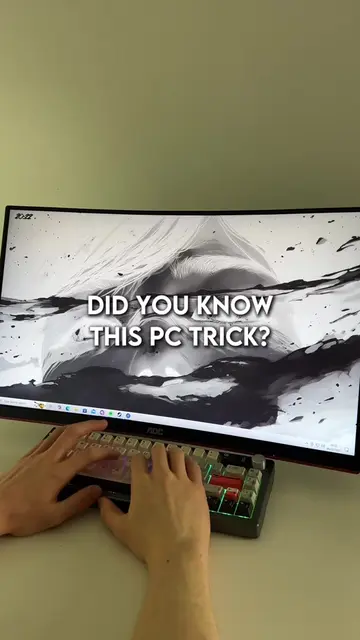
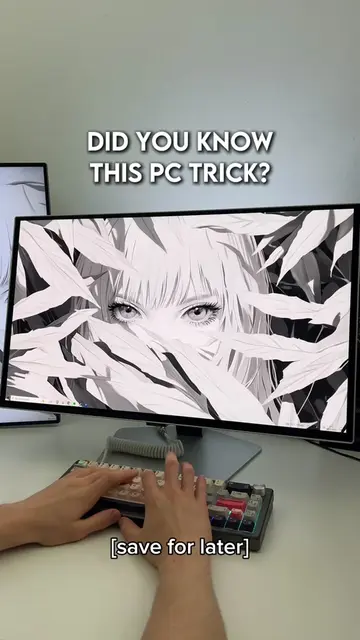
DID YOU KNOW THIS PC TRICK?
Transcript
Here's a Windows trick you don't know. Press the Windows key on your keyboard, type keyboard, and select it from the search results. Adjust the repeat delay to short and the repeat rate to fast, then click apply. This will reduce input delay on your keyboard. Easy.
Original caption
Did You Know This PC Trick? (Part 17) | #computer #it #techtok #pctips #productivity #lucastechq
More from @lucastechq
More breakout videos from this creator.