Loading video…
All breakouts
20.6Silent UGCDirect Question hookConsumer Apps
Hook
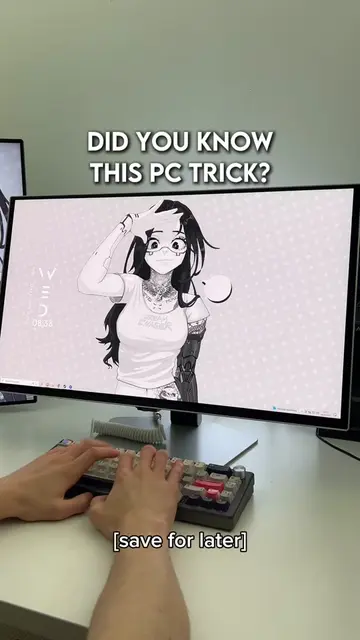
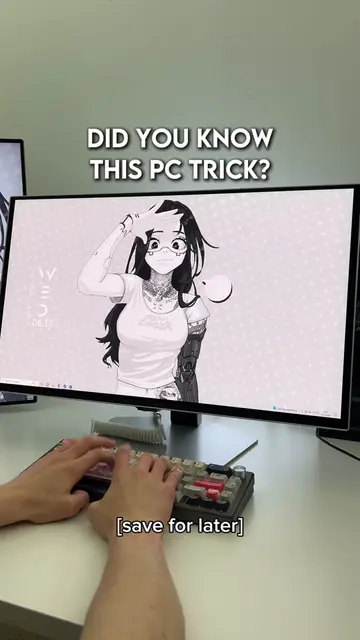
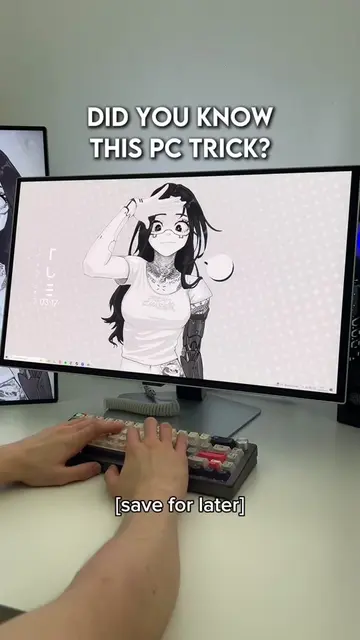
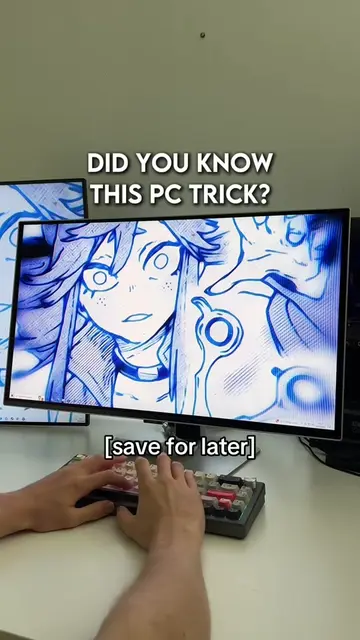
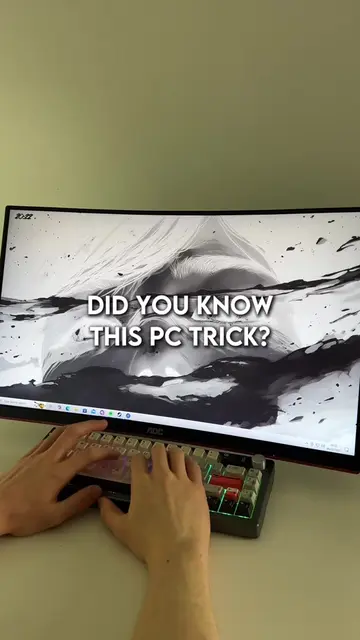
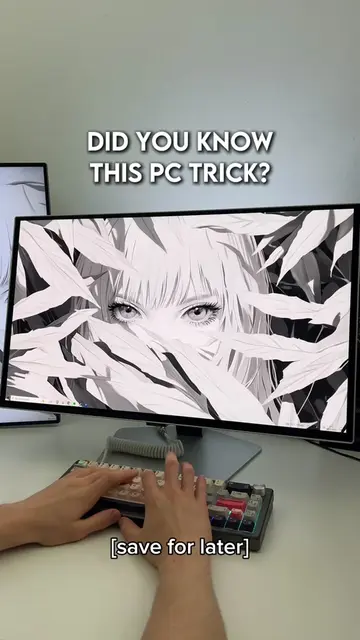
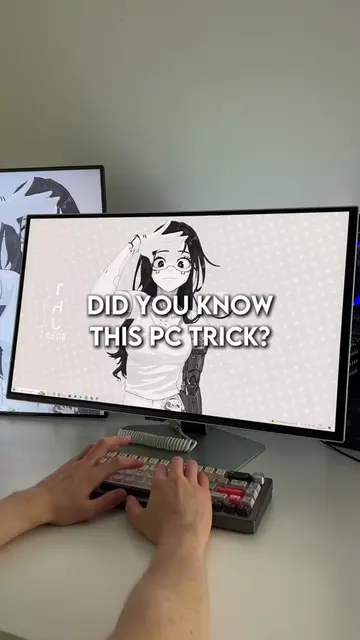
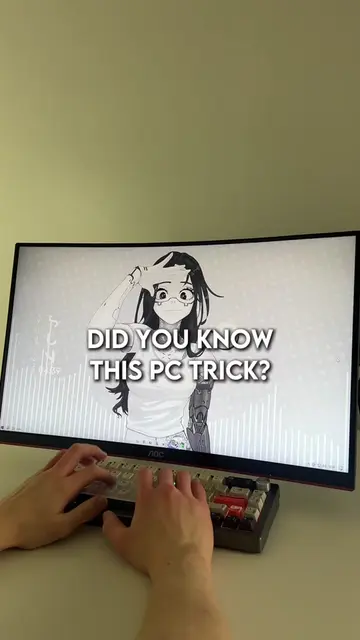
DID YOU KNOW THIS PC TRICK?
@lucastechq
346.2K followers · usually 19.5K views a post
Views
378.6K
Likes
14.5K
Comments
130
Shares
1.4K
Promoted product
Wallpaper Enginehttps://store.steampowered.com/app/431960/Wallpaper_Engine/ ↗
Why it worked
The video provides a high-utility, 'secret' technical tip that solves a common frustration for gamers, making it highly shareable and saveable.
Summary
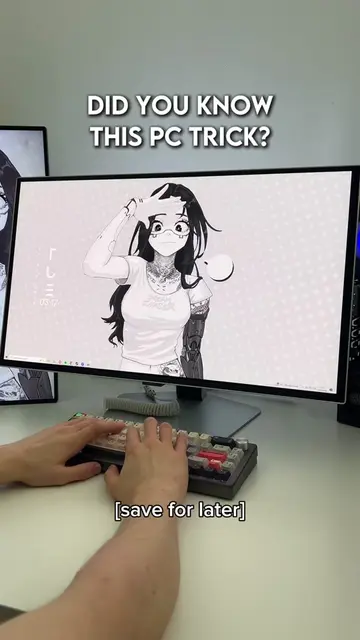
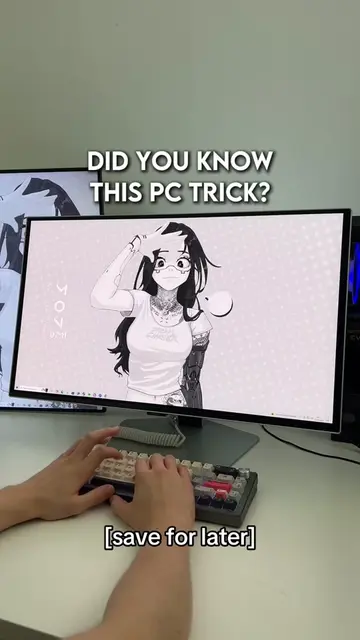
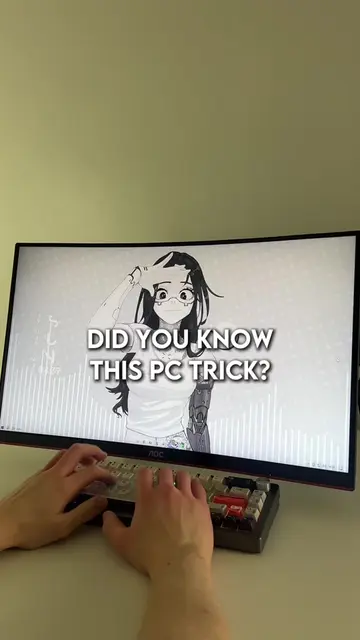
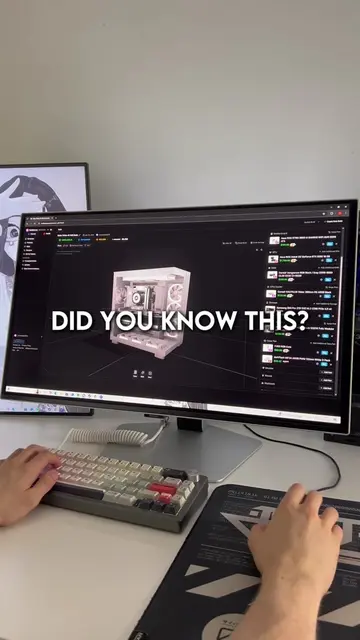
The video demonstrates a keyboard shortcut to reset graphics drivers on Windows when a PC freezes or lags. The creator uses a custom animated wallpaper throughout the video, which is a feature of the software Wallpaper Engine.
Structure
- 1Identify the problem of PC freezing
- 2Show the keyboard shortcut solution
- 3Demonstrate the graphics driver reset
- 4Show the system returning to normal
Product placement
Wallpaper Engine is used for the animated desktop background throughout the video.
On-screen text
DID YOU KNOW THIS PC TRICK?
[save for later]
Original caption
Did you know this pc trick? #pctips #techtok #wallpaperengine #windows #gaming
More from @lucastechq
More breakout videos from this creator.