Loading video…
All breakouts
57.0App DemoDirect Question hookConsumer Apps
Hook
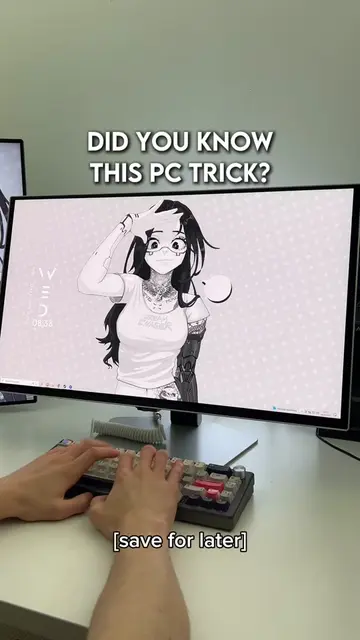
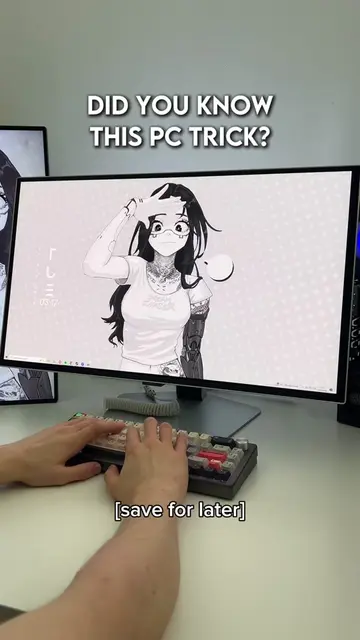
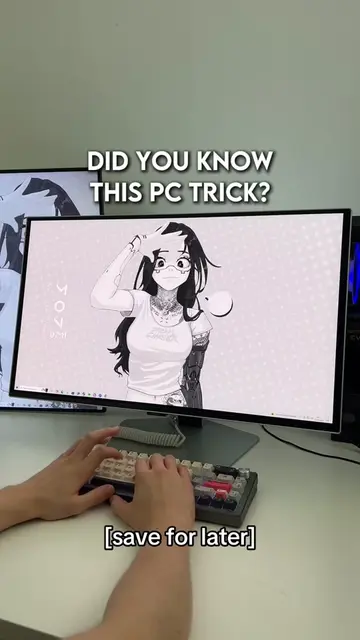
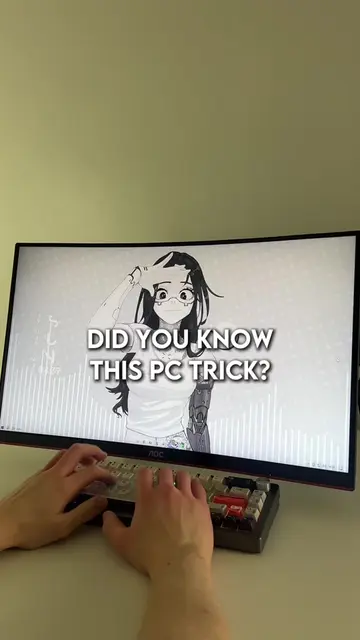
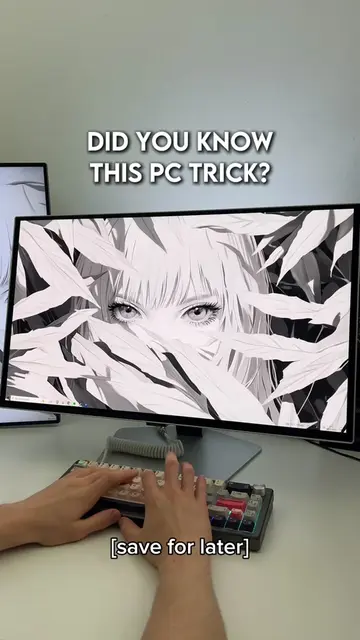
DID YOU KNOW THIS PC TRICK?
@lucastechq
346.2K followers · usually 19.5K views a post
Views
1.0M
Likes
48.4K
Comments
424
Shares
5.7K
Why it worked
The video provides high-value, actionable technical advice in under 20 seconds, utilizing a 'save for later' prompt to encourage engagement and bookmarking.
Summary
The video demonstrates a quick tutorial on how to optimize Windows PC settings for better gaming performance. It guides the user through enabling Game Mode and Hardware-accelerated GPU scheduling.
Structure
- 1Hook with text overlay
- 2Navigate to Windows settings
- 3Enable Game Mode
- 4Enable Hardware-accelerated GPU scheduling
- 5Explain benefits and conclude
On-screen text
DID YOU KNOW THIS PC TRICK?
[save for later]
Transcript
Did you know this PC trick you should know? Did you know pressing Windows and I, then going to Gaming, then clicking Game Mode and turning it on, then heading to Graphics settings and enable Hardware-accelerated GPU scheduling. These settings help reduce lag, boost FPS, and make your games run way better. Easy.
Original caption
How to boost fps and reduce lag. | #pcgaming #techtok #pctips #lucastechq
More from @lucastechq
More breakout videos from this creator.