Loading video…
All breakouts
335Silent UGCDirect Question hookConsumer Apps
Hook
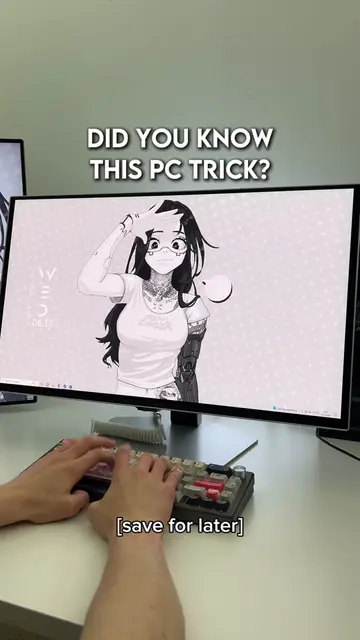
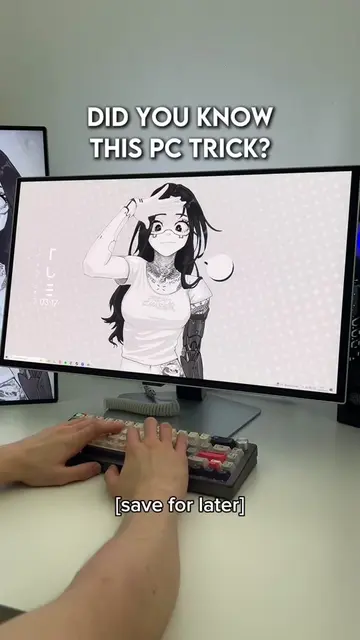
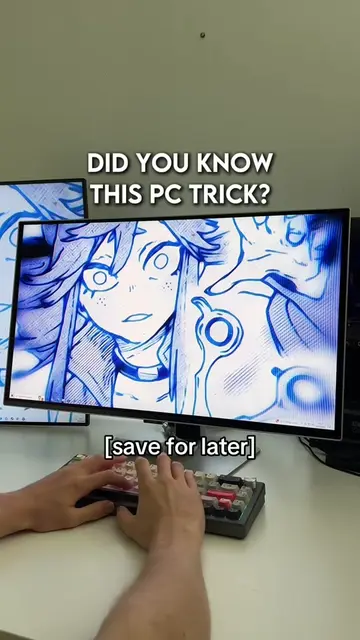
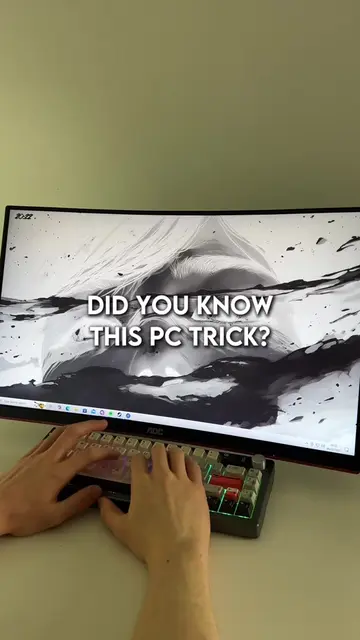
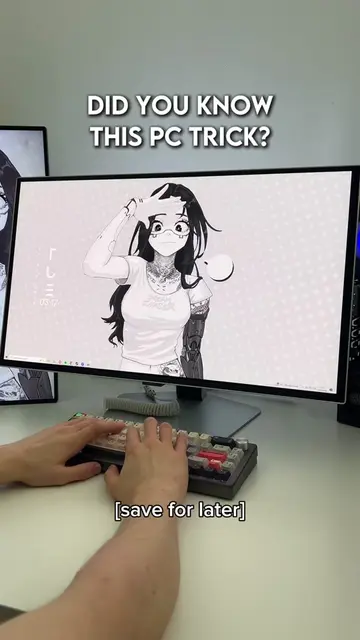
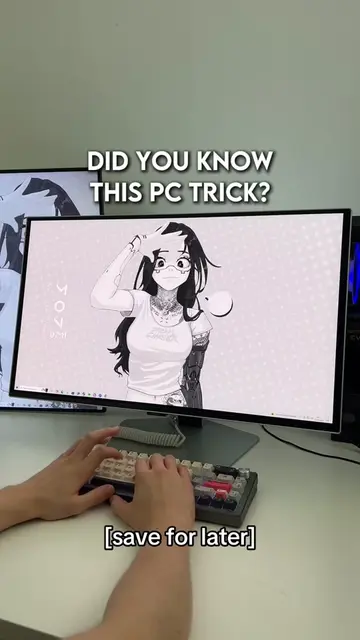
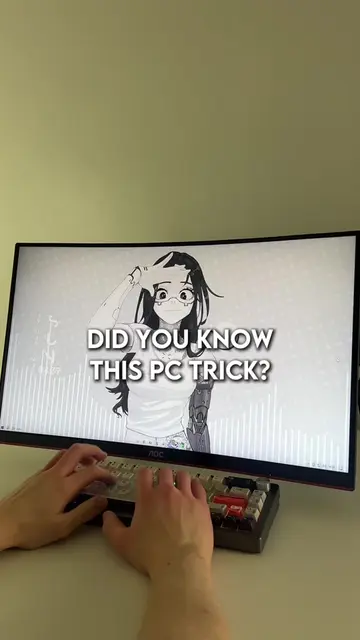
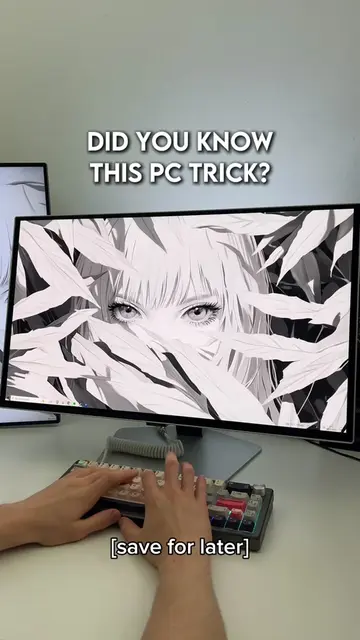
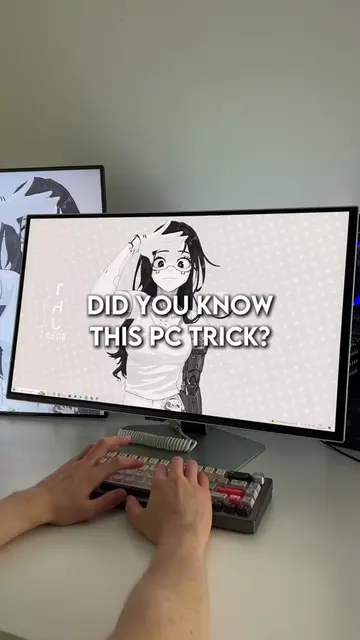
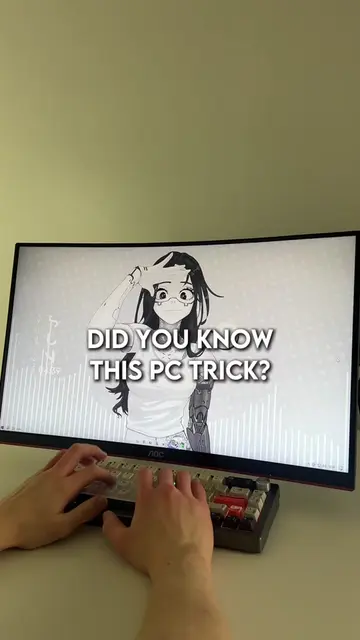
DID YOU KNOW THIS PC TRICK?
@lucastechq
346.2K followers · usually 19.5K views a post
Views
6.2M
Likes
417.1K
Comments
2.0K
Shares
30.8K
Why it worked
The video provides immediate, high-utility value through actionable shortcuts that solve common, frustrating PC problems, making it highly shareable and saveable.
Summary
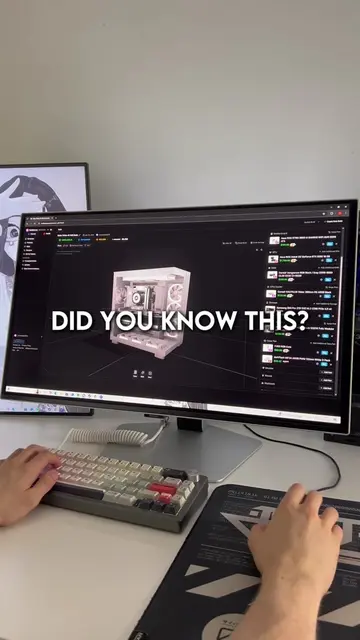
The video demonstrates three useful keyboard shortcuts for Windows users to scan for viruses, reset graphics drivers, and restore closed browser tabs. It uses a screen recording format with text overlays to guide the viewer through each shortcut.
Structure
- 1Introduction to PC tricks
- 2Shortcut for virus scanning
- 3Shortcut for graphics driver reset
- 4Shortcut for restoring browser tabs
On-screen text
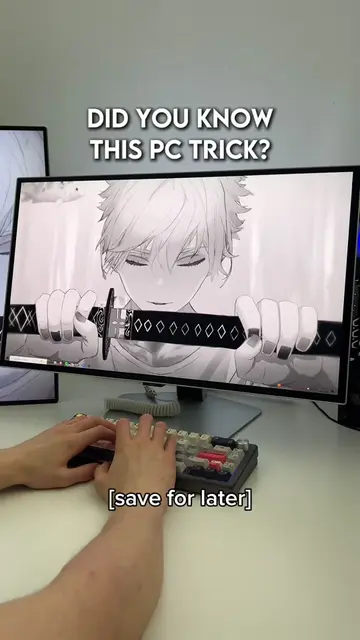
DID YOU KNOW THIS PC TRICK?
[save for later]
Transcript
Here are 3 PC tricks you should know. If you think you've got a virus, hit Windows plus R, type mrt and press enter. This built-in tool scans your entire PC. No paid antivirus needed. There you go. If your screen freezes or keeps going black, press control plus shift plus Windows plus B. It instantly resets your graphics driver and usually fixes it. And if you close your browser by accident and lose all your tabs, press control plus shift plus T. Everything reopens instantly. Easy.
Original caption
Did you know these 3 tricks? #pctips #techtok #wallpaperengine #windows #pcgaming
More from @lucastechq
More breakout videos from this creator.