Loading video…
Sound

original sound - monseaustriaa
MONTSE AUSTRIA 🌸 · Original audio
0:00–:––
Playing this video’s own audio, so you’ll hear the creator over the sound.
Hook
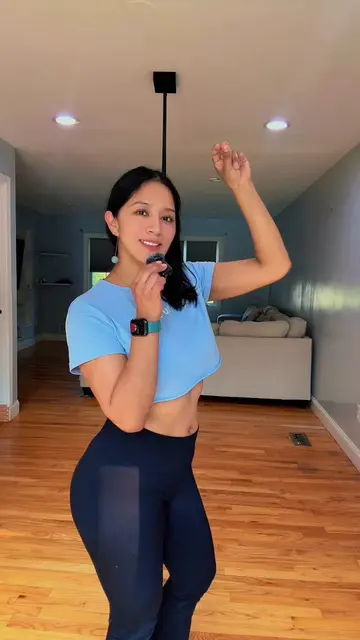
Posted Feb 3, 2025Video · 0:54by @monseaustriaa
We didn’t find a product being promoted in this video. Its hook, format and structure below still show why it took off.
Browse products winning on TikTokThe video provides a high-utility, actionable 'how-to' for a common pain point (digital distraction) using native device features, making it highly shareable and relevant to a broad audience.
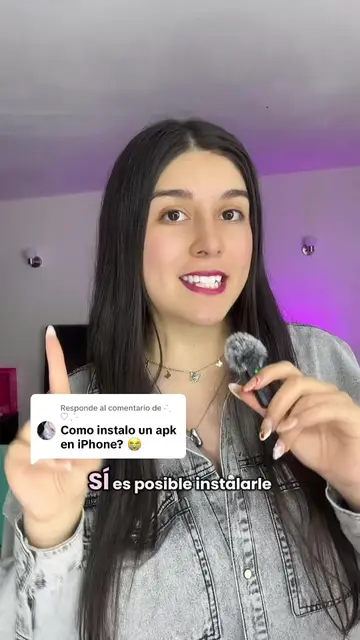
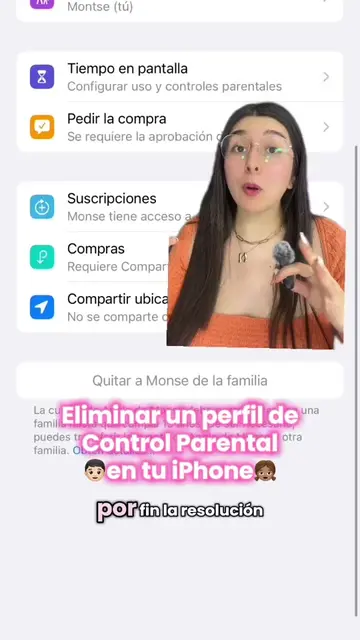
The creator demonstrates how to use the built-in 'Screen Time' feature on an iPhone to set daily usage limits for specific apps. The video guides the viewer through the settings menu to configure these restrictions to improve focus.
Si también te distraes mucho como yo durante el día, así puedes ponerte un límite de tiempo para concentrarte. ✨ #iphonetricks #iphonetips #iphonelover #iphone #iphonelifehacks #recomendation
Si las redes sociales no te dejan concentrarte en tus estudios o trabajo, ponles un límite de tiempo al día.
Identify the problem of social media distraction
Navigate to iPhone settings
Select app categories for limits
Configure time duration and days
Show the resulting lock screen and options
Sígueme para más tips.
Playing this video’s own audio, so you’ll hear the creator over the sound.
Promotes 8 products. Create free account to see more.
Outliers and viral hits: their videos on Overshot, all time.